
File corruption in your dash cam can happen due to hardware failures, outdated firmware, improper handling, power issues, or incompatible storage devices. You should regularly inspect and replace aging memory cards, keep firmware up-to-date, and handle SD cards properly to prevent damage. Using recommended storage media and ensuring stable power during recording and updates also helps. To avoid future issues, follow a detailed prevention checklist—you’re about to discover tips that can keep your footage safe and reliable.

Get garage and car supplies delivered free — and shop member deals
- Fast, free delivery on millions of items
- Access to Prime Big Deal Days deals on October 6–7
- Prime Video, Amazon Music and more included
Key Takeaways
- Regularly update dash cam firmware to fix bugs and improve stability, reducing file corruption risks.
- Use high-quality, compatible SD cards and handle them properly to prevent physical damage and data issues.
- Avoid sudden power loss during recording or updates by ensuring stable power sources.
- Inspect and replace aging or damaged hardware components, such as memory cards and circuit boards.
- Properly eject storage devices after use to prevent corruption caused by improper removal.
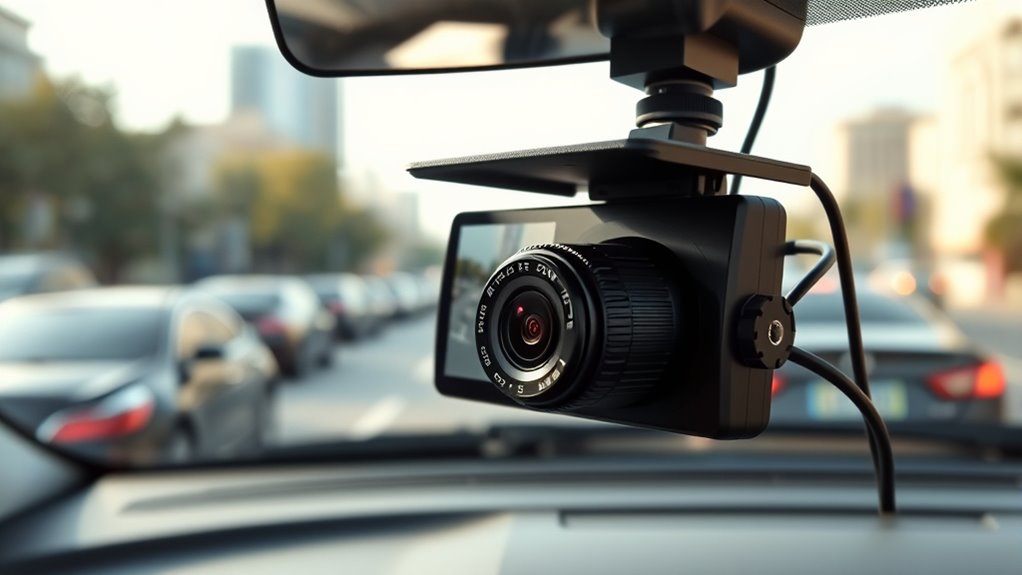
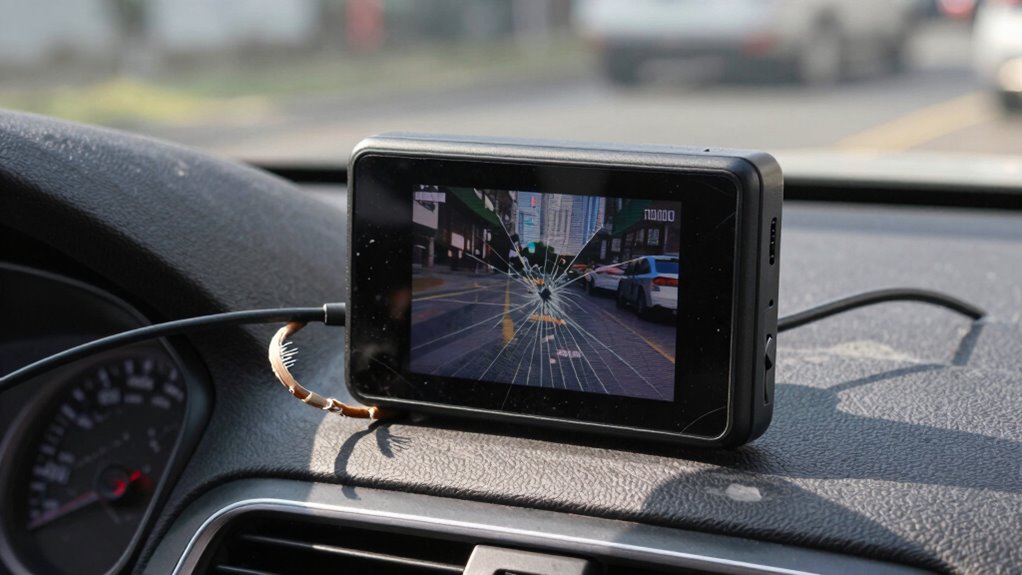
Dash cam file corruption can be frustrating, especially when you need critical footage for insurance claims or evidence. One common cause of corrupted files is hardware failure. Over time, the internal components of your dash cam, such as the memory card or the camera’s circuit board, can wear out or become damaged. A faulty memory card might develop bad sectors, making it impossible for the dash cam to write data properly. Similarly, if the camera’s internal hardware malfunctions, it can disrupt the recording process, resulting in corrupted footage that’s difficult or impossible to recover. To prevent this, regularly inspect your device and replace any aging or damaged memory cards. Investing in high-quality, reputable memory cards designed for continuous recording can also reduce the risk of hardware-related corruption.
Firmware updates are another essential factor in maintaining your dash cam’s stability. Manufacturers often release firmware updates to fix bugs, improve compatibility, and enhance overall performance. If your dash cam runs outdated firmware, it might experience glitches that lead to file corruption, especially during writing or playback. Failing to keep the firmware current can leave your device vulnerable to known issues that have already been addressed by the manufacturer. To avoid this, make it a routine to check for firmware updates periodically and install them as soon as they’re available. Many dash cams allow you to update firmware via a simple process through a USB connection or SD card. Doing so ensures your device operates smoothly and reduces the chances of corrupt files caused by software bugs. Additionally, connected home fitness devices often rely on firmware updates to maintain data integrity and performance, similar to dash cams.
In addition to hardware failure and outdated firmware, other factors can contribute to file corruption, such as improper handling of the memory card, sudden power loss, or using incompatible storage devices. Always eject your SD card properly to prevent corruption, especially after transferring files to your computer. Avoid removing the memory card while the device is recording or writing data, as this can interrupt the process and damage the files. Installing firmware updates correctly and ensuring your device has stable power during updates is essential. Using the recommended type and class of SD cards specified by your dash cam’s manufacturer also helps maintain file integrity.
Frequently Asked Questions
Can Corrupted Dash Cam Files Be Recovered Easily?
Corrupted dash cam files can often be recovered, but it depends on the severity of the damage. You should try data recovery tools designed for SD cards, which can help retrieve lost or corrupted footage. Avoid further use of the SD card and consider formatting it after successful recovery to prevent future issues. Remember, though, that if the corruption is severe, some files may be unrecoverable.
What Are the Signs of Impending Dash Cam File Corruption?
You might notice signs of impending dash cam file corruption if the device shows firmware issues or experiences battery drain. Firmware glitches can cause recording errors, while a draining battery may signal internal problems that could lead to file corruption. Pay attention to unusual startup behavior, inconsistent recordings, or sudden power loss. Address these issues promptly by updating firmware and checking your power supply to prevent future file corruption.
Does Using a High-Quality SD Card Prevent File Corruption?
You might worry that a high-quality SD card isn’t enough, but it genuinely helps prevent file corruption. A durable SD card is built to withstand daily wear, and it manages storage temperature better, reducing risks from heat or cold. Investing in a top-tier SD card means your footage stays safe, ensuring reliability even during long drives or extreme conditions. Don’t underestimate the power of good storage; it protects your footage when it matters most.
How Often Should I Back up Dash Cam Footage?
You should back up your dash cam footage weekly to prevent data loss. Regular storage maintenance is essential; delete unnecessary clips and transfer important ones to a secure device. Keep your firmware updated to guarantee your dash cam operates smoothly and reduces the risk of file corruption. By following these routines, you’ll safeguard your footage and maintain peak performance of your dash cam.
Are There Specific Brands More Resistant to File Corruption?
Certain brands like Garmin, BlackVue, and Thinkware are known for higher brand reliability, making them less prone to file corruption. These manufacturers typically use higher-quality SD card durability and better internal components, which help prevent data loss. When choosing a dash cam, opt for reputable brands with positive reviews, as their focus on quality reduces the chances of file corruption and guarantees your footage stays safe and intact.
Conclusion
So, after all that, it’s ironic that your trusty dash cam—meant to protect you—can be the very thing that corrupts your vital footage. Despite knowing the causes and prevention tips, a simple oversight can still ruin your evidence when you need it most. It’s a cruel twist of fate: your safety device becomes your vulnerability. Stay vigilant, follow the checklist, and remember—sometimes, the best defense is just a little extra care.
Halloween Picks
halloween
As an affiliate, we earn on qualifying purchases.