
Smart chargers improve your battery’s lifespan by adjusting charging speed and preventing overheating, especially with features like “repair mode.” This mode can help fix or slow degradation if your battery shows reduced capacity, but overusing it or activating it unnecessarily may stress a healthy battery or slow charging. Understanding when to use “repair mode” is key to maximizing your device’s longevity. Keep going to discover more about making the most of smart charging techniques.

Get business pricing on garage and car supplies
- Business-only prices and quantity discounts
- Tax-exempt purchasing
- Multiple users, one account, clear invoices
Key Takeaways
- “Repair mode” can improve aging batteries but may cause unnecessary stress on healthy ones if misused.
- It adjusts charging to recalibrate or slow degradation, extending lifespan when batteries show signs of wear.
- Overusing “repair mode” or activating it unnecessarily can lead to longer charging times and potential fluctuations.
- It’s most beneficial for batteries with reduced capacity or aging, not as a routine setting for healthy batteries.
- Proper understanding of when to activate “repair mode” ensures it benefits battery health without causing harm.
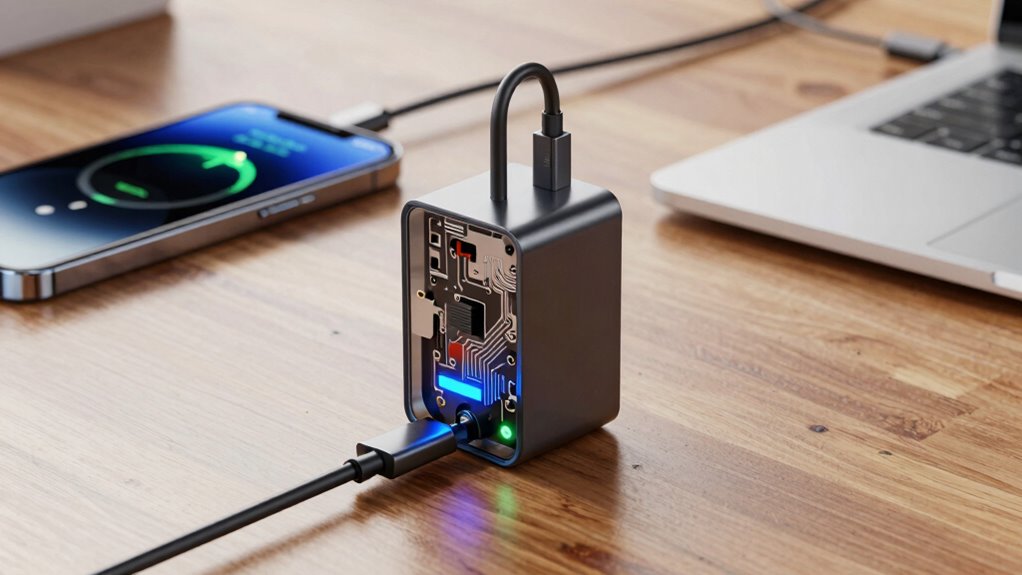
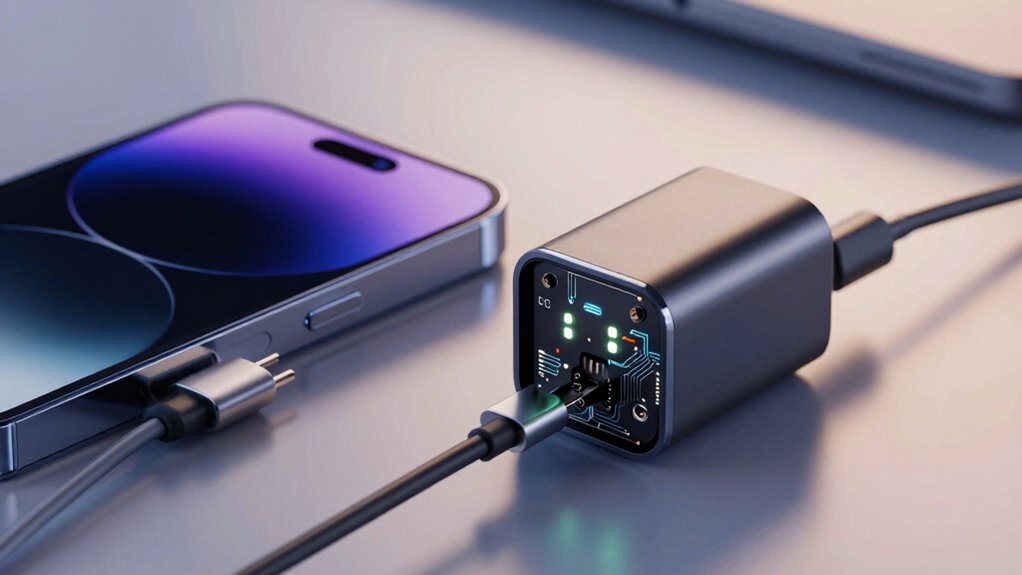
Have you ever wondered how some chargers can optimize your device’s battery life while charging? It’s because they use smart technology that employs advanced battery optimization techniques. These chargers don’t just deliver power; they actively manage how your device’s battery charges to extend its lifespan. The key lies in their sophisticated charging algorithms, which analyze and adjust the charging process in real time. Unlike standard chargers that simply supply a fixed current until full, smart chargers monitor the battery’s condition and adapt accordingly. They slow down charging as the battery approaches full capacity, reducing stress and minimizing wear. This careful regulation helps prevent overheating and overcharging, common factors that accelerate battery degradation. When you connect your device to a smart charger, it’s like having a personal battery caretaker that’s constantly working behind the scenes to keep your battery healthy.
These charging algorithms are designed to balance speed with longevity. For everyday use, they allow your phone or tablet to charge quickly when needed, but they also incorporate features like “repair mode” or “optimized charging” that kick in during overnight or prolonged charging sessions. During these times, the charger intentionally slows the process once the battery reaches a certain level, typically 80%, and then completes the charge just before you start using your device again. This method minimizes the time your battery spends at high voltage levels, which is *fundamentally* because high voltage exposure is a major contributor to battery aging. *Basically*, these algorithms prioritize battery health over mere charging speed, helping your device maintain peak performance for longer. Understanding the intricacies of smart charging technology can empower you to better manage your device’s battery health over time. Recognizing how charge management works can help you make more informed decisions about your device’s charging habits. Being aware of battery optimization techniques enables you to maximize your device’s lifespan effectively.
Smart charging algorithms slow the process after 80%, protecting your battery from high voltage damage.
Understanding smart charging technology and its nuances can help you make better choices for your device’s longevity. When the repair mode feature is activated, it adjusts current flow to fix or improve battery health — but it’s important to know that in some cases, overusing this feature without proper context can potentially lead to unintended consequences. In most cases, repair mode — which adjusts current flow to fix or improve battery health — is beneficial if your battery shows signs of aging or reduced capacity. It can recalibrate the battery or slow down its degradation process. But if your battery is already healthy, enabling repair mode unnecessarily might do more harm than good. It could slow down charging times or cause unnecessary fluctuations, which can stress an otherwise healthy battery. Additionally, relying solely on repair mode without addressing underlying issues, like physical damage or extreme heat exposure, won’t solve long-term battery problems.
In *essence*, smart chargers with their intelligent charging algorithms are designed to extend your battery’s lifespan, but they aren’t magic. Understanding when to use features like repair mode can make a difference. Used appropriately, they help you get the most out of your device’s battery, keeping it healthy and efficient for years to come.
smart phone fast charger with repair mode
As an affiliate, we earn on qualifying purchases.
As an affiliate, we earn on qualifying purchases.
Frequently Asked Questions
Can Smart Chargers Damage My Battery Over Time?
Smart chargers generally don’t damage your battery over time if used correctly. They improve charging efficiency and can help extend your battery lifespan by preventing overcharging. However, if you leave your device plugged in excessively or use a faulty charger, it could harm the battery’s health. Always follow manufacturer guidelines and use high-quality smart chargers to guarantee ideal performance and longevity of your battery.
Are Smart Chargers Compatible With All Device Types?
Smart chargers aren’t compatible with all device types due to differing device compatibility and charging standards. Before using one, you should check if your device supports the charger’s technology, like USB Power Delivery or Quick Charge. While many modern devices work well, older models or specific brands might not. Always verify compatibility to guarantee safe, efficient charging and avoid potential damage caused by incompatible charging standards.
How Do I Know When to Use Repair Mode?
You’ll want to use repair mode when your device’s battery is acting like a sluggish turtle, affecting charging speed and accuracy. Think of it as a tune-up for your battery, aiding in battery calibration. If your device struggles to hold a charge or shows inconsistent battery levels, activating repair mode can help restore balance. But avoid it during regular charging, as it might slow things down or cause unnecessary stress.
Do Smart Chargers Work With Non-Removable Batteries?
Smart chargers can work with non-removable batteries, but their effectiveness depends on your device. They help improve battery lifespan and charging efficiency by optimizing power flow. However, some models may not fully support non-removable batteries or require specific settings. Always check compatibility before use, and make certain you follow manufacturer instructions to get the best results. Using a smart charger properly can extend your battery’s longevity and maintain efficient charging.
What Safety Features Do Smart Chargers Include?
Smart chargers include safety features like overcharge protection, temperature control, and voltage regulation, ensuring safe wireless charging and fast charging. They automatically stop charging when the device reaches full capacity, preventing overheating or damage. These features help you avoid risks associated with overcurrent or short circuits, making your charging process safer and more reliable. So, with smart chargers, you get peace of mind during wireless and fast charging sessions.
battery optimization smart charger
As an affiliate, we earn on qualifying purchases.
As an affiliate, we earn on qualifying purchases.
Conclusion
Think of your device’s battery like a garden. A smart charger with repair mode is like a skilled gardener, tending to your plants carefully—sometimes giving them extra nutrients, other times letting them rest. But just like overwatering can harm delicate roots, using repair mode at the wrong time can damage your battery. Knowing when to let your device rest or get that extra boost keeps your battery healthy, much like a garden thriving with the right care.
overheat protection fast charger
As an affiliate, we earn on qualifying purchases.
As an affiliate, we earn on qualifying purchases.
overnight battery charger with optimized charging
As an affiliate, we earn on qualifying purchases.
As an affiliate, we earn on qualifying purchases.
Evergreen bestsellers Picks
bestsellers
As an affiliate, we earn on qualifying purchases.