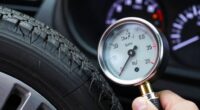
To set your TPMS pressure alerts that match real driving conditions, start by checking your vehicle manufacturer’s recommended tire pressure and programming the system accordingly. Adjust the alert thresholds slightly below the recommended pressure to prevent false alarms while ensuring safety. Regularly verify tire pressures manually before long trips or seasonal changes to fine-tune your alerts. If you want to learn how to optimize your TPMS settings for the best results, keep exploring the key steps involved.

Get business pricing on garage and car supplies
- Business-only prices and quantity discounts
- Tax-exempt purchasing
- Multiple users, one account, clear invoices
Key Takeaways
- Consult your vehicle’s manual or door jamb sticker for the recommended tire pressure before setting TPMS alerts.
- Program the TPMS to alert at pressure levels a few pounds below and above the recommended range to ensure safety.
- Use the vehicle’s calibration process—manual or automatic—to align TPMS alerts with current tire pressures.
- Regularly verify tire pressures manually, especially before long trips or seasonal changes, to maintain accurate TPMS settings.
- Follow manufacturer guidelines for recalibrating or adjusting pressure thresholds after tire service or sensor replacement.

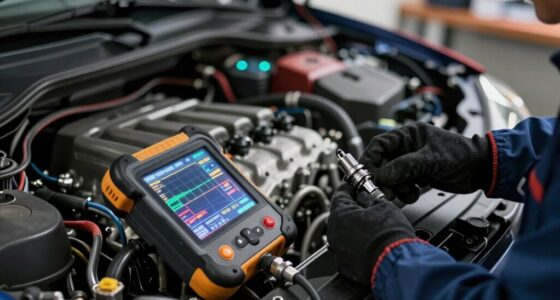
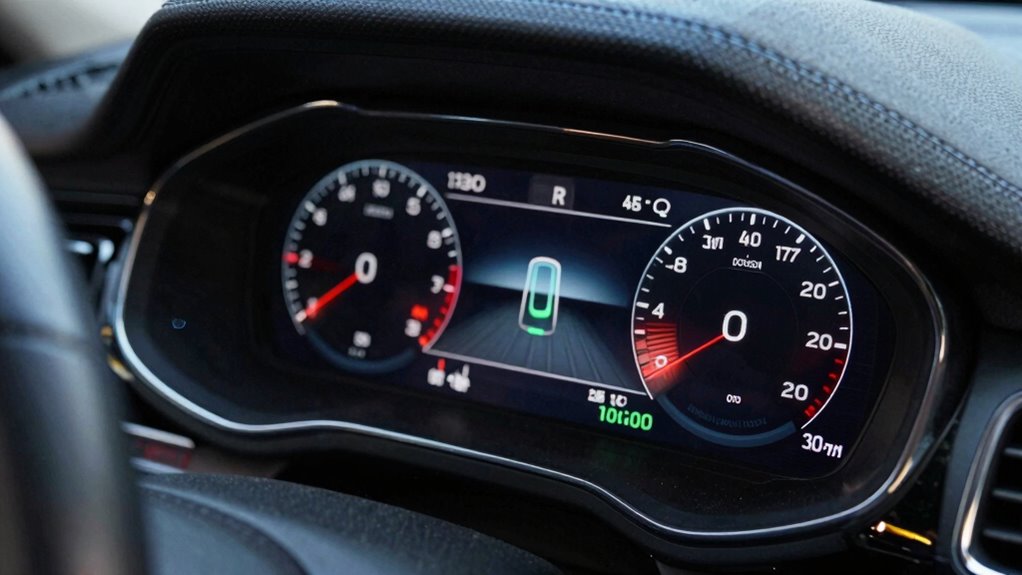
Maintaining the correct tire pressure is vital for safety, fuel efficiency, and ideal vehicle performance. When your tires are properly inflated, you reduce uneven tire wear, which not only extends tire life but also helps maintain optimal handling. If your tire pressure is too low or too high, it can cause uneven tire wear, leading to premature replacement costs and compromised safety. That’s why setting accurate TPMS pressure targets is essential. These targets act as benchmarks, alerting you when your tire pressure deviates from the ideal range. However, for these alerts to be truly effective, you need to guarantee the sensor calibration is spot on. Proper calibration guarantees that the sensor readings reflect real tire pressure, preventing false alarms or missed warnings. sensor calibration is a critical step to ensure your TPMS functions correctly, especially after replacing sensors or adjusting tire pressures. Getting your sensors calibrated correctly is straightforward but vital. When you install new sensors or make adjustments, you should follow your vehicle manufacturer’s guidelines for calibration procedures. Many modern TPMS sensors are self-calibrating, but some require manual calibration to match the specific tire pressure targets. This process involves resetting the system so it recognizes the current tire pressures as the baseline. If calibration is off, you might receive inaccurate alerts, which could lead you to either ignore warnings or panic over normal tire pressures. Regular calibration checks also help account for sensor drift over time, ensuring your TPMS provides reliable data. Setting accurate pressure targets involves understanding your vehicle’s recommended tire pressure, usually found on the driver’s side door jamb or in the owner’s manual. Once you know the correct pressure, you can program your TPMS to alert you at a safe margin, typically a few pounds below the recommended pressure for underinflation or above for overinflation. This way, you’re alerted early enough to take action before tire wear becomes uneven or dangerous. Remember, the goal is to match your TPMS alerts with real driving conditions, avoiding false alarms caused by sensor misreadings or calibration errors. Periodically check your tire pressures manually, especially before long trips or seasonal changes, to verify that your TPMS readings are accurate.
As an affiliate, we earn on qualifying purchases.
Frequently Asked Questions
How Often Should I Check My TPMS Pressure Targets?
You should check your TPMS pressure targets at least once a month to make certain accurate readings. Regular checks help you spot uneven tire wear early and keep your alarm calibration correct. If you notice a significant change in pressure or tire wear, recalibrate the alarm and adjust the targets accordingly. Staying consistent with these checks keeps your tires safe, extends their lifespan, and improves overall vehicle performance.
Can TPMS Alerts Be Customized for Different Driving Conditions?
You can customize TPMS alerts for different driving conditions, and it’s a smart move. When you adjust alerts based on tire wear and fuel efficiency, you guarantee your tires stay in ideal shape, saving you money and improving performance. Coincidentally, setting these alerts helps prevent uneven wear and boosts fuel economy. By tailoring your TPMS to your driving habits, you keep safety high and maintenance costs low.
What Are the Risks of Setting Incorrect Pressure Targets?
Setting incorrect pressure targets can increase your risk of uneven tire wear, which shortens tire lifespan and affects vehicle handling. It can also diminish fuel efficiency, costing you more at the pump. Overinflated tires may lead to a harsher ride and blowouts, while underinflated ones cause poor traction. Always guarantee your TPMS alerts are accurately set to match your driving conditions for safety and ideal performance.
Do All Vehicles Allow Manual Adjustment of TPMS Thresholds?
Ever wondered if you can manually adjust TPMS thresholds on your vehicle? Not all cars allow it. Some models let you change settings through sensor calibration or factory settings, but many don’t. Check your vehicle’s manual or consult a mechanic to see if manual adjustment is possible. If it’s not, you’ll need to rely on factory settings, which are designed to guarantee safety and peak performance.
How Does Load or Cargo Affect TPMS Pressure Settings?
Load or cargo impact your TPMS pressure settings because additional weight increases tire pressure needs. When you carry more cargo, you should adjust the TPMS alert thresholds accordingly to prevent false warnings. Always check your vehicle’s manual for recommended pressure changes based on load, and regularly monitor tire pressure during cargo adjustments. This guarantees your tires stay properly inflated, improving safety, fuel efficiency, and tire longevity.
As an affiliate, we earn on qualifying purchases.
Conclusion
Now that you know how to set smart TPMS pressure targets, you can confidently control, calibrate, and confirm your car’s condition. Staying vigilant with vigilant valves and vigilant vigilance keeps your tires tuned and troubles at bay. By balancing baselines with boldness, you’ll boost your driving’s safety and smoothness. So, stay savvy, stay vigilant, and let your tires tell the tale of terrific, trouble-free trips ahead!
As an affiliate, we earn on qualifying purchases.
As an affiliate, we earn on qualifying purchases.
Halloween Picks
halloween
As an affiliate, we earn on qualifying purchases.