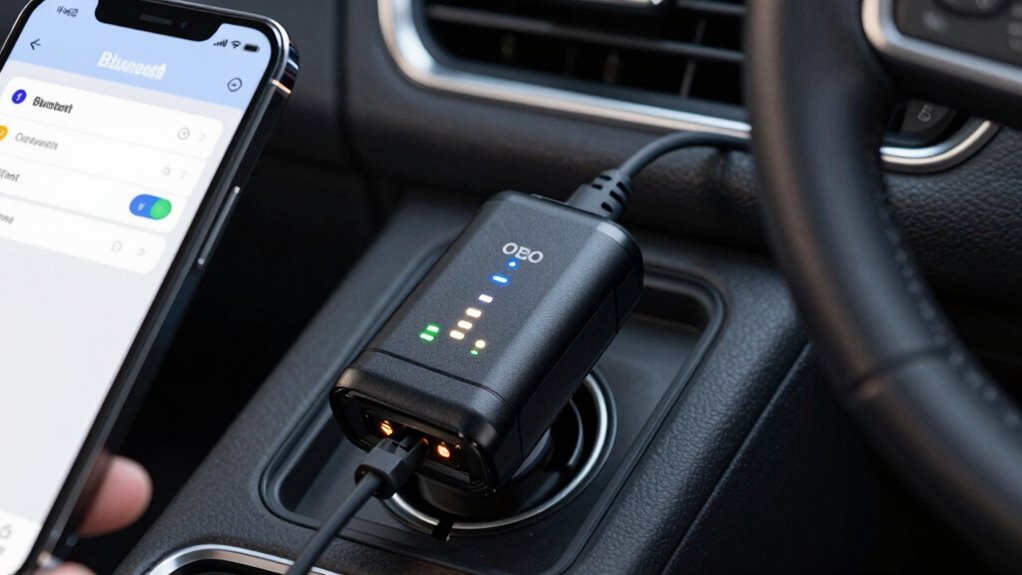
To prevent Bluetooth OBD2 dropouts, you should optimize your device’s power management by disabling battery-saving modes and adding your scanner app to exception lists, ensuring it stays active. Adjust sleep settings to prevent your device from entering deep sleep during use, and enable options like “Keep Bluetooth Alive” in your app. Limiting interference from other devices and exploring device-specific features also helps improve stability. Keep these tips in mind to achieve a more reliable connection, and you’ll discover even more effective solutions ahead.
Key Takeaways
- Disable power-saving modes and add scanner apps to exception lists to prevent Bluetooth from turning off or limiting activity.
- Adjust device sleep settings to prevent entering deep sleep during diagnostic sessions, avoiding connection drops.
- Enable app features like “Keep Bluetooth Alive” and optimize data refresh rates for more stable connections.
- Minimize external interference by reducing other wireless device activity around the vehicle for better Bluetooth stability.
- Explore device-specific Bluetooth optimization options to enhance connection robustness and reduce dropout risks.
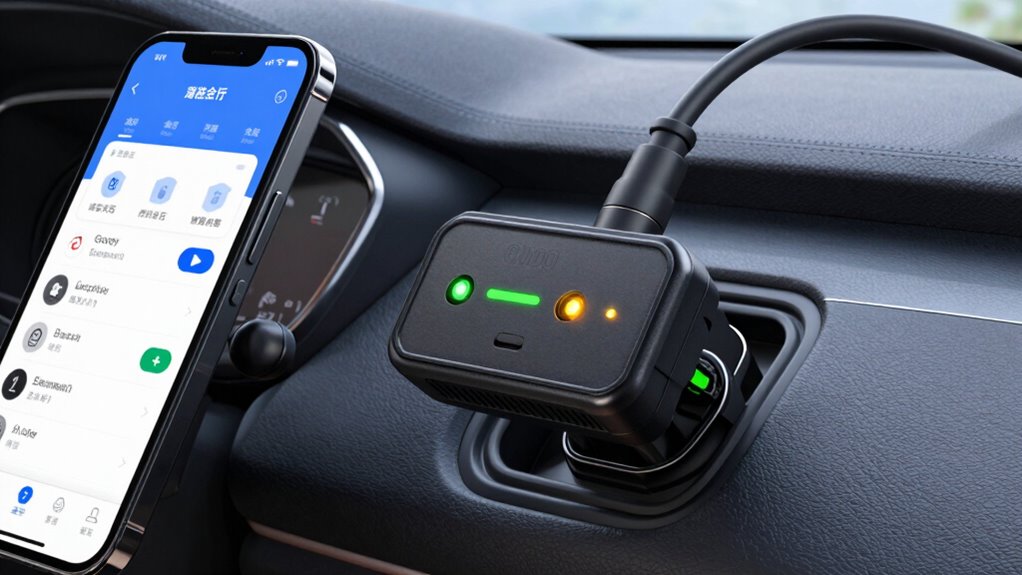
Power management settings on your device can also influence Bluetooth stability. Many smartphones and tablets have power-saving modes that turn off or limit Bluetooth activity to conserve battery life. If you’re experiencing frequent dropouts, disable these energy-saving settings, or add your scanner app to the list of exceptions. This guarantees the Bluetooth connection remains active without interruptions caused by aggressive power management.
Disable power-saving modes to ensure stable Bluetooth connections during vehicle diagnostics.
Sleep mode settings are another critical aspect to contemplate. When your device enters sleep mode, Bluetooth connections can be paused or dropped altogether. Adjust your device’s sleep settings to prevent it from going into deep sleep while you’re actively monitoring your vehicle. Some apps have their own settings to keep Bluetooth awake; explore the app’s options to keep the connection steady during your diagnostics or data logging sessions. Being aware of power management effects can help you better understand and prevent connection issues. Additionally, some devices have specific Bluetooth optimization features that enhance connection stability, so exploring those options can be beneficial. Properly configuring these features can also reduce the chances of interference and improve overall connection reliability.
App settings can also play a significant role. Many OBD2 apps have built-in configurations for managing Bluetooth power and connection stability. Look into the app’s settings for options like “Keep Bluetooth Alive” or “Maintain Connection,” and enable them. Additionally, some apps allow you to adjust the polling rate or data refresh interval, which can help reduce the likelihood of dropouts caused by excessive data transfer. Setting these parameters appropriately can improve stability, especially if your device or scanner supports high-frequency updates. Remember that wireless interference from other devices can also impact your connection, so taking steps to minimize this interference is crucial.

BlueDriver Pro Next Gen OBD2 Scanner – No Subscription, Bluetooth Car Code Reader for iPhone & Android – Diagnose 8000+ Issues, ABS SRS TPMS, Repair Reports, Vehicles 1996+
[Diagnose Like a Pro] BlueDriver Pro Next-Gen is a professional OBD2 scanner and diagnostic tool that helps you…
As an affiliate, we earn on qualifying purchases.
As an affiliate, we earn on qualifying purchases.
Frequently Asked Questions
Can Changing Vehicle Battery Affect Bluetooth OBD2 Connection Stability?
Yes, changing your vehicle battery can affect Bluetooth OBD2 connection stability. A new battery might cause fluctuations in battery voltage, which can lead to connection interference or temporary drops. If the vehicle’s electrical system isn’t stable during or after the battery change, your Bluetooth connection might become unreliable. To prevent issues, guarantee the battery is properly installed and the vehicle’s electrical system is steady before connecting your OBD2 device.
Are There Specific Brands More Prone to Bluetooth Dropouts?
Some brands are more prone to Bluetooth dropouts due to lower reliability or design flaws. You might notice frequent disconnections with lesser-known or budget options, especially in environments with Bluetooth interference from other devices. Popular, reputable brands tend to offer better stability and consistent connections. To minimize dropouts, choose brands known for reliability, make sure your vehicle and device aren’t crowded with Bluetooth signals, and update your app and firmware regularly.
How Does Ambient Temperature Impact Bluetooth OBD2 Performance?
Ever wonder if the sun’s trying to sabotage your Bluetooth OBD2? Ambient interference from extreme temperatures can cause signal attenuation, messing with your connection. Hot or cold weather can disrupt the wireless magic, making your data jumpy or drop out altogether. So, next time your diagnostics act flaky, blame the weather’s sneaky ambient interference rather than your device—because, of course, it’s always trying to outwit your tech!
Can Firmware Updates Improve Bluetooth OBD2 Connection Reliability?
Yes, firmware updates can improve your Bluetooth OBD2 connection reliability. Manufacturers often release updates to fix bugs, enhance compatibility, and optimize performance. By updating your device’s firmware, you guarantee better stability and fewer dropouts during use. Regularly check for updates, follow installation instructions carefully, and you’ll likely experience a more consistent, reliable connection, making your diagnostics smoother and more dependable.
Is There a Way to Test Bluetooth OBD2 Signal Strength?
Yes, you can test your Bluetooth OBD2 signal strength by using a dedicated app or Bluetooth scanner that shows connection quality. To guarantee accurate readings, keep in mind signal interference from other wireless devices and place the OBD2 device close to your vehicle’s OBD port. Adjusting device placement and minimizing interference can improve connection stability, helping you better assess your Bluetooth signal strength.
BlueDriver Pro Next Gen OBD2 Scanner – No Subscription, Bluetooth Car Code Reader for iPhone & Android – Diagnose 8000+ Issues, ABS SRS TPMS, Repair Reports, Vehicles 1996+
[Diagnose Like a Pro] BlueDriver Pro Next-Gen is a professional OBD2 scanner and diagnostic tool that helps you…
As an affiliate, we earn on qualifying purchases.
As an affiliate, we earn on qualifying purchases.
Conclusion
To keep your Bluetooth OBD2 connection consistent and carefree, check your power, sleep, and app settings regularly. By balancing background behaviors and boosting Bluetooth bandwidth, you prevent pesky dropouts and keep your diagnostics dependable. Don’t forget to disable disruptive sleep modes and optimize app configurations. With a little diligence, you’ll drive smoothly without worrying about disconnections, and your vehicle’s essentials will stay visible, vibrant, and very, very reliable.

Sleenova Sleep Eye Mask with Bluetooth Headphones – Side Sleeper Optimized with Integrated Offline Audio for Phone-Free Use – 3 Modes for Rest, Nap and Travel – Black
MADE FOR SIDE SLEEPERS: Ultra-thin adjustable speakers can be positioned to align naturally with your ears, delivering immersive…
As an affiliate, we earn on qualifying purchases.
As an affiliate, we earn on qualifying purchases.

OBDLink MX+ OBD2 Bluetooth Scanner for iPhone, Android, and Windows
Turn your iPhone, Android device, or Windows PC into a professional-grade diagnostic scan tool.
As an affiliate, we earn on qualifying purchases.
As an affiliate, we earn on qualifying purchases.