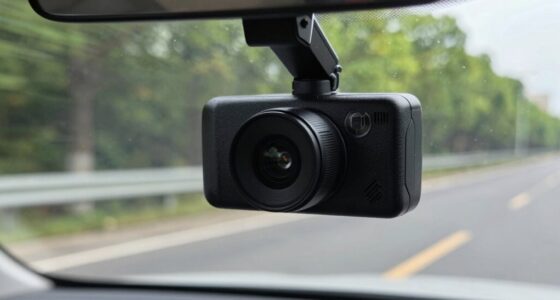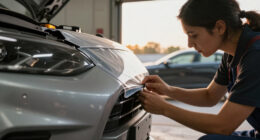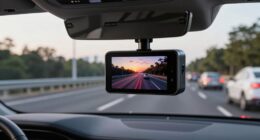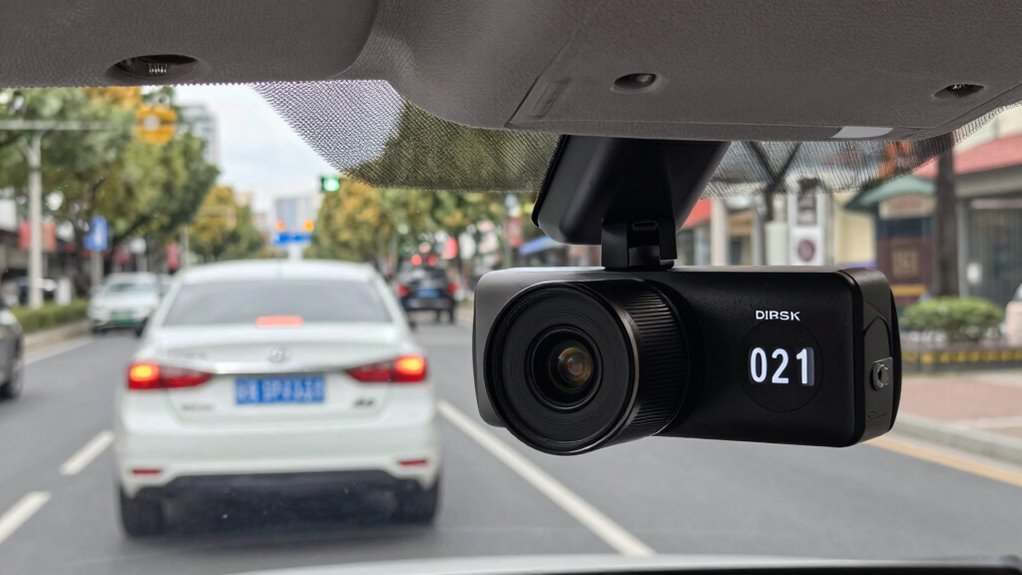
To capture license plates clearly, aim to position your rear dash cam at a slight downward angle that aligns with the road surface. This helps guarantee plates are in sharp focus without glare or distortion, especially during night or bright sunlight. Mount the camera high enough to avoid obstructions, but not so high that it limits plate visibility. Proper testing and adjustments will help you find the ideal angle, and more tips await if you keep exploring.

Get garage and car supplies delivered free — and shop member deals
- Fast, free delivery on millions of items
- Access to Prime Big Deal Days deals on October 6–7
- Prime Video, Amazon Music and more included
Key Takeaways
- Mount the camera at a slight downward angle aligned with the license plate to enhance clarity and focus.
- Use adjustable mounts to fine-tune the camera’s angle during testing for optimal plate visibility.
- Position the camera high enough to avoid obstructions but low enough to clearly capture license plates.
- Keep the lens clean and free of smudges to ensure clear footage of license plates in different lighting conditions.
- Conduct test drives and review footage to adjust the angle until license plates are consistently legible.
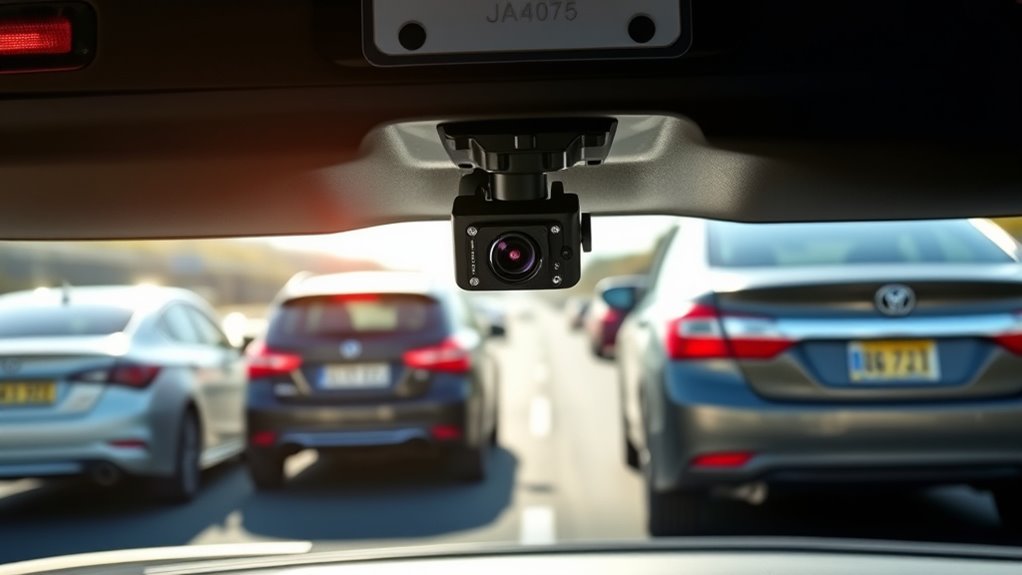
Installing a dash cam rear camera correctly is vital for capturing clear footage of everything behind your vehicle. The key to effective recording lies in proper angle optimization, which guarantees that license plates and critical details stay in focus during your drives. When setting up your rear camera, you want to avoid common mounting pitfalls that can limit visibility or distort the footage. The right mounting techniques can make a significant difference in how well your camera captures the scene behind you.
First, consider the angle at which you position the camera. It should be angled slightly downward, aligning with the road surface. This tilt helps capture license plates more clearly, especially when vehicles are close behind. If the camera is pointed too high, it might miss important details on the plates, while an overly downward angle could obscure the view of the vehicle behind. Achieving a balanced angle is vital—test different positions and review the footage to find the sweet spot where plates are legible, and the scene is thorough.
Mounting techniques are equally important. Use sturdy brackets or mounts that keep the camera stable and prevent vibrations. Many rear cameras come with adjustable mounts, allowing you to fine-tune the angle after installation. Secure the camera firmly to avoid movement over rough roads, which can blur footage or misalign the shot over time. Position the camera high enough to avoid obstruction by rear windows or cargo, but not so high that it loses focus on the license plates of following vehicles.
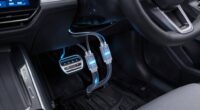
Another tip is to ensure the camera’s lens is clean and free of smudges, as dirt or fingerprints can distort the image. Make sure the camera is sealed well to prevent dust or moisture from affecting the footage. When mounting, avoid placing the camera where it can be directly exposed to sunlight or rain, which can cause glare or water spots that impair visibility. Additionally, proper wiring and power supply considerations are essential to maintain consistent operation and image quality.
Finally, test the setup during a drive, reviewing the footage from multiple angles and lighting conditions. Adjust the angle as needed based on your observations. Keep in mind that ideal angle and mounting techniques are about balancing visibility and clarity. With the right positioning, your dash cam rear camera will reliably capture license plates and help you document incidents clearly, providing valuable evidence whenever you need it.
Frequently Asked Questions
How Does Weather Affect Rear Camera Visibility?
Weather conditions can considerably impact your rear camera visibility, creating numerous challenges. Rain, snow, fog, or even heavy sunlight can obscure the camera lens, making it harder to see license plates clearly. You might notice glare or smudges that reduce image clarity. To minimize these visibility challenges, regularly clean your camera lens and consider installing weather-resistant or heated cameras designed to perform better in adverse weather.
Can Rear Cameras Record in Low-Light Conditions?
Yes, your rear camera can record in low-light conditions thanks to night vision and infrared technology. Imagine driving at night, and your camera automatically switches on its infrared LEDs, illuminating the scene without glare or distraction. This technology allows you to capture clear footage of plates and surroundings even in complete darkness, providing peace of mind knowing your camera performs reliably in low-light situations.
What Is the Best Angle for Capturing Fast-Moving Vehicles?
You should maximize your camera angle to capture fast-moving vehicles clearly. Aim for an angle around 30 to 45 degrees from the rear to balance visibility and minimize distortion. Proper camera calibration ensures the lens captures sharp images at high speeds, making it easier to read plates. Adjust the angle periodically, especially after impacts or adjustments, to maintain ideal capture quality and guarantee quick identification of fast-moving vehicles.
How Do Different Vehicle Sizes Impact Camera Placement?
You should adjust your camera height based on vehicle size to optimize plate capture. For larger vehicles, mount the camera slightly higher to get a clear view of the plates, while for smaller vehicles, a lower placement works better. This ensures the camera angle captures plates effectively across different vehicle sizes, making it easier to identify plates quickly and accurately. Proper height adjustment improves overall footage clarity and reliability.
Are There Legal Restrictions on Camera Placement and Recording?
Yes, there are legal restrictions on camera placement and recording. You need to follow privacy laws and consent requirements in your area, which may limit where you can position your dash cam and what it can record. Avoid capturing private conversations or areas where people expect privacy. Always check local laws to make sure your dash cam use complies, and respect others’ privacy rights while recording.
Conclusion
Now, picture your dash cam’s rear camera sitting just right—angled perfectly to catch license plates as cars zip by, their numbers sharp against the blur of motion. When you place it with care, you create a clear snapshot of every detail behind you, like a vigilant eye watching over your journey. With the right angle, you’re not just recording; you’re capturing the story behind each vehicle, ready to serve when it matters most.
Halloween Picks
halloween
As an affiliate, we earn on qualifying purchases.