
To improve your phone’s GPS accuracy, make sure it’s placed outdoors with a clear view of the sky, free from tall buildings or dense trees that block signals. Keep your device cool by avoiding direct sunlight and overheating, which can impair hardware. Remove any metal cases if needed and use a stable holder for better reception. Restarting your phone and managing power settings can also boost GPS performance. For more detailed tips, keep exploring ways to optimize your device.
Key Takeaways
- Ensure your device has an unobstructed view of the sky by avoiding tall buildings and dense trees.
- Keep the phone away from electronic interference sources like Wi-Fi routers and metal objects.
- Use a stable mount or holder in open areas, and remove metal cases to improve signal reception.
- Avoid overheating the device; allow it to cool down to maintain optimal GPS hardware function.
- Restart the phone or reset network settings if GPS signals remain unreliable or inaccurate.

If your phone’s GPS isn’t as accurate as you need, there are simple steps you can take to improve its performance. One common issue is poor reception of satellite signals, which can be caused by various factors like signal interference or obstructions. To start, verify your phone has a clear view of the sky. Tall buildings, dense trees, or even your car’s roof can block satellite signals, leading to inaccurate positioning. When outdoors, try to stand in an open area with minimal obstructions to get the best signal reception. This allows your device to lock onto multiple satellites more effectively, resulting in more precise location data.
Ensure your phone has a clear view of the sky for better GPS accuracy.
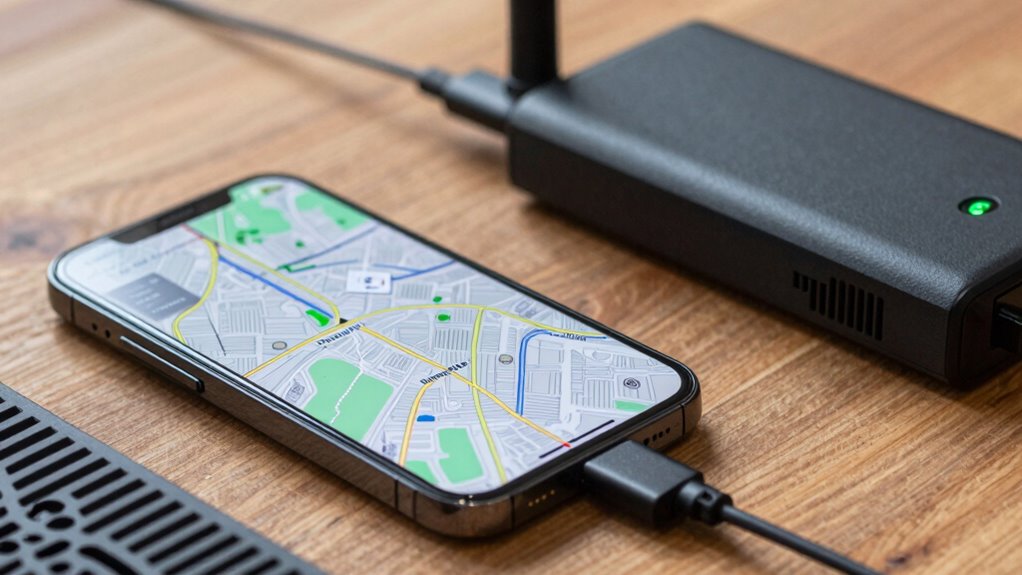
Signal interference is another key factor that can degrade GPS accuracy. Wireless signals from nearby electronic devices, Wi-Fi routers, or even certain metal structures can interfere with satellite signals. If you notice your GPS is off, move away from potential sources of interference. Turning off other apps or Bluetooth devices that might be causing disruptions can also help. Additionally, disabling and re-enabling your device’s airplane mode resets the connection to satellite signals, giving your phone a fresh start in acquiring accurate positioning. Keeping your phone’s software up to date is equally important, as updates often include improvements to GPS performance and bug fixes that can reduce signal interference issues.
Placement of your phone can substantially impact GPS accuracy. Avoid placing your device in areas with excessive heat or direct sunlight, as overheating can affect the internal hardware responsible for receiving satellite signals. If your phone is overheating, give it a break to cool down. This not only preserves the hardware but also guarantees the GPS chip functions at its best. Using a phone holder or mount that keeps your device steady and unobstructed can also enhance signal reception, especially when navigating or tracking routes. If you’re using a case, make sure it doesn’t contain metal components that could block satellite signals. Removing the case temporarily can sometimes improve accuracy during critical navigation moments. Furthermore, modern smartphones often leverage AI and local automation to optimize signal processing, so enabling such features can also enhance GPS reliability.
Finally, restarting your phone can sometimes resolve temporary issues with satellite signals and signal interference. If your GPS continues to be unreliable, consider performing a factory reset or resetting network settings, as these actions can clear corrupt data that hampers satellite communication. By paying attention to placement, reducing interference, and managing device overheating, you’ll greatly improve your phone’s GPS accuracy. These simple adjustments can make a noticeable difference, ensuring you get reliable, precise location data whenever you need it.
Frequently Asked Questions
Does Clearing Cache Improve GPS Accuracy?
Clearing cache can help improve your GPS accuracy by removing outdated data that might cause glitches. When you do a cache clearance, make sure your app permissions are up-to-date, especially for location access. This way, your GPS can access the most recent information, reducing errors. Regularly clearing cache and reviewing app permissions keeps your device running smoothly, ensuring your GPS signals are more accurate and reliable during navigation.
Can GPS Signal Be Blocked by Phone Cases?
Yes, your phone case can cause GPS signal blockage due to phone case interference. Thick or metal cases are more likely to disrupt the signal, reducing GPS accuracy. To improve performance, opt for slim, non-metallic cases or remove your case when using GPS heavily. This helps guarantee your phone receives a clearer signal, enhancing navigation and location tracking without interference from your phone case.
How Does Weather Affect GPS Performance?
Weather can play a sneaky game with your GPS, like fog rolling in to obscure a clear view. Atmospheric conditions, such as heavy rain, snow, or thick clouds, cause weather interference that disrupts satellite signals. When the sky’s cloudy or stormy, your GPS may lag or mislead you. Keep in mind, stormy weather acts like a barrier, making it harder for your device to lock onto accurate signals.
Is It Necessary to Update Phone Firmware for Better GPS?
Yes, updating your phone firmware can improve GPS stability. Firmware updates often include bug fixes, security patches, and performance enhancements that address known issues affecting GPS accuracy. By keeping your device’s firmware current, you guarantee peak GPS functionality, reducing errors caused by outdated software. Regular updates help your phone better handle signal fluctuations, improve location precision, and maintain reliable navigation, making your GPS experience smoother and more accurate.
Do Third-Party GPS Apps Provide Better Accuracy?
Third-party GPS apps can sometimes improve your GPS performance, especially if your default app isn’t accurate enough. These apps often use advanced algorithms, additional data sources, and enhanced routing features that can give you better location precision. However, their effectiveness depends on your phone’s hardware and settings. Try different apps to see which one offers the best accuracy for your location, and make sure your device’s GPS is properly calibrated.
Conclusion
Think of your phone’s GPS as a lighthouse guiding you through a foggy night. By placing your phone correctly, keeping it charged, and preventing overheating, you clear the mist and let your device shine brightly. When you nurture your phone’s signals, it becomes a steady beacon, leading you precisely where you want to go. With these fixes, you’ll always have a reliable guide, shining through the darkness and illuminating your path ahead.