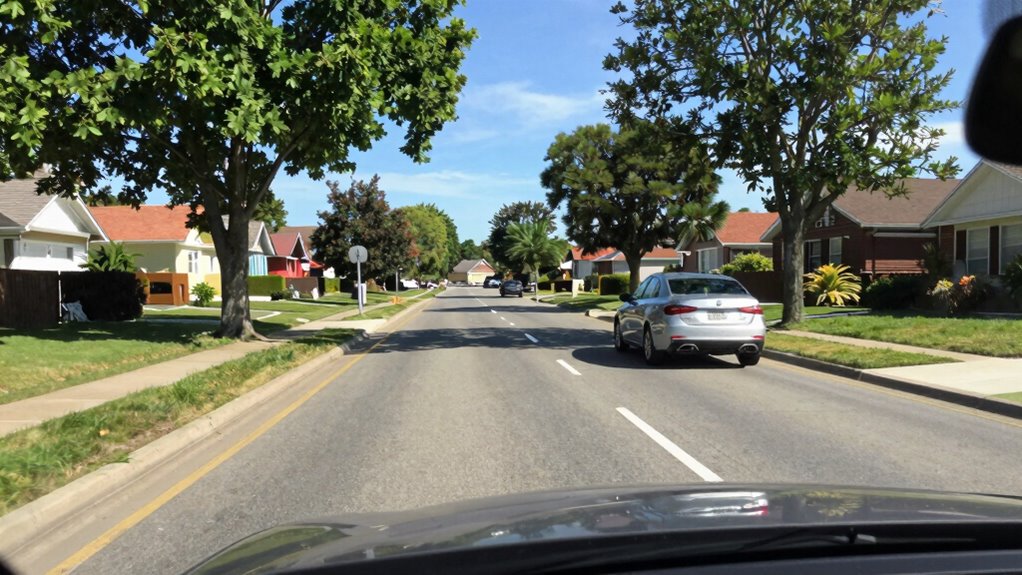
Most people believe that higher resolution alone guarantees better dash cam footage, but that’s misleading. What you really need to focus on is bitrate, which controls how much data is recorded per second. A high bitrate ensures clearer images, sharp license plates, and better night footage, regardless of resolution. If you want truly reliable and detailed video evidence, understanding and optimizing your bitrate is crucial—stick around to learn how to get it right.

Get business pricing on garage and car supplies
- Business-only prices and quantity discounts
- Tax-exempt purchasing
- Multiple users, one account, clear invoices
Key Takeaways
- Bitrate directly impacts video clarity, detail, and smoothness more than resolution alone.
- High bitrate reduces pixelation, blurriness, and artifacts, especially in fast motion or low-light conditions.
- Increasing resolution without adjusting bitrate can degrade quality by causing pixelation and larger file sizes.
- Properly balancing bitrate with resolution ensures clear license plates and reliable footage under varying lighting.
- Optimizing bitrate is essential for capturing high-quality videos, making it the most critical factor in dash cam performance.
As an affiliate, we earn on qualifying purchases.
Why Resolution Isn’t the Whole Story

While higher resolution often grabs your attention, it’s not the only factor that determines your dash cam’s video quality. Resolution sets the pixel count, but it doesn’t guarantee sharpness or clarity. A 4K camera with a low bitrate may produce blurry images, especially in fast-moving scenes or low-light conditions. Conversely, a well-optimized 1080p dash cam with a high bitrate can capture clearer details, like license plates and road signs. The key isn’t just the number of pixels but how much digital information is recorded per second. Higher resolution demands more data, but without sufficient bitrate, the footage can look soft or pixelated. So, don’t be fooled into thinking more pixels automatically mean better video—quality depends on balancing resolution with bitrate. Additionally, video compression techniques play a significant role in maintaining clarity without overly enlarging file sizes. Understanding how bitrate impacts the overall footage quality can help you choose a dash cam that performs well under various conditions. Moreover, selecting a device with adequate storage capacity ensures that high-quality footage can be stored without frequent interruptions or data loss. Paying attention to sensor quality can also dramatically improve low-light performance and overall image fidelity. In fact, sensor technology greatly influences how well the camera handles different lighting environments, further affecting video quality.
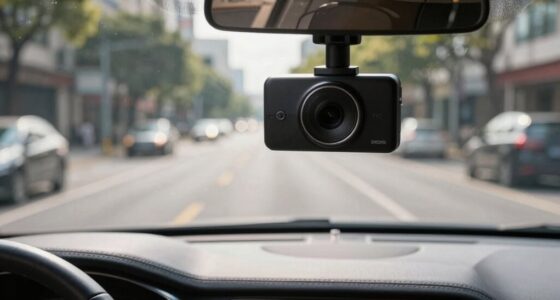
1080p dash cam with high bitrate
As an affiliate, we earn on qualifying purchases.
As an affiliate, we earn on qualifying purchases.
Understanding Bitrate and Its Role in Video Quality

Bitrate is a crucial factor that directly influences your dash cam’s video quality because it determines how much digital information is recorded each second. A higher bitrate captures more details, resulting in clearer images, sharper license plates, and better motion clarity. Imagine:
Higher bitrate records more detail, ensuring clearer images, sharper license plates, and smoother motion.
- Streaming data like a rapid flow, preserving every detail
- Fewer blurred objects during quick turns
- Clearer nighttime footage with less noise
- Smooth playback without stuttering
- Better evidence for accident investigations
When you increase bitrate, you’re essentially allowing more information per second, which elevates overall quality. But it also means larger files and more storage needs. Finding the right balance ensures your videos are detailed without overloading your storage capacity. Understanding data rates helps you choose the optimal settings for reliable video quality.
best dash cam for night recording
As an affiliate, we earn on qualifying purchases.
As an affiliate, we earn on qualifying purchases.
The Relationship Between Resolution and Bitrate

Resolution and bitrate work together to determine your dash cam’s video quality; increasing one without adjusting the other can lead to subpar results. Higher resolution captures more detail, but if your bitrate stays the same, the extra pixels won’t be preserved, resulting in blurry or pixelated footage. Conversely, a high bitrate can compensate for lower resolution by preserving finer details and reducing motion blur. For example, recording in 4K requires a much higher bitrate than 1080p to maintain clarity, especially during fast motion or low-light conditions. If you upgrade resolution without increasing bitrate, your videos will look worse. To optimize quality, match your bitrate to your resolution, ensuring you capture all the details your dash cam is capable of recording. Proper video compression techniques can also help balance file size and quality effectively.
dash cam with adjustable bitrate
As an affiliate, we earn on qualifying purchases.
As an affiliate, we earn on qualifying purchases.
How Bitrate Affects Recording Length and Storage
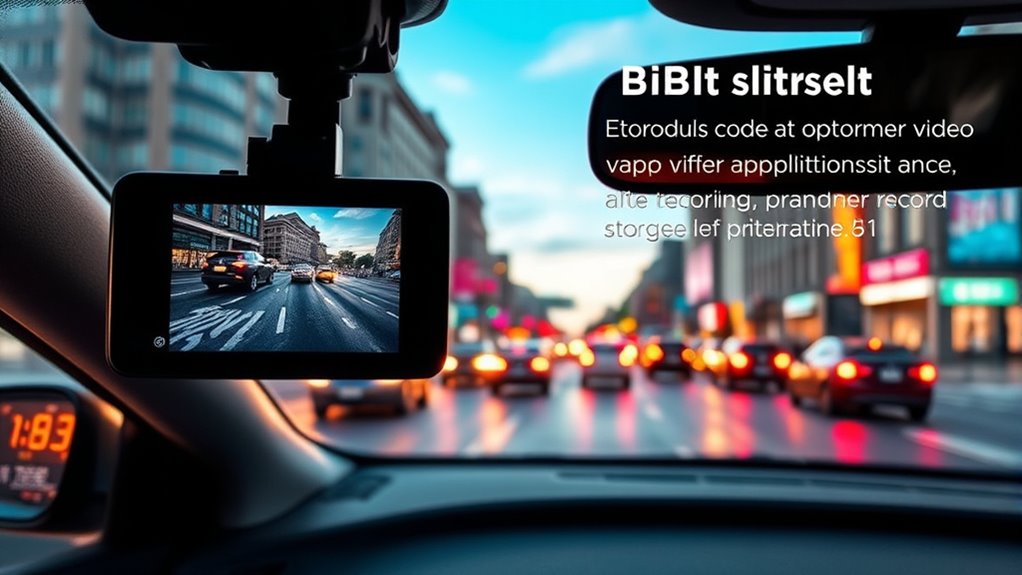
Higher bitrates produce better video quality, but they also considerably impact your dash cam’s recording length and storage needs. When you choose a higher bitrate, your files become larger, meaning you’ll store fewer hours on the same SD card. For example, a 64GB card might hold 8-10 hours of 720p footage but only 1.5-3 hours at 4K. This is because:
- Larger files fill up storage faster
- Longer recordings require bigger capacity
- Higher bitrates demand more processing power
- Quick storage depletion limits recording time
- Better quality files consume more space
- Understanding bitrate settings is essential for optimizing storage and quality balance.
Balancing bitrate with storage is vital. Opt for a bitrate that preserves quality without overly sacrificing your recording duration, especially if you want continuous footage during long drives. Additionally, understanding storage management techniques can help optimize footage retention without sacrificing quality. Using compression algorithms can also reduce file sizes while maintaining acceptable quality levels. It’s also important to consider processing power since higher bitrates may require more robust hardware to encode smoothly. Moreover, selecting the appropriate video codec can further influence both quality and file size, making it a key factor in your dash cam setup.
The Impact of Bitrate on Night and Day Footage
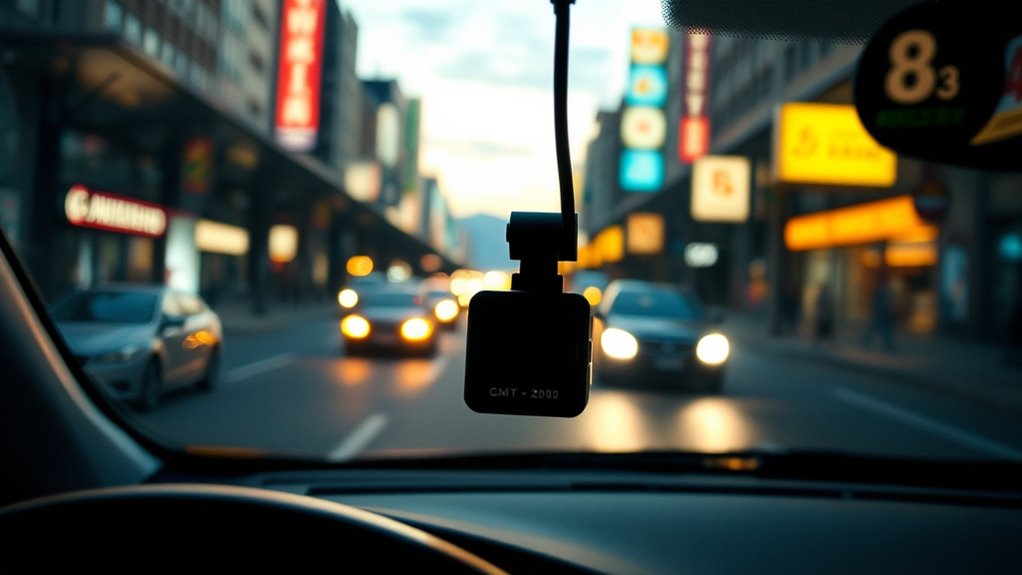
Since night and day footage present different challenges, the bitrate you choose plays a crucial role in capturing clear, detailed videos in both conditions. During the day, higher bitrates preserve sharpness and fine details, especially in fast-moving scenes. At night, a higher bitrate reduces noise, enhances clarity, and captures license plates more reliably in low-light situations. To illustrate, consider the following:
| Condition | Recommended Bitrate | Key Benefit |
|---|---|---|
| Daylight | 6,000–9,000 kbps | Sharp, detailed images |
| Night | 9,000–12,000 kbps | Clearer images, less noise |
| Low-light | 12,000+ kbps | Better license plate capture |
Choosing the right bitrate ensures your footage remains useful, whether during bright daylight or dark nighttime driving. Adjusting bitrate according to lighting conditions can optimize your dash cam’s performance and ensure reliable footage in all situations. Additionally, understanding how bitrate impacts video quality helps you make informed decisions when selecting your dash cam settings. For optimal security, it’s also important to consider encryption software to protect your footage from unauthorized access. Properly configuring these settings can prevent video corruption, ensuring your recordings stay intact when you need them most. Moreover, selecting the appropriate video compression method can further improve storage efficiency without sacrificing quality.
Choosing the Right Bitrate for Your Needs
Choosing the right bitrate depends on matching your resolution to your recording needs and storage capacity. If night clarity matters most, prioritize higher bitrates to capture details like license plates. Finding a balance between quality and storage guarantees your dash cam performs well without filling up your memory too quickly. Additionally, understanding how bitrate impacts video quality can help you make more informed choices tailored to your driving habits. Recognizing the limitations of compression algorithms can further improve your understanding of how settings affect overall footage clarity. Being aware of video compression techniques can also aid in optimizing your recordings for clarity and file size, especially when considering features like local automation that might influence recording preferences. Moreover, adjusting bitrate settings appropriately ensures that the footage remains clear without unnecessarily consuming storage space.
Match Resolution to Bitrate
Matching resolution to bitrate is essential for achieving the desired video quality without wasting storage space or draining power. If you set a high resolution with too low a bitrate, your footage will be blurry, especially during fast motion. Conversely, using a high bitrate on a low resolution wastes storage and processing power. To optimize quality, consider these factors:
- High resolution + high bitrate for sharp details and fast-moving scenes
- Lower resolution + moderate bitrate for longer recordings on limited storage
- Night driving benefits from higher bitrates to capture fine details
- Fast motion requires increased bitrate to reduce blur
- Balancing resolution and bitrate helps maximize quality and storage efficiency
Prioritize Night Clarity
Night driving demands higher bitrates because low light conditions make it harder to capture fine details. To guarantee clear footage, you need a bitrate that preserves sharpness and detail in darkness. Lower bitrates cause blurriness, loss of license plates, and missed essential details, especially at night. Aim for a higher bitrate—at least 9,000–12,000 kbps for 1440p or 1080p at 60 fps—to improve clarity. This increased bitrate reduces motion blur and enhances overall image quality, making it easier to identify plates, faces, and road signs. It also helps in capturing fast-moving scenes without excessive blur. Prioritizing a higher bitrate during night driving ensures your footage is detailed, reliable, and useful for evidence, even in challenging low-light conditions. Bitrate quality plays a crucial role in capturing clear and useful footage in low-light situations. Additionally, understanding how video encoding impacts image clarity can help you make better adjustments for different conditions.
Balance Storage and Quality
Finding the right balance between storage capacity and video quality starts with understanding how bitrate impacts both. A higher bitrate captures more detail, especially important for license plates and fast motion, but it also creates larger files that fill up storage faster. To strike a balance, consider your needs:
- Shorter recordings with high detail for critical evidence
- Longer recordings with moderate quality for everyday use
- Night driving requiring higher bitrates for clarity
- Limited storage calling for lower bitrates to maximize recording hours
- Editing or zooming needs that demand higher bitrate for detail retention
Common Misconceptions About Resolution and Quality

Many people assume that higher resolution automatically means better video quality, but this isn’t always true. Resolution alone doesn’t guarantee clarity; bitrate plays a vital role in detail retention, especially during fast motion or low light. Increasing resolution without adjusting bitrate can result in pixelation and blurry images. For example, a 1080p video at a low bitrate won’t outperform a 720p at a higher bitrate. Focus on balancing resolution with appropriate bitrate to get clear, usable footage. Here’s a quick comparison:
| Resolution | Typical Use Case |
|---|---|
| 720p | Budget dash cams, basic recordings |
| 1080p | General driving, clearer details |
| 1440p | Night driving, enhanced clarity |
| 2160p | Professional, high-detail evidence |
| 480p | Older cameras, minimal storage use |
Practical Tips for Optimizing Dash Cam Settings
To get the best footage from your dash cam, you need to adjust the bitrate for clarity without overloading storage. Balancing resolution and file size guarantees you record enough hours while maintaining quality, especially at night. Using the right frame rates helps capture smooth motion and sharp details in different driving conditions.
Adjust Bitrate for Clarity
Adjusting the bitrate is vital for getting clear, detailed dash cam footage. When you set the right bitrate, your videos capture sharp license plates, smooth motion, and better night clarity. To optimize, consider these tips:
- Increase bitrate for fast-moving scenes to reduce motion blur
- Match bitrate to resolution: higher resolution needs more data
- Balance bitrate to avoid overly large files that strain storage
- Use higher bitrates for essential evidence, like accident scenes
- Avoid low bitrate settings that produce blurry, pixelated images
Balance Resolution and Storage
Balancing resolution and storage is vital to guarantee your dash cam provides clear footage without quickly filling up your memory card. Higher resolutions like 4K deliver sharper images and better detail, but they consume considerably more storage space and require higher bitrates. If you record at 1080p, you get a good balance of quality and longer recording times—about 5-7 hours on a 64GB card. Dropping down to 720p extends recording hours but sacrifices clarity. Consider your primary need: if capturing license plates or details matters, higher resolution with a moderate bitrate is ideal. Conversely, if you need longer recordings for daily drives, lower resolutions help conserve storage. Find a compromise that meets your needs without overloading your memory card or sacrificing essential image quality.
Use Appropriate Frame Rates
Choosing the right frame rate is essential for capturing smooth, clear footage with your dash cam. A higher frame rate like 60 fps provides fluid motion, ideal for fast-moving scenes or detailed recordings. Conversely, a lower rate such as 30 fps conserves storage and battery life but may result in choppier video.
Imagine:
- A car zipping past, with every wheel spin crisp and sharp
- Rapid lane changes captured without blur
- Night scenes with clear headlights and brake lights
- Quick accidents frozen with precise detail
- Long drives with seamless, smooth footage
Adjusting your frame rate balances motion clarity and file size. For most drivers, 60 fps at 1080p offers a good mix, ensuring fast scenes stay sharp without overwhelming storage.
How Higher Bitrate Enhances Evidence Quality
A higher bitrate directly improves the evidence quality captured by your dash cam by preserving more detail in each frame. This means that vital information, like license plates, road signs, and facial features, remains clear even in complex scenes or fast-moving situations. With a higher bitrate, your footage is less likely to appear blurry or pixelated during sudden stops or collisions. It also enhances night recordings by reducing noise and maintaining sharpness in low-light conditions. Fundamentally, increasing the bitrate ensures every frame contains more digital information, resulting in crisper, more reliable evidence. This is particularly important when you need to review footage for legal or insurance purposes, where minute details can make a significant difference.
Balancing Quality, Storage, and Power Consumption

Choosing the right balance between video quality, storage capacity, and power use is vital for your dash cam. Higher resolutions deliver clearer footage but require more storage and drain your battery faster. You need to weigh these factors carefully to guarantee reliable recording without sacrificing performance or draining your vehicle’s resources.
Storage vs. Quality Trade-offs
Balancing video quality, storage capacity, and power consumption in dash cams requires careful consideration, as increasing one often impacts the others. When you choose higher resolution or bitrate, files grow larger, reducing recording time on your storage medium. To envision this:
- A 64GB card recording 1080p might last 5-7 hours
- Upgrading to 1440p cuts recording time to 3-5 hours
- 4K footage can drop to just 1.5-3 hours per card
- Higher quality files demand more power, draining batteries faster
- Compression helps reduce file size but may lower image clarity
Balancing these factors means prioritizing what matters most—whether storage capacity, clarity, or battery life—without sacrificing essential footage quality.
Power Use and Resolution
Higher resolution dash cams typically consume more power, which can considerably impact your vehicle’s battery life, especially during extended recording sessions or when parking mode is active. As resolution increases—from 1080p to 4K—the camera’s processor and sensor work harder, drawing more electricity. This higher power demand can drain your battery faster, risking startup issues or parking mode shutdowns. If you prioritize longer recordings or parking surveillance, balancing resolution with power efficiency is key. Lower resolutions like 720p or 1080p consume less energy, extending your dash cam’s operational time. Keep in mind that higher resolutions improve detail and night performance but at the cost of increased power use. Selecting the right balance ensures your dash cam provides quality footage without compromising your vehicle’s electrical system.
Frequently Asked Questions
Can Increasing Bitrate Improve My Dash Cam’s Low-Light Performance?
Yes, increasing your dash cam’s bitrate can improve low-light performance. A higher bitrate allows the camera to capture more digital information per second, which reduces noise and enhances details in dark conditions. This results in clearer, sharper night footage and better license plate recognition. Keep in mind, though, that higher bitrates increase file sizes and storage needs, so balance your settings based on your storage capacity and quality preferences.
Does Higher Resolution Always Mean Better Video Quality?
Higher resolution doesn’t always mean better video quality. You need a sufficient bitrate to match the resolution; otherwise, details get lost or images become blurry. For example, 4K needs a higher bitrate than 1080p to deliver sharp, clear footage. So, focus on both resolution and bitrate. If you don’t, you might think your footage looks good, but it could lack critical details, especially in fast-moving scenes or low-light conditions.
How Does Compression Affect Video Clarity at High Bitrates?
Compression can reduce video clarity even at high bitrates if it’s too aggressive, leading to loss of detail and artifacts. When you choose higher bitrates, you’re giving the camera more data to preserve quality, but if compression is too strong, it negates that advantage. To maximize clarity, opt for balanced compression settings that minimize artifacts while maintaining high bitrate, ensuring sharp, clear footage even in fast-moving or low-light conditions.
Is 4K Footage Necessary for Effective License Plate Capture?
Think of capturing license plates like hunting for a needle in a haystack—you need sharp eyes and clear vision. 4K footage isn’t always necessary; high bitrate 1080p can often do the trick, revealing fine details even at a distance. If you want maximum clarity for evidence, especially at night or in fast motion, then 4K is your sharp-eyed scout. Otherwise, a well-tuned 1080p setup is usually enough.
What Is the Optimal Bitrate for Balancing Quality and Storage?
You should aim for a bitrate between 9,000 and 12,000 kbps for 1440p resolution to balance quality and storage. This range provides clear images, good detail, and reliable night performance without overly large files. If you prioritize sharper images and better license plate capture, increasing the bitrate toward 15,000 kbps for 4K is ideal, but keep in mind it will use more storage. Adjust based on your needs and available memory.
Conclusion
Remember, like Icarus soaring toward the sun, chasing higher resolution alone can lead you astray. Focus on bitrate—your true compass—to guarantee clear, reliable footage when it matters most. By understanding its role, you’ll capture sharper night scenes, longer recordings, and better evidence. Don’t let the illusion of resolution be your downfall; instead, harness bitrate wisely, and your dash cam will serve as a steadfast guardian, not just a shiny ornament.
Halloween Picks
halloween
As an affiliate, we earn on qualifying purchases.