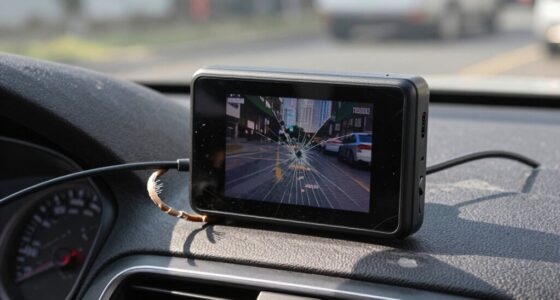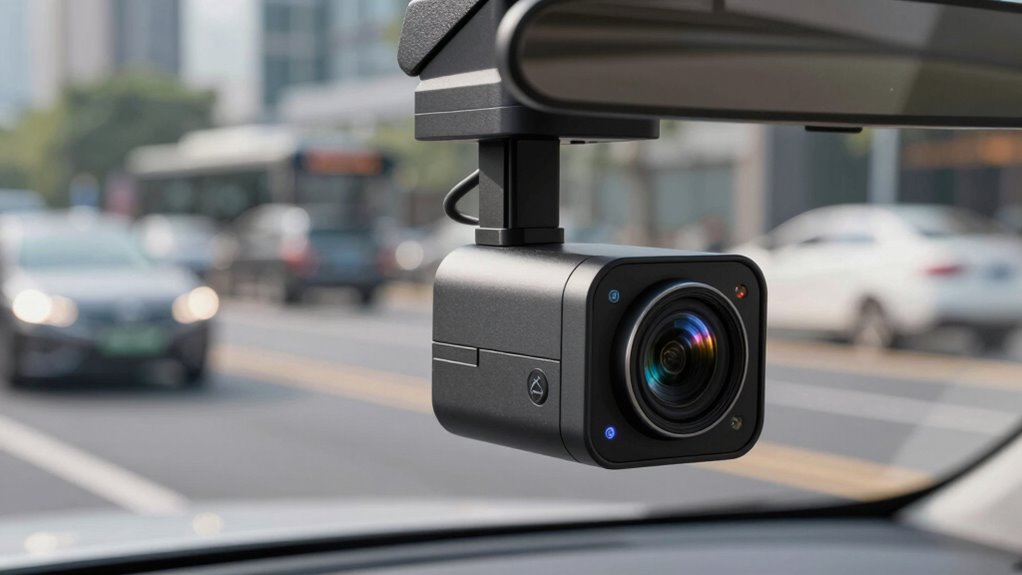

Loop recording is a feature in your dash cam that automatically manages storage by overwriting the oldest videos with new footage. This guarantees your camera keeps recording without stopping or needing manual deletions. It helps prevent your memory card from filling up and guarantees you always have the most recent footage. If you want to understand how this process works and how to protect important clips, keep going to learn more about this useful feature.

Get business pricing on garage and car supplies
- Business-only prices and quantity discounts
- Tax-exempt purchasing
- Multiple users, one account, clear invoices
Key Takeaways
- Loop recording automatically overwrites oldest videos when storage is full to ensure continuous footage capture.
- It manages memory efficiently, preventing storage from filling up with outdated or unnecessary videos.
- This feature keeps the latest footage accessible, which is crucial for reviewing recent events or incidents.
- Users can usually mark important videos as “protected” to prevent them from being overwritten.
- Loop recording requires no manual deletion, offering a seamless, reliable way to record while driving.

Loop recording is a feature that continuously records video footage by overwriting the oldest files once the storage is full. This design guarantees your dash cam keeps recording without interruption, even when the memory card reaches capacity. Instead of stopping or requiring manual deletion, the camera manages its camera storage automatically, making sure you always have the latest footage. When the storage runs out, the oldest videos are replaced by new recordings, a process called video overwriting. This setup is especially useful for drivers who want constant surveillance without the hassle of managing files constantly.
Understanding how camera storage works in this context is key. Your dash cam typically comes with a built-in or removable memory card, such as an SD card, which acts as the storage medium. As you drive, the camera records in real time, saving footage onto this card. Because space is limited, the dash cam’s firmware is programmed to delete or overwrite older videos once the capacity is reached. Think of it as a never-ending loop—hence the name—where new recordings continually replace the oldest ones. This process keeps your storage space free for the newest footage, ensuring you don’t run out of space when you need it most.
Video overwriting is a critical aspect of loop recording. It’s designed to prevent your camera from filling up with outdated videos, which could make it difficult to find relevant footage later. When an incident occurs, you can usually mark that specific video as “protected” or “save,” preventing it from being overwritten. Otherwise, the camera will automatically overwrite the oldest recordings, keeping your storage optimized. This means that your dash cam isn’t just recording blindly; it’s actively managing its memory to prioritize recent footage, which is often the most relevant in case of incidents or disputes.
This process also reduces the need for manual intervention. You don’t have to keep deleting videos or worry about running out of space. Instead, your dash cam intelligently handles its camera storage through video overwriting, ensuring continuous recording and safety. It’s a simple yet powerful feature that provides peace of mind, knowing that your device is always ready to capture what’s happening around you. By understanding how loop recording manages storage and performs video overwriting, you gain confidence in your dash cam’s ability to serve as a reliable witness on the road. Additionally, some dash cams offer file protection features to prevent important videos from being overwritten during loop recording.
Frequently Asked Questions
Can I Change the Length of Loop Recording Segments?
Yes, you can change the length of loop recording segments. Most dash cams allow you to adjust the loop length settings, which control the video segment duration. Check your device’s menu or user manual to find options for customizing the video segment duration or loop length settings. This way, you can choose shorter or longer segments based on your preferences, ensuring your dash cam records the right amount of footage without unnecessary overwrites.
Does Loop Recording Affect Video Quality?
You might notice that loop recording doesn’t considerably affect video quality because your dash cam uses video compression to save storage capacity. Compression reduces file size, allowing continuous recording without losing important footage. While higher quality settings can improve clarity, they demand more storage. So, as long as you’re mindful of your storage capacity, loop recording keeps your videos clear enough for evidence without sacrificing quality.
How Do I Recover Deleted Loop Recordings?
To recover deleted loop recordings, stop using your dash cam immediately to prevent data overwriting. Use memory card recovery software to scan the card for lost files, as it can often retrieve deleted videos if they haven’t been overwritten. Keep in mind, the more you use the card, the higher the chance of data overwriting, making recovery more difficult. Act quickly for the best chance of success.
Is Loop Recording Compatible With All Dash Cam Models?
Think of dash cam compatibility as a lock and key dance—some models fit perfectly with loop recording, while others don’t. Not all dash cams support loop recording because of differences in memory card formats, like FAT32 or exFAT, which are essential for smooth operation. Before you buy, double-check your dash cam’s compatibility to make sure it’s designed to handle loop recording, preventing any mismatched steps along the way.
What Happens if the Memory Card Is Full During Loop Recording?
When your memory card capacity is full during loop recording, the dash cam automatically starts the overwriting process. It deletes the oldest videos to make space for new footage, ensuring continuous recording. This way, you won’t miss important events, and your dash cam keeps functioning smoothly. Just make sure your memory card has sufficient capacity and is formatted correctly to avoid interruptions during loop recording.
Conclusion
Now that you understand how loop recording works, it’s clear why your dash cam deletes older videos—it’s all about managing storage efficiently. But isn’t it reassuring to know that vital footage stays safe when you need it most? By setting up your dash cam properly, you guarantee important moments are preserved without clutter. So, next time you wonder why videos disappear, remember, it’s just your dash cam working behind the scenes to protect you—smart, right?
Evergreen bestsellers Picks
bestsellers
As an affiliate, we earn on qualifying purchases.