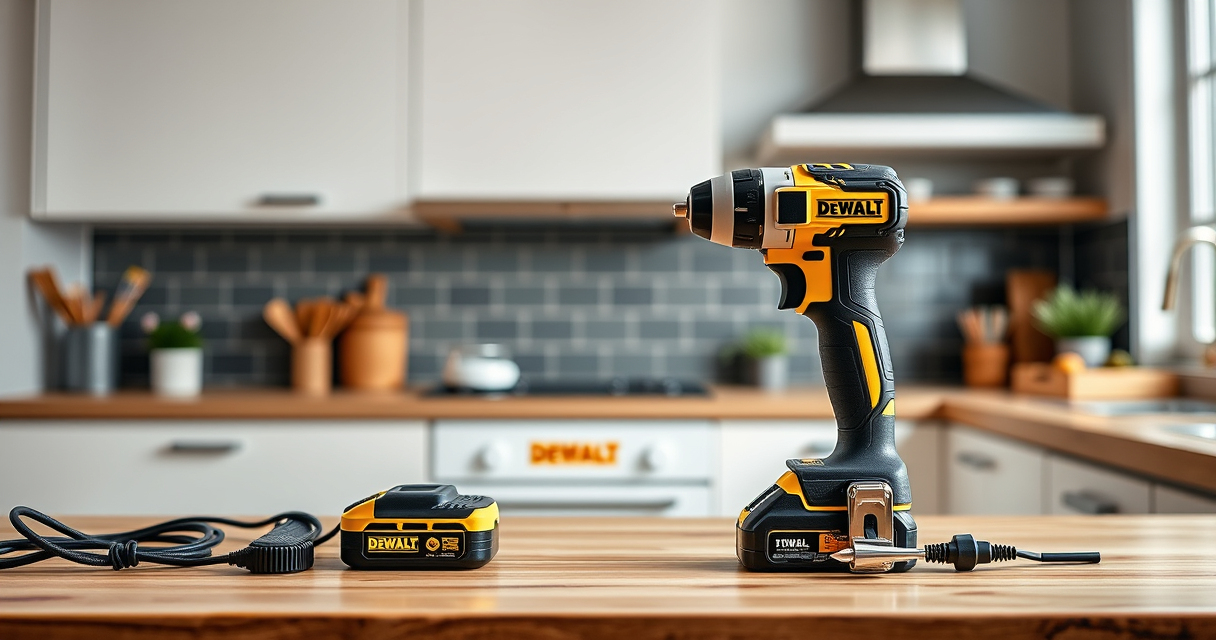

If your DEWALT cordless drill isn’t charging, it can halt your projects and cause frustration. Fortunately, many charging issues are fixable with some basic troubleshooting steps. This guide walks you through practical, safe solutions to get your DEWALT power tools back in action quickly.
Open a free Amazon Business account
Business pricing, bulk buying and tax-exempt orders.
Create a free accountAs an affiliate, we earn on qualifying purchases.
Key Takeaways
| Battery Check | Ensure the battery is properly seated and not damaged. |
| Charger Inspection | Verify the charger is working correctly and connections are secure. |
| Environmental Conditions | Charge in a cool, dry place to prevent overheating. |
| Battery Age | Older batteries may lose capacity and need replacement. |
| Electrical Issues | Check for power outlet problems or damaged cords. |

DEWALT 20V MAX Cordless Drill Driver Set, Electric Drill, Brushless 1/2 In 2 Speed, 2.0 Ah Battery and Charger Included, LED Light (DCD777D1)
- Motor Type: Brushless motor for longer run time
- Size: Compact 7.6-inch design
- Design: Lightweight for easy handling
As an affiliate, we earn on qualifying purchases.
Step 1: Inspect the Battery
- Remove the battery from your DEWALT tool.
- Visually examine the battery for any cracks, corrosion, or damage.
- Ensure the battery terminals are clean and free of debris.

DEWALT Drill Bit Set, 3-Flats Shank,14-Piece, 135 Degree Split Point, for Plastic, Wood and Metal (DWA1184)
- Tip Design: 135° Split Point for Precision
- Material: High Speed Steel for Versatility
- Durability: Tapered Web for Breakage Resistance
As an affiliate, we earn on qualifying purchases.
Step 2: Check the Charger and Power Source
- Test the charger by plugging it into a different outlet or using another compatible charger.
- Make sure the charging port and cord are undamaged.
- Ensure the charger’s indicator light shows it’s functioning properly.
Step 3: Properly Seat the Battery and Wait
Insert the battery fully into the charger, ensuring it clicks into place. Allow the battery to charge for at least 30 minutes, especially if it was completely drained.
Step 4: Test with a Known Good Battery
If available, try charging a different, compatible DEWALT battery to determine if the issue is with the battery or charger.
Step 5: Replace if Necessary
If the battery or charger shows no signs of charging after these steps, consider replacing the faulty component. Use genuine DEWALT parts for compatibility and safety.
The Products in This Guide

DEWALT 20V MAX Cordless Drill Driver Set
- ✔ LED Light: Yes
- ✔ Warranty: 3-year limited
- ✔ Dimensions: 7.6 in. length

DEWALT Drill Bit Set
- ✔ Size Range: Varies by set
- ✔ Web Design: Tapered
- ✔ Usage: General purpose
DEWALT 20V MAX Cordless Drill Driver Set
The DEWALT 20V MAX Cordless Drill Driver Set offers a powerful brushless motor and a compact design, making it versatile for various tasks. Its charging issues can often be fixed with the steps above, ensuring you stay productive.
Pros:
- Brushless motor for longer run time
- Compact and lightweight
- LED work light
- Ergonomic grip
Cons:
- Battery life may vary depending on use
- Charger can be slow to charge in some cases
Best for: DIYers and professionals needing reliable power tools
Not ideal for: Heavy-duty industrial use for extended periods
Bottom line: A versatile, reliable drill perfect for most tasks, with manageable charging issues.
DEWALT Drill Bit Set
Pair your DEWALT drill with this 14-piece drill bit set, designed for durability and precision in plastic, wood, and metal. It complements your power tool kit well.
Pros:
- High-speed steel construction
- Split point tips reduce walking
- Rust-resistant coating
- Easy size identification
Cons:
- Limited to specific bit sizes
- Not suitable for heavy-duty industrial use
Best for: Home improvement projects and light to medium tasks
Not ideal for: Heavy industrial drilling
Bottom line: A durable, versatile drill bit set that enhances your drilling efficiency.
Frequently Asked Questions
Why won’t my DEWALT battery charge?
It could be due to a faulty battery, charger issues, or environmental factors like temperature. Follow the troubleshooting steps to identify the cause.
How long should I charge my DEWALT battery?
Typically, a full charge takes about 30 minutes to an hour, depending on the battery’s capacity and condition.
Can I use a different charger for my DEWALT batteries?
Only use DEWALT-approved chargers designed for your specific battery type to ensure safety and proper charging.
When should I replace my DEWALT battery?
If the battery no longer holds a charge after troubleshooting, or shows physical damage, it is time for a replacement.
Getting Your DEWALT Power Tool Charging Again
By following these simple troubleshooting steps, you can often resolve charging issues with your DEWALT power tools. Always prioritize safety, use genuine parts, and replace batteries or chargers that are beyond repair to keep your tools performing at their best. Staying proactive can save you time and money while ensuring your projects stay on track.
Affiliate disclosure: As an Amazon Associate we earn from qualifying purchases. Prices and availability are accurate as of the time of publishing.
College move-in / dorm season Picks
dorm essentials
As an affiliate, we earn on qualifying purchases.