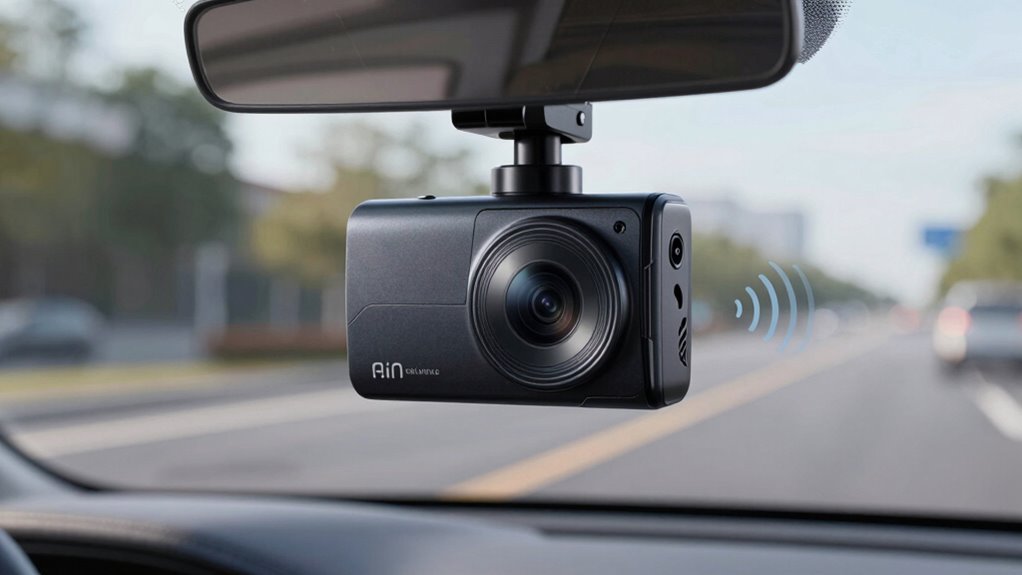
To fix wind noise and audio clipping on your dash cam, start by checking and adjusting the microphone placement to reduce exposure to wind, and consider adding a foam cover or windscreen. Use your device’s sensitivities and noise reduction features to prevent clipping, and keep your firmware updated for improved audio processing. Proper setup makes a big difference in sound clarity. If you want to learn more tips to get better audio quality, keep exploring these solutions.
Listen free for 30 days with Audible
Thousands of audiobooks and originals — cancel anytime.
As an affiliate, we earn on qualifying purchases.
Key Takeaways
- Use built-in windshields or foam covers to minimize wind noise during recordings.
- Adjust microphone sensitivity and placement to reduce wind interference and improve audio clarity.
- Enable noise reduction settings and fine-tune audio compression to prevent clipping and distortion.
- Keep firmware updated for enhanced wind noise suppression and overall audio performance.
- Properly position the microphone away from direct wind exposure for clearer sound capture.
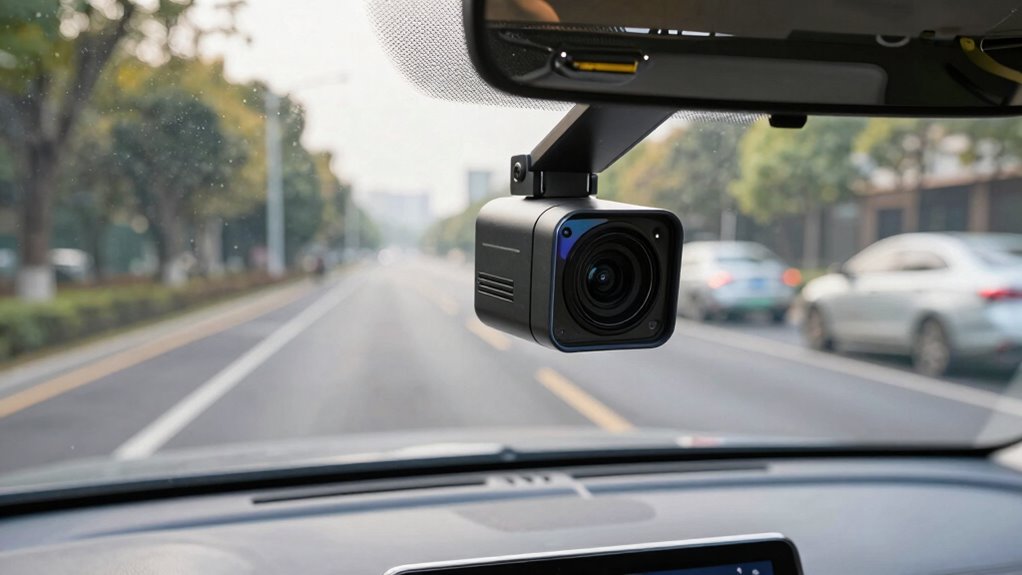
If you’re experiencing issues with the audio on your dash cam, you’re not alone. Wind noise and audio clipping are common problems that can make it difficult to capture clear sound during your drives. Luckily, there are ways to enhance your dash cam’s audio quality, guaranteeing your recordings are as useful and understandable as possible. One of the first things you should consider is how your dash cam handles voice recognition and audio compression. Many models use audio compression to save storage space, but this can sometimes lead to distorted or clipped sound, especially when there’s background noise like wind.
Address common dash cam audio issues like wind noise and clipping with simple adjustments and updates.
To fix wind noise, you might want to start by checking your device’s microphone placement. If it’s exposed to the elements, wind can create a constant hissing or buffeting sound in your recordings. Some dash cams come with built-in windshields or foam covers for their microphones—installing these can substantially cut down on wind noise. If your camera doesn’t have these accessories, you might consider adding a small, soft windscreen or foam cover yourself. Additionally, adjusting the microphone sensitivity settings can help. Lowering the sensitivity can reduce the amount of wind noise picked up, but be careful not to set it too low, or your voice recognition features might start to struggle. Proper microphone placement can also significantly improve sound clarity and reduce unwanted noise.
Audio clipping often occurs when the sound captured exceeds what the microphone or compression algorithm can handle, causing parts of your audio to sound distorted or “clipped.” To prevent this, check if your dash cam has audio level controls or noise reduction settings. Adjusting these can help tame loud sounds and avoid clipping. Some models incorporate advanced audio compression algorithms designed to balance sound quality with storage efficiency, but these can sometimes sacrifice clarity if not fine-tuned properly. If your dash cam supports it, consider disabling or customizing the audio compression settings to preserve audio fidelity, especially if you need clear voice recordings for evidence or voice recognition purposes. Additionally, understanding audio processing techniques can help you better troubleshoot and optimize your device’s settings.
Make sure your dash cam’s firmware is up to date. Manufacturers often release updates that improve audio processing, reduce wind noise, and optimize compression algorithms. Regularly updating your device can enhance overall performance, including audio quality. Incorporating proper microphone placement can also significantly improve sound clarity and reduce unwanted noise. By paying attention to microphone placement, adjusting sensitivity, managing compression settings, and keeping your firmware current, you can markedly improve your dash cam’s audio. It’s worth the effort to ensure your recordings are crisp, clear, and useful, whether for personal memories or legal evidence.

Eboot 5 Pack Mini Lapel Headset Microphone Windscreen Foam Cover, Black
- Fits small lapel and headset mics: Microphone windscreens fit small lapel and headset microphones
- Reduces wind noise and interference: Protect your microphone from wind interference and other noises
- Breathable foam for clear voice: Nice breathable material, good effect for voice
As an affiliate, we earn on qualifying purchases.
As an affiliate, we earn on qualifying purchases.
Frequently Asked Questions
Can Software Updates Improve Dash Cam Audio Quality?
Yes, software updates can improve your dash cam audio quality. They often include enhancements like better audio compression algorithms and sound calibration features, which reduce wind noise and clipping. By updating your dash cam’s firmware, you guarantee it uses the latest audio processing tech, leading to clearer recordings. This helps you capture more accurate sound details, making your footage more reliable and easier to review later.
Are There Specific Microphones Better for Reducing Wind Noise?
Yes, wind resistant microphones are better for reducing wind noise in dash cams. To improve audio quality, guarantee proper microphone placement—positioning it away from windows and vents helps minimize wind interference. Look for microphones specifically designed with wind resistance features, such as foam covers or built-in filters, which can considerably cut down wind noise and clipping, providing clearer audio recordings during your drives.
How Do I Test if My Audio Fix Was Successful?
You can test if your audio fix was successful by performing an audio testing session during a drive, paying attention to wind noise levels. Use noise comparison by recording a segment before and after the fix, then listen carefully for reduced wind noise and clearer voice quality. Make sure to compare the recordings side by side to confirm that the audio improvements meet your expectations, verifying the effectiveness of your adjustments.
Does Replacing the Microphone Affect Dash Cam Warranty?
Did you know that over 60% of dash cam owners consider upgrading their microphones? Replacing your microphone may impact your dash cam’s warranty, depending on the manufacturer’s policy. To avoid warranty issues, check microphone compatibility and confirm you use approved parts. Some brands might void your warranty if you replace the microphone yourself, so always verify warranty implications before making any modifications.
Can External Audio Recorders Enhance Overall Sound Quality?
External microphones can substantially enhance your dash cam’s overall sound quality by providing better audio isolation from wind and road noise. They capture clearer, more focused audio, reducing background interference. Using an external microphone allows you to customize your setup for ideal sound, especially in noisy environments. This upgrade can improve your footage’s clarity and usefulness, making it easier to review incidents with crisp, high-quality sound, without affecting your dash cam’s warranty.

Cable Clips Self with 3M Adhesive Cord Organizer, Wire Holder Clamp Management Sticky for Desk Car Dash Cam Tables Wall, Black 30pcs
- Strong 3M Adhesive: Secure grip on various surfaces
- Compact Size: 0.8"L x 0.6"W x 0.4"H
- Adjustable for Cables: Fits cables up to 5mm diameter
As an affiliate, we earn on qualifying purchases.
As an affiliate, we earn on qualifying purchases.
Conclusion
Just like tuning a fine instrument, refining your dash cam’s audio guarantees clarity amid chaos. By addressing wind noise and clipping, you’re not only improving your recordings but also preserving the integrity of your story on the road. Remember, even in the busiest traffic, quiet moments of clarity can reveal the truth. With patience and the right tweaks, your dash cam becomes a trusted witness—an unwavering guardian echoing your journey’s genuine voice.

Dash Cam Installation Kit – Trim Removal Tool, 20 Strong Adhesive Cable Clips, Reusable Cable Ties, Split Sleeve & Foam Pads – Clean Car Wire Organizer
- Wire Concealment Kit: Hide dash cam wires neatly and professionally
- Strong Adhesive Cable Clips: 20 transparent clips with secure self-adhesive backing
- Trim Removal Tool: Durable 5.5-inch pry tool for safe trim removal
As an affiliate, we earn on qualifying purchases.
As an affiliate, we earn on qualifying purchases.

pop-tech Adhesive Pad for Dash Cam: 4Pcs Sticky Pad for Dashcam Mount Front Rear – High Bond Double Sided Mounting Tape for Square Car Camera – Heat Resistant Replacement Sticker for Windshield Window
- Includes 4 adhesive pads: Two large and two small pads for various cameras
- Customizable size and shape: Easily cut to fit different camera types
- High heat resistance: Withstands temperatures up to 248°F
As an affiliate, we earn on qualifying purchases.
As an affiliate, we earn on qualifying purchases.
Baby shower & registry season Picks
baby registry must-haves
As an affiliate, we earn on qualifying purchases.