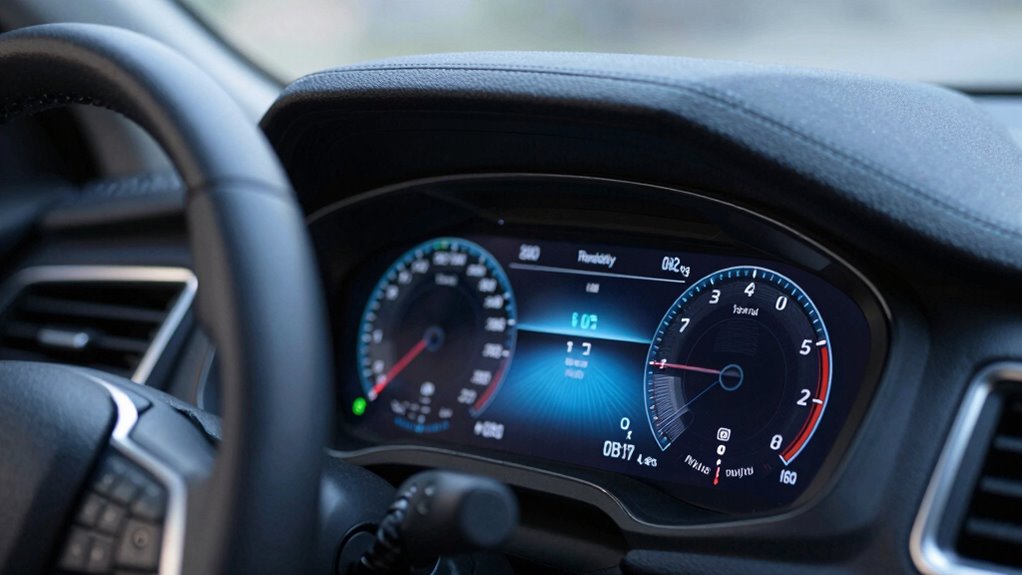

Your vehicle’s OBD2 “Readiness” status shows whether diagnostic checks on emission control systems are complete. If monitors are “not ready,” your car isn’t fully tested, which can cause you to fail emissions, especially after resets or repairs. To avoid this, drive normally to allow self-checks to run and complete. If you want to learn how to guarantee your vehicle is fully prepared, keep going for helpful tips.

Get garage and car supplies delivered free — and shop member deals
- Fast, free delivery on millions of items
- Access to Prime Big Deal Days deals on October 6–7
- Prime Video, Amazon Music and more included
Key Takeaways
- “Readiness” indicates whether emission system self-checks have completed, affecting your vehicle’s eligibility for emission testing.
- Driving your vehicle regularly helps complete pending monitors, increasing the chance of passing emissions.
- Clearing trouble codes doesn’t make monitors “ready”; proper driving cycles are necessary for completion.
- Incomplete monitors are a common cause of emission test failures, even if no trouble codes are present.
- Ensuring all monitors are “ready” before testing improves your chances of passing on the first attempt.
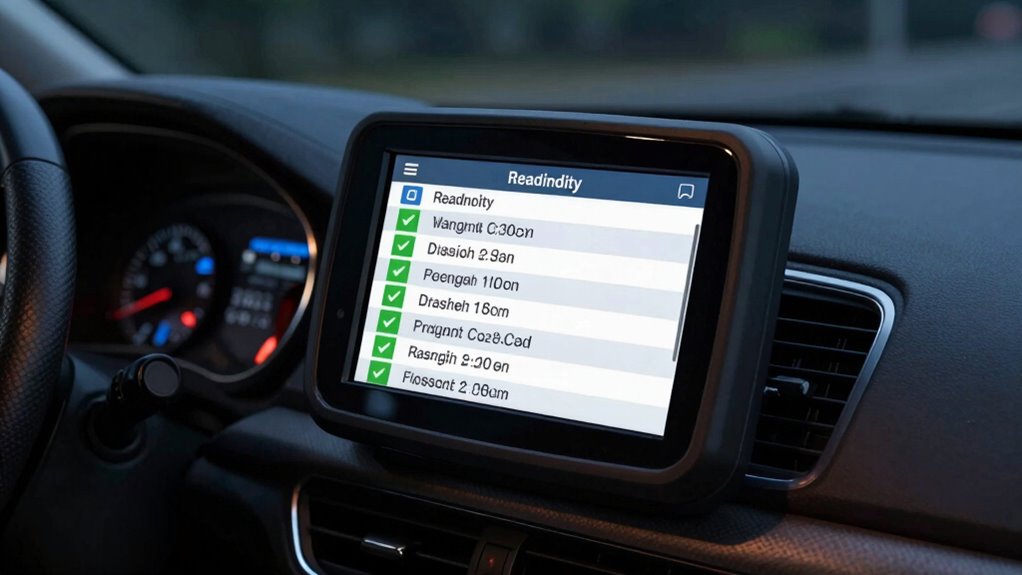
Ever wondered what your vehicle’s OBD2 “Readiness” status really means? It’s a common question, especially when you’re preparing for emission testing. Your car’s onboard diagnostics system (OBD2) tracks various components to ensure everything runs smoothly and meets environmental standards. When you take your vehicle for emission testing, the technician checks the “Readiness” monitors to see if your car’s emission control systems are functioning properly. If these monitors aren’t complete, your vehicle will likely fail the test, leading to costly delays and repeat visits. Understanding what “Readiness” status entails helps you avoid surprises and guarantees your vehicle passes on the first try.
Understanding your vehicle’s OBD2 Readiness status helps ensure a smooth emission testing process.
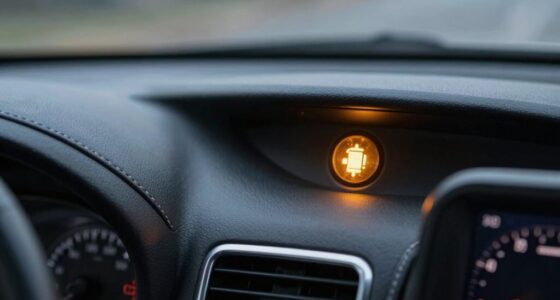
The “Readiness” status indicates whether your vehicle’s diagnostic system has completed self-checks on key emission control components. These self-checks, also called monitors, verify that systems like the catalytic converter, oxygen sensors, and evaporative emissions controls are working correctly. If any of these monitors are marked as “incomplete,” it means your vehicle hasn’t yet verified that component’s proper operation. This incompletion can happen after a reset, a repair, or even after disconnecting the battery. Until all monitors have run their course and marked as “ready,” your vehicle is technically not prepared for emission testing.
You should know that the diagnostic trouble codes (DTCs) stored in your car’s computer don’t necessarily mean your vehicle will fail emissions. It’s the “Readiness” monitors that determine if your vehicle is ready for testing. Even if you see a trouble code, as long as the monitors are complete and show “ready,” you can still pass. However, if any monitor remains “not ready,” the emission testing station will likely reject your vehicle, forcing you to drive more and wait for the system to complete its self-checks.
To get your vehicle “ready,” you need to drive it under normal conditions, allowing the onboard system to run its self-diagnostic routines. Usually, a few short trips on the highway are enough to complete all necessary checks. If you’ve recently repaired or reset your vehicle’s computer, expect to drive for a few days before all monitors switch to “ready.” Remember, simply clearing trouble codes without fixing the underlying issues doesn’t make your vehicle ready; it just resets the system temporarily.
As an affiliate, we earn on qualifying purchases.
Frequently Asked Questions
How Long Does It Take for the Readiness Monitors to Complete?
It typically takes about 50 to 100 miles of driving for your vehicle’s readiness monitors to complete, depending on your driving habits. During this time, your ignition timing and fuel system need to operate normally, with steady acceleration and proper warm-up cycles. Keep driving consistently, avoiding rapid accelerations or stops, so the monitors can perform their checks. Once finished, your vehicle will be ready for emissions testing.
Can I Check My Vehicle’s Readiness Status at Home?
Think of your car’s readiness status like a secret code waiting to be opened. Yes, you can check it at home with DIY diagnostics using affordable OBD2 tools. Plug the scanner into your vehicle’s port, turn on the ignition, and follow the prompts. In just minutes, you’ll see which monitors are complete or pending, helping you stay ahead of emissions tests without a mechanic’s visit.
What Causes a Vehicle to Stay in “Not Ready” Status?
You might find your vehicle stays in “not ready” status if you haven’t completed enough drive cycles, recently cleared codes, or performed repairs. During emission testing, diagnostic tools check these statuses to confirm systems are working properly. If your car hasn’t gone through all necessary drive cycles or has unresolved issues, it won’t pass emissions, so make certain you complete the required tests and use diagnostic tools to verify readiness before your appointment.
Do All Vehicles Have the Same Readiness Monitor Settings?
Did you know that about 80% of vehicles have different readiness monitor settings? Not all vehicles have the same calibration for sensors or emissions thresholds, which influences their readiness status. Some cars require more drive cycles to complete tests, while others have stricter standards. So, if you’re checking your vehicle’s readiness, remember that these settings vary widely depending on the make, model, and year, affecting your emissions testing process.
How Often Should I Perform a Drive Cycle to Reset Readiness?
You should perform a drive cycle about once a week to reset readiness monitors, ensuring your vehicle is prepared for emissions testing. Regular drive cycle frequency helps the onboard computer run all necessary checks, preventing failures during emissions testing. Drive your vehicle on a mix of city and highway routes, maintaining steady speeds, until the readiness monitors indicate all systems are complete. This proactive approach keeps your vehicle ready and compliant.
OBD2 scanner for emissions testing
As an affiliate, we earn on qualifying purchases.
As an affiliate, we earn on qualifying purchases.
Conclusion
Now you know the basics of OBD2 readiness, so you won’t be caught off guard at the next inspection. By understanding the process and checking your vehicle’s status regularly, you can dodge intimidating delays and disappointing failures. Don’t delay—diligently diagnose, diligently drive, and diligently maintain your vehicle. With this knowledge, you’ll confidently conquer emissions tests and keep your car compliant, all while avoiding unnecessary setbacks. Stay savvy, stay successful, and keep your vehicle’s readiness always in check!
As an affiliate, we earn on qualifying purchases.
emissions readiness check device
As an affiliate, we earn on qualifying purchases.
As an affiliate, we earn on qualifying purchases.
Halloween Picks
halloween
As an affiliate, we earn on qualifying purchases.