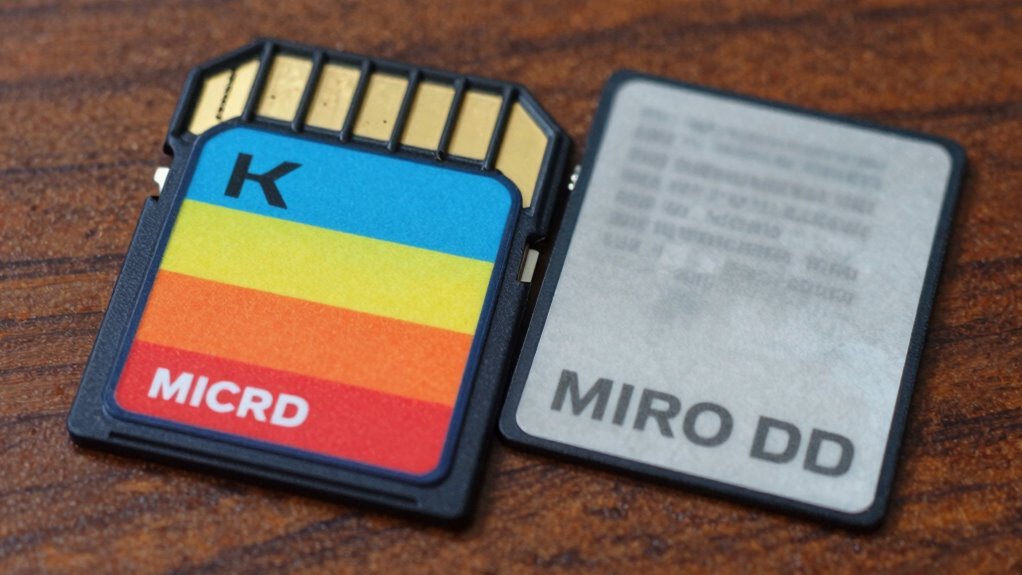

To spot a fake microSD card before it eats your footage, scrutinize the packaging for genuine labels, clear logos, and correct part numbers. Examine the card’s physical appearance for sharp printing, consistent color, and smooth edges. Perform speed tests with tools like CrystalDiskMark to verify that the performance matches the rated specs. Using brand-specific verification tools can confirm authenticity. Keep an eye on these details, and you’ll discover more ways to protect your data.

Get garage and car supplies delivered free — and shop member deals
- Fast, free delivery on millions of items
- Access to Prime Big Deal Days deals on October 6–7
- Prime Video, Amazon Music and more included
Key Takeaways
- Verify the microSD card’s part number and details match the manufacturer’s official website.
- Use brand-specific tools like SD Insight or Samsung Authentication Utility for quick verification.
- Check for blurry logos, inconsistent fonts, or poor print quality on the card and packaging.
- Run benchmark tests to confirm read/write speeds match the advertised ratings.
- Examine physical features such as smooth edges, proper labels, and consistent color to spot counterfeit signs.
Scrutinize Packaging Details and Official Labels
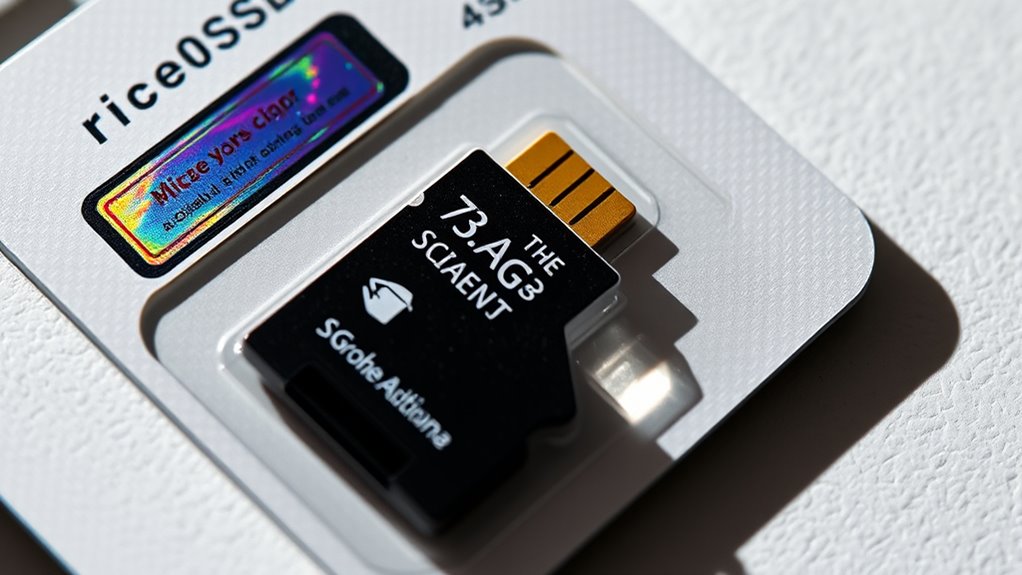
To accurately identify fake microSD cards, you should start by scrutinizing the packaging details and official labels. Check that the part number matches the manufacturer’s website, like SanDisk or Western Digital. Use your phone to scan QR codes on the packaging; genuine products link to official pages. Look for complete specifications, including speed ratings, warranty info, and UPC barcodes—missing or blurry details are red flags. Inspect the hole punch at the top of the package; absence often indicates a fake, especially for Samsung cards. Confirm date codes and country labels match authentic products. Be wary of poorly printed labels, inconsistent fonts, or incorrect logos. Authentic packaging is crisp, well-aligned, and free of spelling errors. These details help you quickly spot counterfeit microSD cards before further inspection. Additionally, paying attention to European cloud innovation and their standards can help ensure you’re dealing with legitimate products from reputable sources. Always verify the seller’s reputation and reviews, as vendor authenticity is crucial in avoiding counterfeit items. Checking for official certifications on the packaging can also provide additional assurance of authenticity. Furthermore, examining the internal chip quality can reveal inconsistencies typical of counterfeit cards.
Examine the Physical Appearance of the Card and Adapter

Start by inspecting the logo and text on the card and adapter; sharp, clear edges indicate authenticity, while blurry or bleeding ink suggests a fake. Pay close attention to the edges of the logos and lettering—if they appear fuzzy or poorly defined, it’s a red flag. Also, check the color of the plastic edges; for example, fake Samsung cards often have black edges, which differ from genuine versions.
Logo and Text Clarity
Examining the logo and text clarity on a microSD card and its adapter is essential for spotting fakes. Look closely at the printed logo; genuine cards feature sharp, crisp edges without bleeding or smudging. Blurry, faded, or uneven text indicates poor quality or counterfeit manufacturing. Check the font consistency and alignment—fakes often have misspellings or misaligned logos. Inspect the adapter’s markings; authentic ones have clear, legible text without smudges or misprints. Pay attention to the overall printing quality—poorly printed labels or inconsistent ink color are red flags. Also, note the plastic edges around logos and text; authentic products maintain precise, clean lines, whereas counterfeit items may show rough or uneven borders. Clear, sharp logos and text are signs of a genuine product. Additionally, authentic microSD cards often have high-quality printing, which can be verified by examining the surface for durability and resistance to smudging over time.
Edges and Color Details
Edges and color details are critical indicators of a microSD card’s authenticity. Carefully examine the edges of the card and adapter; authentic products have clean, smooth, and uniform edges without roughness or irregularities. Fake cards often have uneven, chipped, or poorly finished edges. Check the plastics’ color—genuine Samsung cards typically have consistent black edges, while fake ones may feature dull, mismatched, or off-color plastics. Look for indentations or patterns on the card body; authentic cards usually lack these or have uniform, precise markings, whereas fakes may have inconsistent or exaggerated indentations. Pay attention to the overall color tone—fakes might display faded, washed-out, or overly bright hues. These subtle visual cues help you distinguish genuine microSD cards from counterfeits before risking your valuable footage. Additionally, body jewelry measurements and material quality can hint at authenticity, as counterfeit cards often use cheaper plastics or inconsistent finishes.
Check Speed Class and Performance Ratings
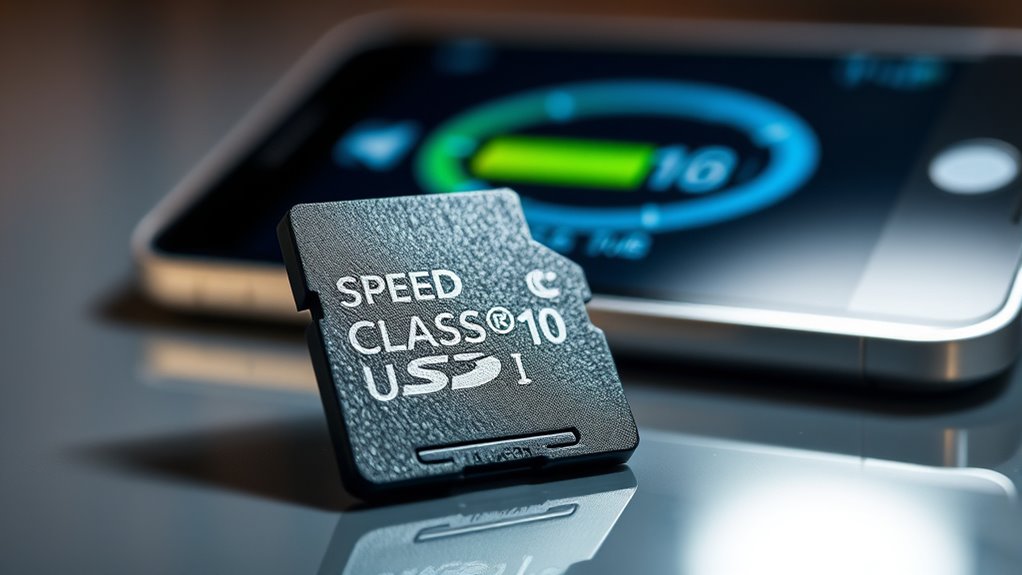
Check speed class ratings on the microSD card, like UHS or video speed classes, to see if they match the advertised specs. Run performance benchmark tests using tools like CrystalDiskMark or SD Card Tester to verify real-world speeds. If speeds are notably lower than claimed, it’s a strong sign the card might be fake. Additionally, compare the card’s specifications with performance standards and connected fitness equipment to ensure consistency and authenticity. Pay attention to manufacturing details such as font, logo placement, and serial numbers, which can also help identify counterfeit cards. Moreover, verifying manufacturer markings can provide further confirmation of the card’s legitimacy. Always consider brand reputation when assessing a microSD card’s authenticity to avoid counterfeit products.
Verify Speed Class Ratings
Verifying the speed class ratings on a microSD card is essential to determine if it’s genuine or counterfeit. Check the labels for UHS speed classes like U1 or U3, and video classes like V10 or V30. Genuine cards typically display multiple ratings, such as U3 and V30, indicating faster performance. Compare these ratings with the advertised specs and test the actual speeds using tools like CrystalDiskMark or SD Card Tester. If the read/write speeds are markedly lower than claimed, it’s a red flag. Be cautious if the card’s performance doesn’t align with its ratings, as fake cards often show false markings or exaggerated claims. Confirm that these ratings match your device’s requirements to ensure reliable footage storage and avoid data loss. Additionally, understanding topical authority in content can help identify reputable brands and avoid counterfeit products. Always purchase from reliable sources and verify the packaging for authenticity to prevent falling victim to counterfeit cards. Recognizing authentic packaging and labels can further aid in distinguishing genuine cards from fakes. Paying attention to the microSD card markings can also help identify inconsistencies or signs of tampering.
Conduct Performance Benchmark Tests
Performing performance benchmark tests helps confirm whether a microSD card truly meets its advertised speed class ratings. You should use tools like CrystalDiskMark or SD Card Tester to evaluate real-world performance. Here are three key steps:
- Measure Sequential and Random Speeds – Check read/write speeds; fake cards often show artificially high or inconsistent results.
- Compare Results to Advertised Ratings – If a card claims U3 or V30 but tests below U1 or V10, it’s likely counterfeit.
- Test Full Capacity by Writing Large Files – Fake cards may initially display correct capacity but fail during full write tests.
If your results fall short of specifications or show unstable speeds, you’re probably dealing with a fake. Always verify with multiple tools for accuracy.
Conduct Software-Based Capacity and Integrity Tests
To verify the microSD card is genuine and reliable, conducting software-based capacity and integrity tests is essential. You can use tools like H2testw for Windows or F3 for Mac to write data to the card and verify it reads correctly. Genuine cards should pass without errors; fake ones often show corrupted data or stop early. For quick checks, Fake Flash Test or ChipGenius offer rapid results, but they’re less thorough. Ensuring microSD card authenticity through these tests can help prevent data loss and ensure consistent performance. Additionally, implementing solar energy harnessing strategies can in some cases assist in understanding how to interpret test results accurately. Understanding the manufacturing process of genuine cards can also aid in identifying subtle differences in performance or markings that indicate authenticity.
Use Brand-Specific Authentication Tools and Utilities
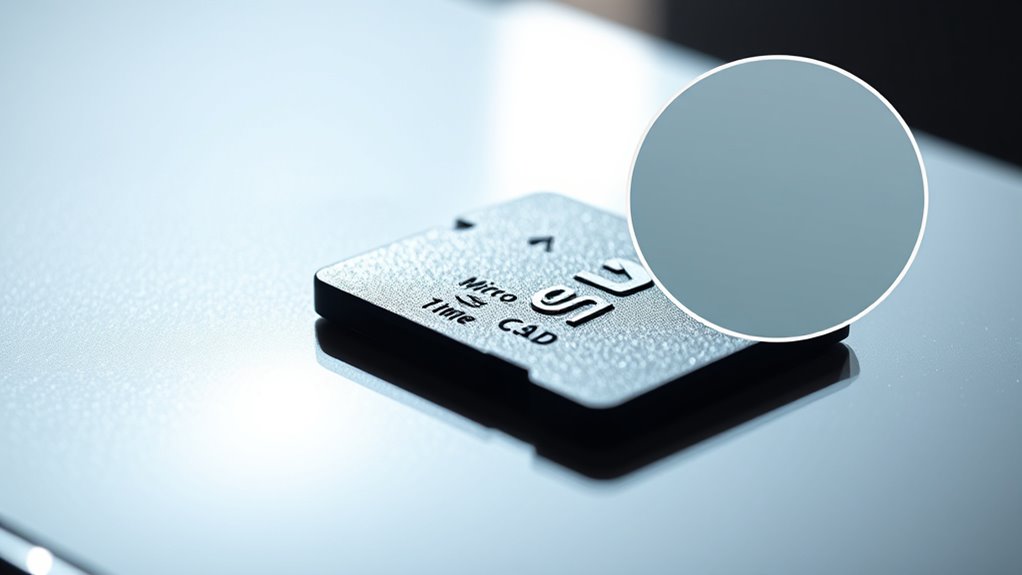
Brand-specific authentication tools provide a reliable way to confirm whether your microSD card is genuine. These utilities are designed by manufacturers to verify authenticity quickly and accurately. By using them, you reduce the risk of falling for counterfeit cards that may look real but lack proper performance and reliability. Ensuring the authenticity of your microSD card is part of making thoughtful, long-lasting buy once, rely daily decisions. Here are three tools you should consider:
- Samsung Authentication Utility – Automatically detects and verifies Samsung cards within seconds.
- Western Digital Support Verification – Confirms part numbers and matches photos to authenticate cards.
- SD Insight Android App – Checks manufacturer info, capacity, and serial numbers directly from your device. Using brand-specific verification tools can also help identify counterfeit cards that might otherwise pass superficial checks.
Utilize these tools to ensure your microSD card is authentic before you store critical footage, avoiding potential data loss and performance issues.
Benchmark Read/Write Speeds to Confirm Authenticity
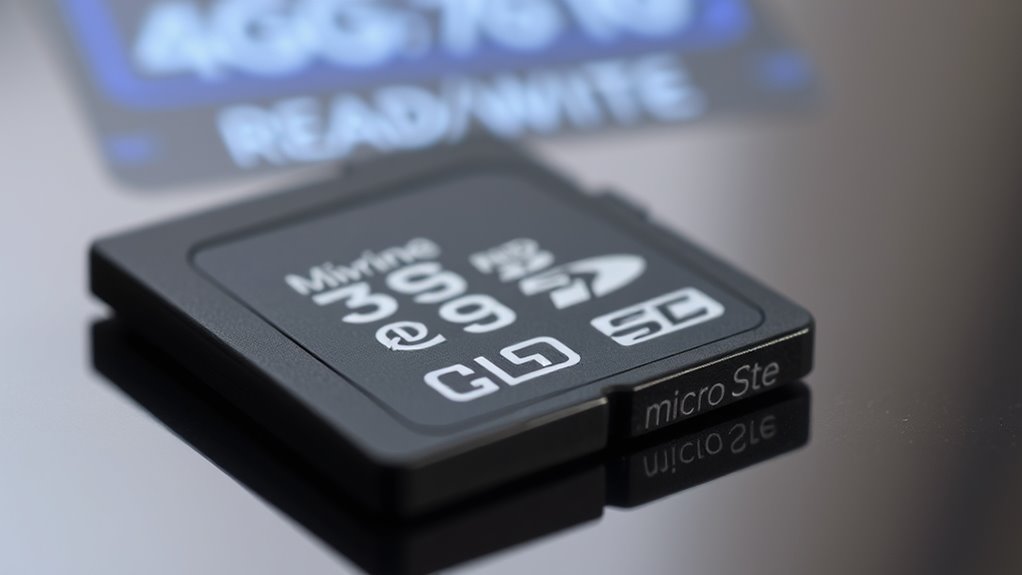
Benchmarking your microSD card’s read and write speeds is a crucial step in confirming its authenticity. Use tools like CrystalDiskMark or SD Card Tester to measure sequential and random speeds. Genuine cards typically meet or exceed their advertised ratings, such as U3 or V30 for Samsung, or C10 and U1 for SanDisk. If speeds are considerably lower, it’s a red flag—fake cards often deliver poor performance or slow down over time. Remember to test on a reliable reader and ensure your hardware isn’t limiting speeds. Fake cards may initially appear to have the right capacity but will struggle during full write tests, showing errors or early stops. Benchmarking helps you verify that your microSD matches manufacturer claims and isn’t a counterfeit. Additionally, essential oils for digital device health can help keep your devices running smoothly and prevent overheating during testing.
Frequently Asked Questions
Can Fake Cards Sometimes Pass Basic Packaging Inspections?
Yes, fake cards can sometimes pass basic packaging inspections. They often mimic packaging details like part numbers, QR codes, and specifications, making them look authentic. You might not notice discrepancies unless you carefully verify details like hole punches, date codes, and country labels. So, always double-check packaging against official manufacturer info and use authentication tools to guarantee you’re not buying a counterfeit.
Are There Visual Signs on the Card That Always Indicate Fakes?
You’d be surprised—about 80% of fake microSD cards show visual signs. Look for blurry or poorly printed logos, uneven coloring around edges, or misaligned text. Check the plastic edging color; fake Samsung cards often have black edges. Also, inspect for indentations or irregularities on the surface. If anything looks off or inconsistent with genuine cards, it’s a strong sign you’re dealing with a counterfeit.
Do All Fake Cards Show Reduced Speeds Across Different Devices?
Not all fake cards show reduced speeds across devices. Some counterfeit microSD cards mimic genuine performance initially, making them seem legitimate. However, their real capacity often fails during full writes or intensive use, causing speed drops or errors over time. To be safe, always test speeds with benchmarking tools and verify capacity with software like H2testw or SD Insight, rather than relying solely on initial performance, which can be faked.
Is It Possible for Software Tests to Falsely Identify Genuine Cards as Fake?
Yes, software tests can sometimes falsely identify genuine cards as fake. You might see speed or capacity issues caused by hardware limitations, incompatible devices, or software glitches. To avoid misjudging, run multiple tests with different tools, check for consistent results, and verify physical details. Remember, a single test isn’t definitive—use a combination of methods to confidently confirm your microSD card’s authenticity.
Can a Brand’s Official App Guarantee a Card’s Authenticity?
Think of a brand’s official app as a trustworthy lighthouse guiding your ship. It can quickly confirm if your card matches the manufacturer’s data, but it’s not foolproof. While it’s a strong sign of authenticity, fakes can sometimes mimic these tools. Always combine app checks with physical inspections and software tests for the clearest proof. Relying solely on the app’s word might leave you lost in dangerous waters.
Conclusion
By carefully inspecting packaging, physical details, and performance, you can spot a fake microSD card before it eats your footage. Imagine unboxing what seems like genuine storage only to find it’s a counterfeit, silently risking your precious memories. Trust your instincts and use testing tools—think of them as your digital detective. When you verify authenticity, you’re not just protecting data; you’re safeguarding the stories that truly matter, ensuring they’re safe from the shadows of deception.
Halloween Picks
halloween
As an affiliate, we earn on qualifying purchases.