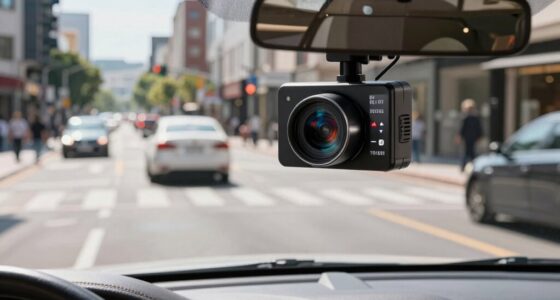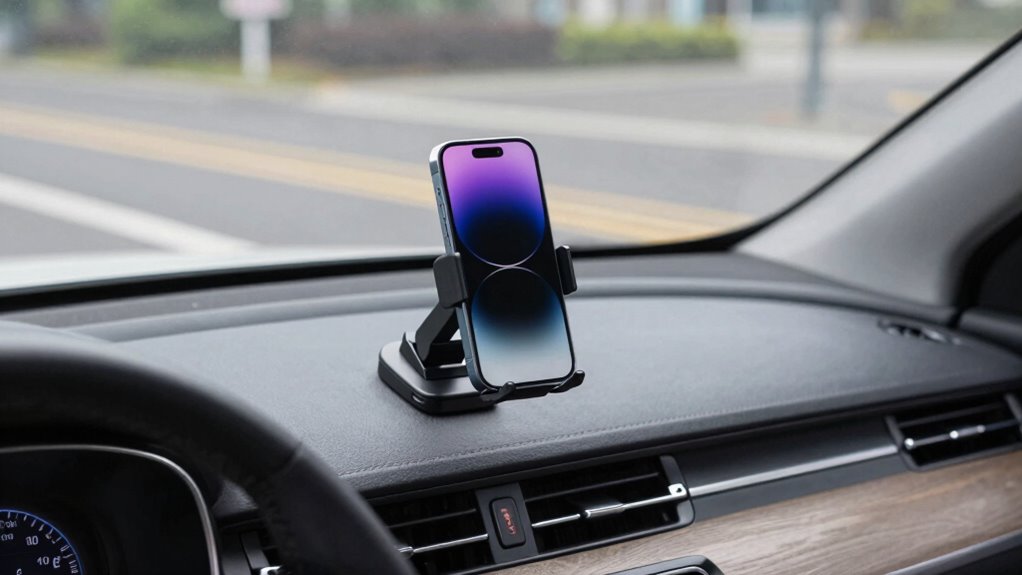

To guarantee your phone mount is safe, position it away from airbag deployment zones, such as near the steering wheel or in front of airbags. Choose a spot that doesn’t block your view or create blind spots, like on the dashboard or windshield. Avoid placing it in direct sunlight or glare areas to prevent overheating. Proper placement helps you stay safe and keeps your device accessible. Keep exploring to discover more tips for maximum safety and convenience.
Listen free for 30 days with Audible
Thousands of audiobooks and originals — cancel anytime.
As an affiliate, we earn on qualifying purchases.
Key Takeaways
- Mount the phone away from airbag deployment zones, such as the steering wheel or center dashboard.
- Choose vent or dashboard mounts with good airflow to prevent overheating during wireless charging.
- Position the mount within easy reach without obstructing the view of mirrors or creating blind spots.
- Regularly check for heat buildup and remove or adjust the mount if devices overheat.
- Ensure the mount is securely installed to avoid sudden shifts that could block visibility or interfere with safety features.
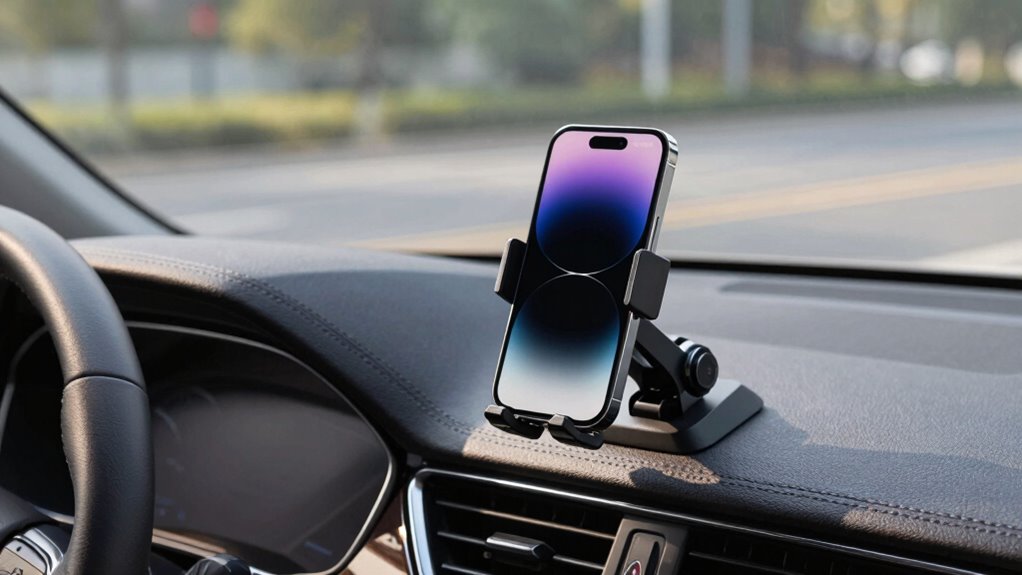
Using a phone mount in your vehicle can keep your device accessible and reduce distractions, but it’s vital to prioritize safety. A well-placed mount allows you to glance at your phone without taking your eyes off the road, supporting features like wireless charging and enabling one-handed operation. Wireless charging is a huge convenience, helping you keep your phone powered up without cluttering your dashboard with cables. Just make certain the mount supports this feature so you can effortlessly dock your device while driving, minimizing the need to handle your phone directly. One-handed operation is also safer, allowing you to adjust settings or navigate apps without fumbling with your phone or taking both hands off the wheel. When choosing your mount, look for a secure grip that won’t slip during sudden stops or turns, and position it within easy reach but away from your airbag deployment zone. Proper placement also reduces the chance of your phone becoming a distraction or obstacle in your line of sight. Being aware of your vehicle’s safety features can further guide you in choosing the optimal mounting position.
Ensure your phone mount is secure, accessible, and positioned away from airbags for safe, hands-free driving.
One of the most critical safety considerations when mounting your phone is avoiding interference with airbags. Airbags deploy rapidly during a collision, and having your device too close to the airbag compartment can cause injury or obstruct proper deployment. Keep your phone mount low enough to stay clear of the airbag’s path, usually on the dashboard or windshield away from the steering wheel. Proper placement ensures that, in the event of an accident, your airbag can deploy fully without obstruction, reducing the risk of injury. Remember, even if your mount is designed to hold your phone securely, it shouldn’t be positioned where it might block the airbag or cause distraction during normal driving. Additionally, consider the placement of your device to avoid creating blind spots or obstructing your view of the road. Being mindful of vehicle safety features like airbags helps ensure your setup aligns with best practices for safe driving. Proper ventilation can make a significant difference in maintaining your phone’s longevity and performance, especially in hot weather.
Heat is another factor to ponder, especially if your phone is wirelessly charging. Phones generate heat when charging, and excessive heat can damage your device over time or cause it to shut down unexpectedly. Avoid mounting your phone in direct sunlight or in areas where it might get baked by the sun’s rays, like near the windshield’s glare zone. Vent-mounted or dashboard mounts with good airflow help dissipate heat, keeping your device cooler. Regularly check that your phone isn’t overheating during charging, and if it gets too hot, remove it from the mount to allow it to cool down. Proper ventilation can help prevent overheating and extend your phone’s lifespan. Being mindful of placement not only preserves your phone’s battery health but also ensures that your device remains functional and safe to use. Proper ventilation can make a significant difference in maintaining your phone’s longevity and performance. Always consider airbag deployment zones when positioning your mount to prevent accidental interference.
Finally, be aware of blind spots created by your phone mount. Positioning it too high or too low can block your view of the road or mirror, increasing the risk of accidents. Choose a mount that doesn’t obstruct your line of sight, and adjust it as needed to ensure you have a clear, unobstructed view. Prioritize visibility and accessibility, and always double-check your setup before hitting the road. By carefully contemplating these factors—airbags, heat, and blind spots—you can enjoy the convenience of your phone mount while keeping safety at the forefront.

3-in-1 Wireless Car Charger Mount, 15W Fast Charging Auto-Clamping Phone Holder for iPhone 17 16 15 14, Samsung Galaxy S24 S23, Dashboard, Vent & Windshield Car Mount(Black)
- Fast Wireless Charging: 15W fast charging for Qi-enabled phones
- Strong Suction Cup: Holds up to 50LB on flat surfaces
- Universal Compatibility: Fits iPhone, Samsung, and other Qi phones
As an affiliate, we earn on qualifying purchases.
As an affiliate, we earn on qualifying purchases.
Frequently Asked Questions
Can Phone Mounts Interfere With Vehicle Sensors?
Yes, phone mounts can interfere with vehicle sensors, especially if placed poorly. If you position your mount on the dashboard, it might obstruct sensors related to parking assistance or collision avoidance. Wireless charging mounts should be placed carefully to avoid overheating, which can affect sensor performance. Make sure your phone isn’t blocking sensors and that the mount doesn’t cover critical areas, maintaining safe sensor operation while keeping your device accessible.
Are Magnetic Mounts Safe Near Airbags?
Magnetic mounts are generally safe near airbags, but you should consider magnetic interference and mount durability. Strong magnets might slightly affect sensitive electronics, so keep the mount away from airbag deployment zones. Verify your mount is durable enough to withstand heat and vibrations, preventing accidental dislodging. Always follow manufacturer guidelines to minimize risks, and position the mount carefully to avoid blocking sensors or airbags, ensuring safety and functionality.
What Materials Are Best for Heat Resistance?
You should look for phone mounts made from heat resistant materials like silicone, high-temperature plastics, or certain metals with strong thermal durability. These materials withstand high temperatures without warping or degrading, ensuring your device stays safe. Opt for mounts specifically designed for thermal durability to prevent heat-related damage. By choosing the right heat resistant materials, you keep your phone secure and protected even in hot environments, maintaining safe and reliable use.
How Do I Prevent a Mount From Blocking My View?
Ever imagine your view blocked while driving? To prevent this, carefully choose your mount placement—preferably near the dashboard or lower on the windshield—to optimize visibility. Keep your phone within your line of sight without obstructing mirrors or gauges. Adjust the mount so it doesn’t interfere with your peripheral vision. Remember, good visibility isn’t just about convenience; it’s about safety, ensuring you stay aware of your surroundings at all times.
Is It Legal to Use Certain Mounts in Specific Regions?
It’s important to check regional regulations and legal restrictions before using certain phone mounts, as laws vary by area. Some regions prohibit mounts that obstruct your view or interfere with airbags, while others may have specific placement rules. Always review local traffic laws to guarantee your mount complies, avoiding fines or safety issues. When in doubt, opt for mounts that are securely positioned without blocking essential visibility or safety features.

Qifutan Dash Mounted Holders Phone Holders for Your Car Phone Mount for Car Windshield Dashboard Air Vent Universal Desk Mounts Hands Free Automobile Cell Phone Holder Fit for iPhone Smartphone
- Versatile Installation Options: Fits windshields, dashboards, and vents
- Strong Suction Cup: Secure grip with heat-resistant TPU material
- Reusable Sticky Power: Wash to restore suction strength
As an affiliate, we earn on qualifying purchases.
As an affiliate, we earn on qualifying purchases.
Conclusion
Remember, your phone mount is a helpful companion, but it’s wise to give it a gentle place in your journey. By respecting the subtle signals of your vehicle’s safety features—airbags, heat zones, and blind spots—you keep your connection to the road safe and sound. When you listen to these quiet cues and adjust accordingly, you’re not just avoiding trouble—you’re nurturing a harmonious balance that keeps your travels smooth and secure.

miracase Phone Holders for Your Car with Metal Hook Clip, Air Vent Cell Phone Stand Car Mount, Universal Automobile Cradle Fit for iPhone Android and All Smartphones, Dark Black
- Secure Metal Hook Design: Holds firmly on horizontal and vertical vents
- Universal Smartphone Compatibility: Fits phones 4.0-7.2 inches with thick cases
- Easy One-Hand Operation: Quick release button for effortless phone mounting
As an affiliate, we earn on qualifying purchases.
As an affiliate, we earn on qualifying purchases.

VANMASS【85+LBS Strongest Suction & Military-Grade Ultimate Car Phone Mount
- Trusted by Over 9.9 Million Users: Certified and industry-leading safety tests
- Powerful 85+ LBS Suction: Ensures a secure hold on surfaces
- Easy 4-Step Installation: Simple process for a strong mount
As an affiliate, we earn on qualifying purchases.
As an affiliate, we earn on qualifying purchases.
Baby shower & registry season Picks
baby registry must-haves
As an affiliate, we earn on qualifying purchases.