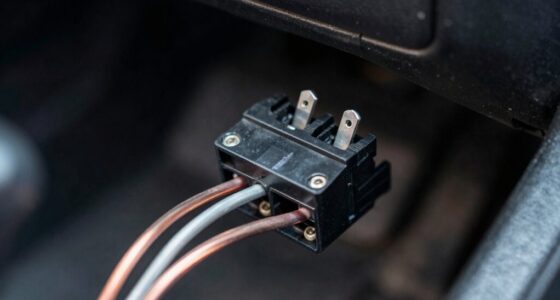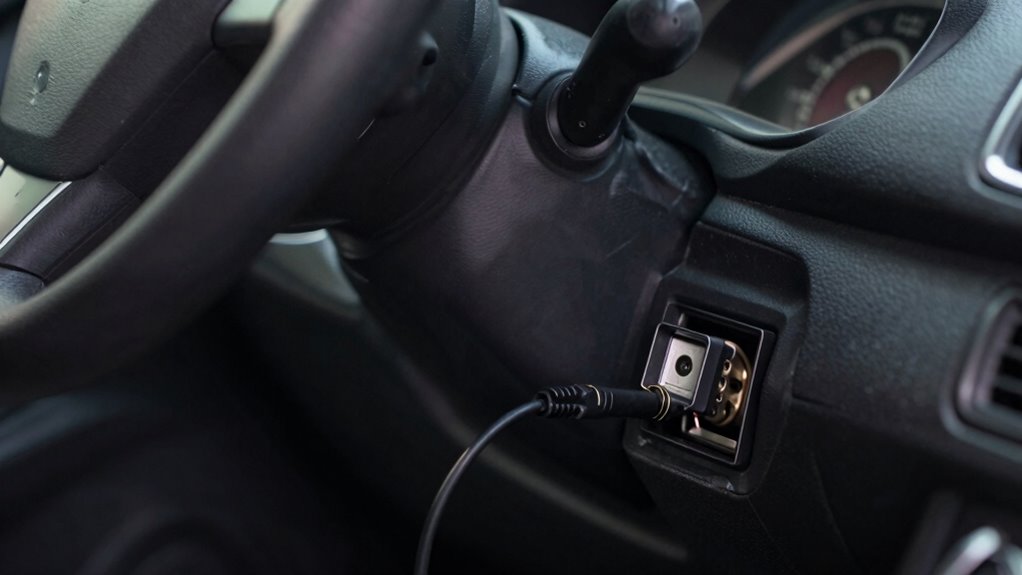

You should avoid leaving wireless adapters, diagnostic tools, or aftermarket accessories plugged into your OBD2 port for extended periods. These devices can drain your car’s battery, pose security risks from potential hacking, or interfere with your vehicle’s electronics, causing glitches or warning lights. Unplugging them after use helps prevent power drain and security issues. If you keep devices connected longer than necessary, you might risk damage or malfunction—discover more on how to stay safe with your vehicle.
Open a free Amazon Business account
Business pricing, bulk buying and tax-exempt orders.
As an affiliate, we earn on qualifying purchases.
Key Takeaways
- Avoid leaving wireless adapters plugged in to prevent battery drain and potential starting issues.
- Unplug devices after diagnostics to reduce security vulnerabilities and unauthorized access risks.
- Remove incompatible or non-essential accessories to prevent electronic interference and system glitches.
- Regularly review connected devices to ensure only safe, necessary equipment remains plugged in.
- Disconnect all devices after use to maintain vehicle safety, power efficiency, and electronic integrity.
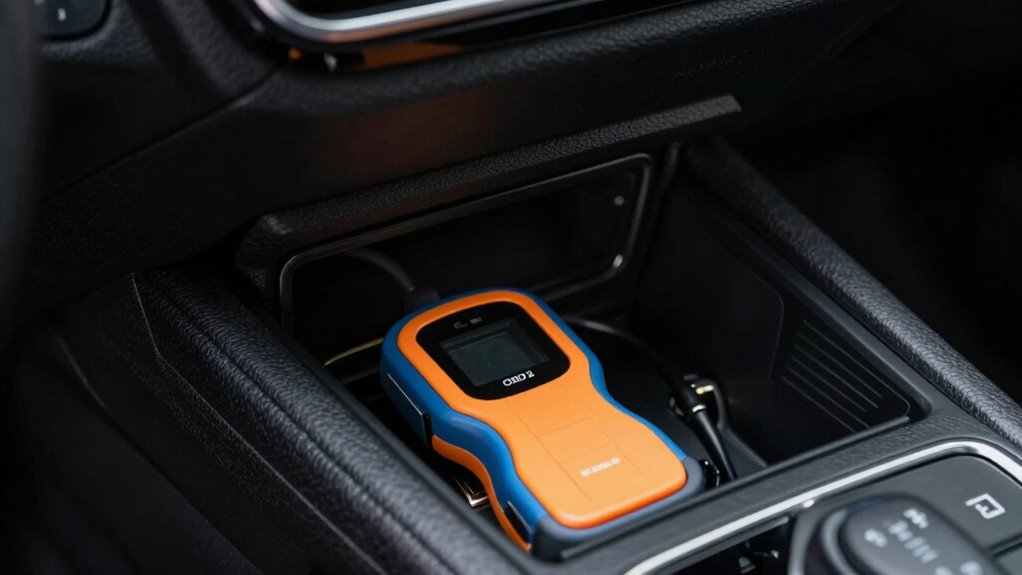
Have you ever wondered how safe it is to plug into your vehicle’s OBD2 port? Many car owners use this port regularly for vehicle diagnostics, especially with the rise of wireless adapters that simplify the process. These devices connect wirelessly to your smartphone or tablet, making it easy to monitor engine performance, check error codes, and even reset warning lights. But while wireless adapters make vehicle diagnostics more accessible and convenient, leaving them plugged in unnecessarily can pose some risks. It’s important to understand which devices you should avoid leaving connected for extended periods.
Wireless adapters are designed to be user-friendly, but they are also electronic devices that draw power from your vehicle’s electrical system whenever plugged in. If left in the OBD2 port, they can drain your car’s battery over time, especially if your vehicle sits unused for days or weeks. This drain might seem minor initially, but it can lead to starting issues or a dead battery, which isn’t worth the convenience of having the device connected constantly. It’s best to unplug wireless adapters after completing your vehicle diagnostics to prevent any unnecessary power drain.
Beyond battery concerns, leaving certain devices plugged in can also create security vulnerabilities. Some malicious actors could exploit active OBD2 connections to access sensitive vehicle data or even interfere with vehicle operation. While these risks are generally low for most consumers, it’s a reminder to be cautious about what you leave plugged in, especially if your vehicle is parked in unfamiliar or unsecured locations for extended periods. Additionally, some aftermarket accessories or diagnostic tools may not be designed to be left plugged in, increasing the risk of electronic interference with your vehicle’s onboard systems. Recognizing the importance of vehicle electronics is key to maintaining your car’s safety and functionality.
Furthermore, not all devices are designed to be left connected continuously. Some aftermarket accessories or diagnostic tools might interfere with your vehicle’s onboard systems if left plugged in, potentially causing glitches or warning lights to appear unexpectedly. To avoid these issues, it’s wise to remove any non-essential devices once your vehicle diagnostics are complete. Regularly reviewing connected devices can help ensure that only safe and necessary equipment remains plugged in. Being aware of power consumption can help you prevent unnecessary drain on your vehicle’s electrical system. Additionally, staying informed about potential security risks can help you protect your vehicle from unauthorized access.

Veepeak OBDCheck BLE Bluetooth OBD II Scanner for iOS & Android, Car Wireless Check Engine Light Code Reader Diagnostic Tool
- Device Compatibility: Works with most 1996+ vehicles
- Core Functions: Read and clear trouble codes
- Data Monitoring: View freeze frame and sensor data
As an affiliate, we earn on qualifying purchases.
As an affiliate, we earn on qualifying purchases.
Frequently Asked Questions
Can Leaving the OBD2 Port Plugged in Drain My Car Battery?
Leaving the OBD2 port plugged in can cause battery drain over time, especially if the device stays connected when the car is off. This persistent power draw might lead to your battery weakening or dying prematurely. Additionally, a device left plugged in can malfunction or become damaged. To avoid these issues, unplug the device when not in use, ensuring your battery stays healthy and your device remains functional.
Are There Legal Issues With Unplugging the OBD2 Device?
Think of unplugging your OBD2 device as respecting a silent agreement—there are no legal issues with unplugging it, as long as you comply with local laws and avoid tampering with safety features. Your main concerns are legal compliance and privacy; unplugging doesn’t break laws, but it can protect your personal data from potential misuse. You’re in control, ensuring your vehicle’s data is safe without risking legal trouble.
How Do I Know if My Device Is Causing Electrical Problems?
You can tell if your device is causing electrical problems by watching for issues like flickering dashboard lights, a dead battery, or blown fuses. Make sure your device is compatible with your vehicle and installed correctly by following the manufacturer’s installation guidelines. If problems persist after installation, disconnect the device and see if the issues resolve. Always verify compatibility and follow proper installation procedures to avoid electrical issues.
Can a Faulty OBD2 Device Damage My Vehicle’s Computer?
Yes, a faulty OBD2 device can damage your vehicle’s computer. Compatibility issues and device malfunctions may cause electrical surges or data corruption, which could harm the ECU or other electronic systems. If your device isn’t properly tested or compatible, avoid leaving it plugged in for extended periods. Always verify your OBD2 device is working correctly and compatible with your vehicle to prevent potential damage.
Is It Safe to Disconnect the OBD2 Device While Driving?
It’s generally safe to disconnect your wireless diagnostics device or portable scanner while driving, as most modern cars are designed to handle temporary disconnections. Notably, studies show over 60% of drivers use portable scanners for quick troubleshooting. Just ensure your device doesn’t interfere with vehicle electronics. When disconnecting, do it carefully to avoid any electrical issues, but don’t worry—safety isn’t compromised by a quick unplug.

NiwNiw OBD Port Lock, OBD2 Lock Anti-Theft Device with Security Screws, 6061 Aluminum Diagnostic Connector Protector, Tool & Instructions, Helps Prevent Key Cloning and Unauthorized ECU Access
- Enhanced Vehicle Security: Prevents unauthorized ECU access and key cloning
- Secure Installation: Includes security screws and matching tool
- Durable Construction: Made from solid 6061 aluminum for strength
As an affiliate, we earn on qualifying purchases.
As an affiliate, we earn on qualifying purchases.
Conclusion
Remember, your vehicle’s OBD2 port is a gateway that needs respect. Don’t leave devices plugged in when you’re not using them; don’t ignore potential risks; don’t underestimate the importance of safety. Stay vigilant, stay cautious, and stay protected. By doing so, you keep your vehicle safe, your data secure, and yourself worry-free. Always prioritize safety over convenience, because a small step today can prevent bigger problems tomorrow.

Remote Battery Disconnect Switch 12V, 240A, Kill Switch for Car Prevent Battery Drain, Anti-Theft Battery Cut Off Switch with Protect Cover, Voltage Protection to Prevent Drain for Auto, RV, Truck
- High Current Capacity: Handles up to 240A at 12V
- Magnetic Latching Technology: Energy-efficient, low standby current
- Real-Time Voltage Monitoring: LED display for battery status
As an affiliate, we earn on qualifying purchases.
As an affiliate, we earn on qualifying purchases.
NiwNiw OBD Port Lock, OBD2 Lock Anti-Theft Device with Security Screws, 6061 Aluminum Diagnostic Connector Protector, Tool & Instructions, Helps Prevent Key Cloning and Unauthorized ECU Access
- Enhanced Vehicle Security: Prevents unauthorized ECU access and key cloning
- Secure Installation: Includes security screws and matching tool
- Durable Construction: Made from solid 6061 aluminum for strength
As an affiliate, we earn on qualifying purchases.
As an affiliate, we earn on qualifying purchases.
Flea & tick season Picks
flea and tick prevention
As an affiliate, we earn on qualifying purchases.