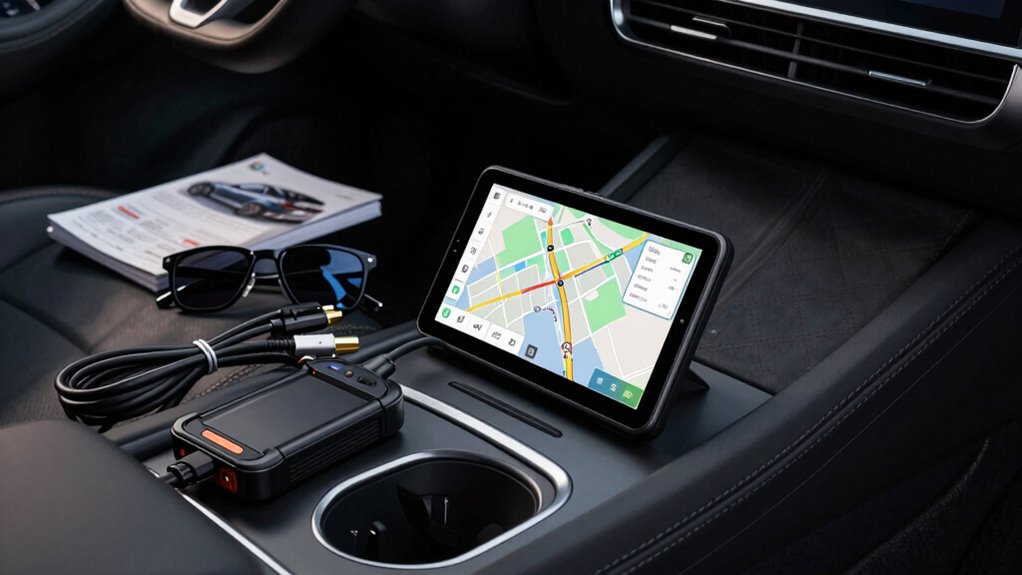

Start by prioritizing systems that guarantee robust data security, like strong encryption and access controls, to protect driver information right away. Next, focus on hardware and software compatibility to avoid costly upgrades later. Scalability and update policies are also key — choose solutions that can grow with your fleet and stay relevant. Addressing security first helps build a solid foundation; to see which other essentials you need and what can wait, keep exploring.

Get business pricing on garage and car supplies
- Business-only prices and quantity discounts
- Tax-exempt purchasing
- Multiple users, one account, clear invoices
Key Takeaways
- Prioritize secure data encryption and access controls to protect driver information from breaches.
- Ensure vehicle compatibility before investing in hardware or software systems.
- Focus on solutions with regular updates to maintain future relevance and avoid obsolescence.
- Evaluate integration capabilities with existing security infrastructure for comprehensive data protection.
- Delay large-scale scalability upgrades until core security and compatibility needs are established.
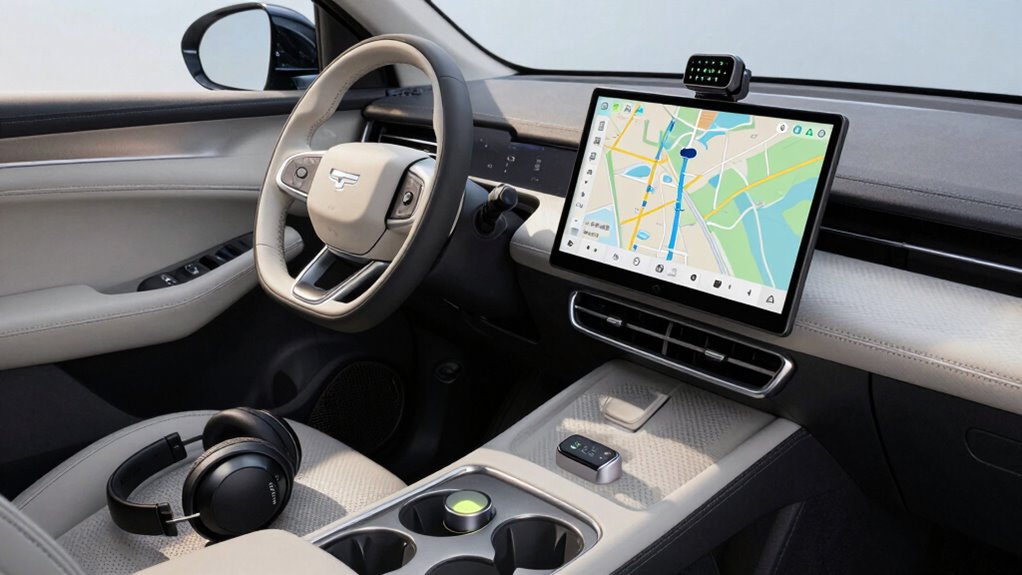
If you’re just starting to explore driver data solutions, knowing what to prioritize can feel overwhelming. The landscape is filled with options, and it’s easy to get caught up in features that aren’t immediately necessary. To make the most of your investment, focus first on the essentials that will give you the greatest impact: vehicle compatibility and data security. These foundational elements ensure that your system will work seamlessly and keep sensitive information protected.
Vehicle compatibility is the first thing to verify before making any purchase. Not all driver data solutions are created equal; some are designed for specific vehicle makes, models, or even certain years. If you buy a system that doesn’t integrate well with your fleet, you’ll face headaches and additional costs down the line. Check the hardware and software requirements carefully and confirm that the solution supports your vehicles’ specifications. This step prevents wasted resources and future compatibility issues. Prioritizing vehicle compatibility means you’re investing in a system that functions smoothly from day one, saving you time and frustration. Additionally, understanding the vehicle specifications can help you better assess which solutions are compatible. Ensuring compatibility also involves evaluating the manufacturer’s update policies to keep your system current and functional as vehicles evolve. Knowing how often and easily updates are released can prevent obsolescence, and understanding system scalability can help you plan for future growth and additional features.
Verify vehicle compatibility to ensure seamless integration and avoid costly future issues.
Next, you need to consider data security. When dealing with driver data, sensitive information such as location, driving habits, and personal details are involved. If this data isn’t protected properly, it could be vulnerable to breaches or misuse, which can have serious legal and reputational consequences. Look for solutions that offer robust encryption, access controls, and compliance with data privacy regulations. Ensuring data security isn’t just a feature—it’s a necessity. Protecting your drivers’ information builds trust and safeguards your organization from potential liabilities. Additionally, understanding how your chosen solution integrates with cloud server and security strategies can further enhance data protection and overall system resilience. Taking these steps helps create a secure foundation for your driver data management.
vehicle data security encryption software
As an affiliate, we earn on qualifying purchases.
As an affiliate, we earn on qualifying purchases.
Frequently Asked Questions
How Do I Determine My Specific Driver Data Needs?
To determine your specific driver data needs, start by analyzing your primary goals, such as improving driver behavior or reducing costs. Focus on data accuracy, ensuring the information collected is reliable. Consider what insights you need to monitor, like speeding or harsh braking, and choose tools that capture those details. Prioritize data sources that align with your objectives, so you get meaningful, actionable insights without overwhelming your system.
What Budget Should I Allocate for Initial Driver Data Tools?
You should allocate a budget that balances your driver data needs with data privacy and cost management. Start small, investing in essential tools that offer robust security features to protect sensitive data. As your needs grow, expand your budget gradually, ensuring you prioritize data privacy compliance. This approach helps control costs while safeguarding driver information, enabling you to make informed decisions without overspending or risking privacy breaches.
Are There Industry Standards for Driver Data Essentials?
While industry standards for driver data essentials aren’t rigid, they emphasize respecting driver privacy and prioritizing data security. You should focus on capturing basic info like driver logs, vehicle data, and safety metrics first. As you expand, make certain your data collection respects privacy boundaries and uses secure systems to protect sensitive info. Staying aligned with best practices helps you build trust and avoid pitfalls in managing driver data effectively.
How Often Should Driver Data Be Updated or Reviewed?
You should review and update driver data regularly—at least quarterly—to maintain data accuracy and address any changes. Frequent updates help guarantee safety, compliance, and operational efficiency. Always consider data privacy concerns, securing driver information during updates and storage. Staying proactive minimizes errors, enhances decision-making, and respects driver confidentiality. By maintaining current, accurate data, you support your fleet’s safety standards and uphold privacy regulations effectively.
Can I Integrate Driver Data With Existing Fleet Management Systems?
You can definitely integrate driver data with your existing fleet management systems, but prioritize ensuring driver data security first. This integration enables real-time data analytics, improving efficiency and safety. Confirm that your current system supports seamless integration and complies with data security standards. By doing this, you’ll optimize fleet operations while safeguarding sensitive driver information, making your data-driven decisions more accurate and timely without risking security breaches.
driver data protection access controls
As an affiliate, we earn on qualifying purchases.
As an affiliate, we earn on qualifying purchases.
Conclusion
Prioritize your driver data essentials by investing in the tools that improve safety, enhance performance, and provide valuable insights. Focus on reliable GPS systems, robust dash cams, and user-friendly telematics. Don’t rush to buy every gadget—start with what truly matters and build from there. Keep safety front and center, stay informed, and upgrade thoughtfully. Because when you choose wisely, you’ll drive smarter, safer, and more confident every mile.
vehicle compatibility diagnostic tools
As an affiliate, we earn on qualifying purchases.
As an affiliate, we earn on qualifying purchases.
fleet management software with regular updates
As an affiliate, we earn on qualifying purchases.
As an affiliate, we earn on qualifying purchases.
Halloween Picks
halloween
As an affiliate, we earn on qualifying purchases.