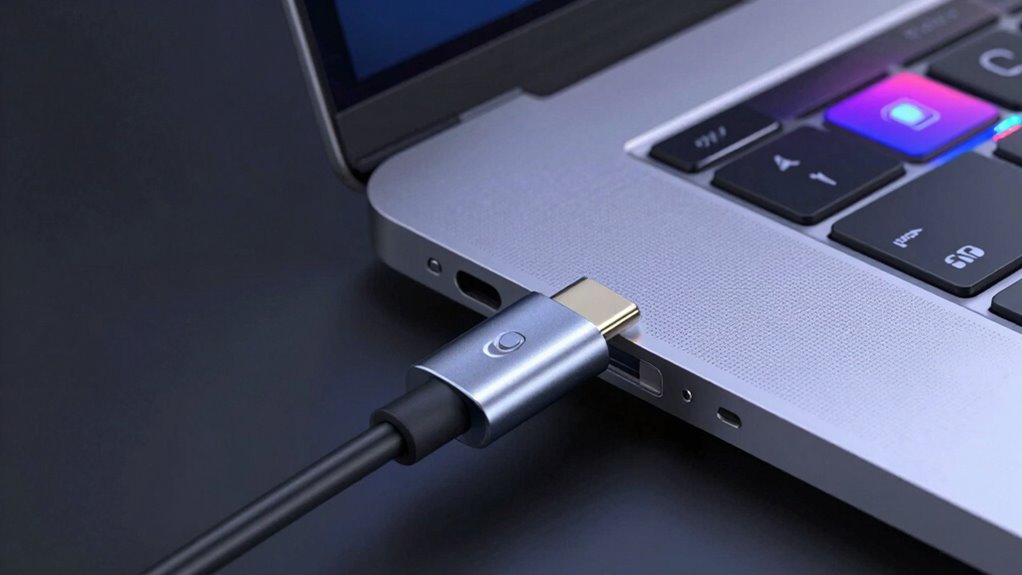
USB-C PD profiles determine the voltage and current your charger can deliver, directly affecting charging speed. Not all chargers can hit ‘fast’ because they might only support lower or limited profiles, or your device and charger may not communicate effectively for higher power levels. Compatibility depends on both hardware and firmware, so if they don’t support higher profiles, charging remains slow. To discover how to optimize your charging setup, keep exploring the details below.
Listen free for 30 days with Audible
Thousands of audiobooks and originals — cancel anytime.
As an affiliate, we earn on qualifying purchases.
Key Takeaways
- Chargers and devices must support matching USB-C PD profiles for fast charging to occur.
- Mismatch in supported profiles limits charging speed, even with high-capacity chargers.
- Devices may only support lower profiles due to hardware or firmware constraints.
- Negotiation starts with a default low power profile, escalating only if both sides support higher levels.
- Compatibility issues or outdated firmware can prevent chargers from achieving their maximum fast-charging capabilities.
Have you ever wondered how your USB-C charger knows exactly how much power to deliver to your device? It all comes down to a process called power negotiation, which guarantees your device gets the right amount of energy without risking damage. When you plug in your device, the charger and device communicate to determine the ideal power level, avoiding overcurrent or underperformance. This exchange relies heavily on profile compatibility, a key factor in whether your device charges at fast speeds or more slowly.
USB-C Power Delivery (PD) profiles are essentially predefined sets of parameters that specify voltage and current levels for different charging needs. Think of these profiles as language standards that both your charger and device understand. If the profiles are compatible, they can negotiate a power delivery plan that maximizes charging speed while maintaining safety. However, if there’s a mismatch—say, your device only supports a lower-profile setting—the charger will stick to that profile, limiting the charging speed. This is why some chargers never hit “fast” charging speeds, even if they’re capable of higher power output; the device’s profile compatibility is simply not aligned with the charger’s capabilities.
USB-C PD profiles set voltage and current levels, dictating charging speed based on device compatibility and communication.
Power negotiation is a dynamic process that plays out every time you connect a device. The charger starts by offering a default profile, often a low power level, and then communicates with your device to see which higher profiles it can support. If your device supports higher profiles—like a 20V/3A setting for fast charging—the negotiation can escalate to that level, allowing rapid battery replenishment. But if your device only supports lower profiles, the negotiation ends there, and charging proceeds at a slower rate. It’s a safeguard built into the protocol to prevent damage and ensure efficient power transfer. Additionally, profile support is influenced by the device’s hardware and firmware, which further emphasizes the importance of compatibility when choosing chargers.
As an affiliate, we earn on qualifying purchases.
Frequently Asked Questions
Can I Use a Lower Wattage Charger for Fast Charging?
Yes, you can use a lower wattage charger for fast charging, but don’t expect full speed. Charger compatibility and power limitations mean your device will charge more slowly or may not reach maximum fast-charging capabilities. If you want quick results, use a charger that matches your device’s recommended wattage. Otherwise, the lower wattage charger will still charge your device, just at a slower rate.
Do All USB-C Cables Support High Power Transfer?
Not all USB-C cables support high power transfer—they’re like different roads leading to the same destination. For ideal power delivery, you need cables designed for high wattage, usually labeled as USB-C with Power Delivery support. Using incompatible cables can bottleneck your charging speed or even cause safety issues. Always check cable compatibility before plugging in, ensuring your device gets the fast, safe charging it deserves.
How Do I Identify if My Device Supports USB-PD?
You can identify if your device supports USB-PD by checking its device compatibility details or user manual. Look for indicator signals like specific icons or messages when connecting a compatible charger. Many devices automatically detect USB-PD chargers and display a charging status that indicates fast charging. If unsure, visit the manufacturer’s website or contact support to confirm compatibility, ensuring you get maximum charge speeds.
Are There Safety Risks With Using Non-Certified Chargers?
Are you risking your device’s safety with non-certified chargers? Using uncertified chargers can pose serious safety risks, including overheating, short circuits, and damage to your device’s battery. These chargers often bypass safety standards, increasing counterfeit risks. To protect yourself and your device, always opt for certified chargers that meet safety regulations. Isn’t your device worth the extra assurance of quality and safety? Stick to trusted brands for peace of mind.
Why Does My Device Sometimes Charge Slowly Even With a Fast Charger?
You might experience slow charging even with a fast charger because of charger compatibility issues or poor cable quality. Make certain your device supports fast charging and that you’re using a certified charger. Also, check that your cable is high-quality and compatible with fast charging standards. Sometimes, a damaged or incompatible cable can limit charging speed, so upgrading your cable or using a certified one can help you achieve best charging performance.
USB-C power delivery profile tester
As an affiliate, we earn on qualifying purchases.
As an affiliate, we earn on qualifying purchases.
Conclusion
Now that you understand USB-C PD profiles, you can see why some chargers never hit ‘fast.’ It’s like trying to fill a bucket with a small hose—you won’t get the quick flow you want. By choosing the right profile, you reveal the full potential of your charger, letting it pour power into your device like a rushing river. So, pick wisely, and watch your devices power up in a flash, never waiting in the shadows of slow charging again.
As an affiliate, we earn on qualifying purchases.
As an affiliate, we earn on qualifying purchases.
College move-in / dorm season Picks
dorm essentials
As an affiliate, we earn on qualifying purchases.