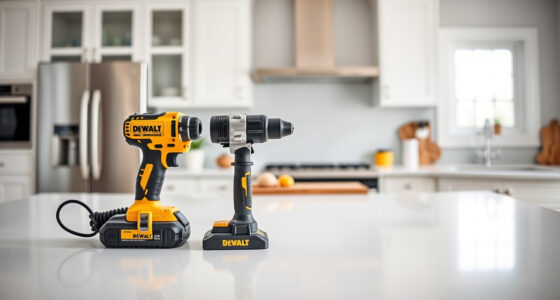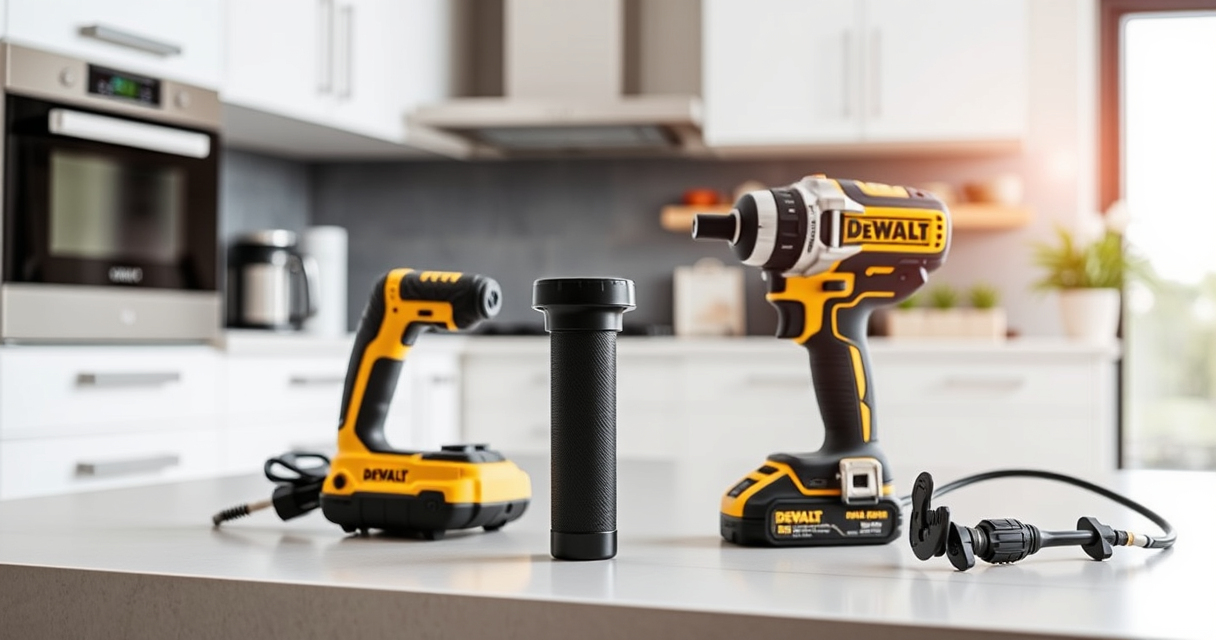
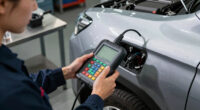
Overheating in DEWALT power tools can lead to reduced performance, potential damage, and safety hazards. Understanding the causes and knowing how to fix overheating issues ensures your tools remain reliable and safe during use.
Open a free Amazon Business account
Business pricing, bulk buying and tax-exempt orders.
Create a free accountAs an affiliate, we earn on qualifying purchases.
In this guide, we’ll walk through the common causes of overheating in your DEWALT tools, especially the cordless drill and impact driver, and provide clear, step-by-step solutions to address and prevent this problem effectively.
Key Takeaways
| Overuse | Prolonged or intense use can cause overheating. |
| Lack of ventilation | Poor airflow traps heat, leading to overheating. |
| Battery issues | Damaged or aging batteries generate excess heat. |
| Mechanical friction | Worn bearings or parts increase heat buildup. |
| Incorrect usage | Using the tool beyond recommended limits causes overheating. |

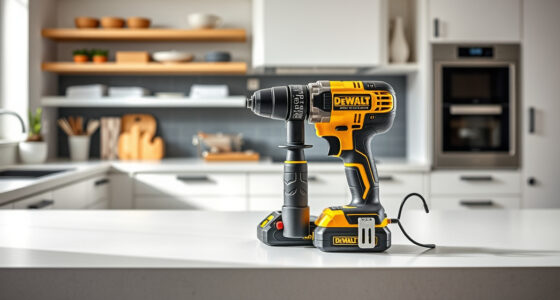
DEWALT 20V MAX Cordless Drill and Impact Driver, Power Drill Brushless 2-Tool Power Tool Combo Kit, Includes 2 Batteries, Charger and Bag (DCK277D2)
- Compact Design: 7.6-inch lightweight and space-saving
- Ergonomic Grip: Comfortable, balanced control for extended use
- Bright LED Light: Illuminates dark or tight work areas
As an affiliate, we earn on qualifying purchases.
Identify the Overheating Signs
- Feel for excessive heat on the tool’s surface after use.
- Notice if the tool shuts down unexpectedly or displays error indicators.
- Observe a burning smell or unusual noise during operation.

DEWALT Drill Bit Set, 3-Flats Shank,14-Piece, 135 Degree Split Point, for Plastic, Wood and Metal (DWA1184)
- Tip Design: 135° Split Point for Precision
- Material: High Speed Steel for Versatility
- Durability: Tapered Web for Breakage Resistance
As an affiliate, we earn on qualifying purchases.
Step 1: Stop Using and Power Down
Immediately cease operation if your DEWALT tool feels hot or shows signs of overheating. Disconnect the battery or unplug the tool to prevent further heat buildup and potential damage.
Step 2: Check for Obstructions and Ventilation
- Inspect air vents for dust, debris, or obstructions.
- Clean vents gently with compressed air or a soft brush.
- Ensure the tool is used in well-ventilated areas to prevent heat accumulation.
Step 3: Allow the Tool to Cool
Let the tool cool down completely before attempting to use it again. This may take 15-30 minutes, especially after heavy use.
Step 4: Examine the Battery
- Remove the battery and check for signs of damage, swelling, or corrosion.
- Test the battery with a compatible charger to verify it charges properly.
- Replace the battery if it shows signs of failure or excessive heat during charging.
Step 5: Prevent Future Overheating
- Use the tool within its recommended operational limits.
- Allow pauses during extended use to prevent overheating.
- Ensure proper ventilation and avoid using in confined, hot environments.
Tips and Warnings
- Always use the correct battery and accessories recommended by DEWALT.
- Regularly clean air vents and check for wear or damage.
- Avoid overloading the tool or forcing it through tough materials.
- Do not operate the tool if it continues to overheat after cooling; seek professional repair.
The Products in This Guide

DEWALT 20V MAX Cordless Drill and Impact Driver
- ✔ Length: 7.6 inches
- ✔ Grip: Ergonomic
- ✔ Warranty: 3 years

DEWALT Drill Bit Set
- ✔ Size Range: Various
- ✔ Tip Type: Split point
- ✔ Length: Variable
DEWALT 20V MAX Cordless Drill and Impact Driver
The DEWALT 20V MAX Cordless Drill and Impact Driver set offers a compact, lightweight design with ergonomic grip, making it ideal for prolonged use without overheating concerns. Its brushless motor ensures efficient performance and durability.
Pros:
- Compact and lightweight design
- Brushless motor for efficiency
- Includes 2 batteries and charger
- Bright LED for visibility
Cons:
- Battery life may vary with heavy use
- Limited to 20V tools
- No additional accessories included
Best for: DIY projects, home repairs, and tight-space work
Not ideal for: Heavy-duty industrial tasks requiring more power
Bottom line: A reliable, versatile cordless drill and impact driver set suitable for various tasks with proper maintenance.
DEWALT Drill Bit Set
Complement your DEWALT drill with this 14-piece drill bit set featuring high-speed steel construction and a 135-degree split point, ideal for various materials including plastic, wood, and metal.
Pros:
- Durable High Speed Steel
- Reduced walking with split point tip
- Easy size identification
- Corrosion-resistant coating
Cons:
- Limited to drilling tasks
- No specialized bits for masonry
- Bulkier storage case
Best for: General drilling tasks across different materials
Not ideal for: Heavy-duty masonry or concrete drilling
Bottom line: A versatile drill bit set that enhances your drilling accuracy and durability.
Frequently Asked Questions
Why does my DEWALT drill overheat quickly?
Overheating can be caused by prolonged use, obstructed vents, or a faulty battery. Ensuring proper ventilation and taking breaks during use can help prevent this.
How can I prevent my DEWALT impact driver from overheating?
Avoid continuous heavy-duty use, keep air vents clean, and use the tool within its recommended operational limits. Allow the tool to cool down periodically.
Is it safe to keep using a hot DEWALT tool?
No, operating a hot or overheating tool can cause damage or safety hazards. Always disconnect power and allow it to cool before further use.
Keep Your DEWALT Tools Cool and Reliable
Proper maintenance, awareness of usage limits, and regular cleaning of vents are key to preventing overheating in your DEWALT power tools. Following these troubleshooting steps will help extend the lifespan of your tools and ensure safe, effective operation.
Affiliate disclosure: As an Amazon Associate we earn from qualifying purchases. Prices and availability are accurate as of the time of publishing.
Flea & tick season Picks
flea and tick prevention
As an affiliate, we earn on qualifying purchases.