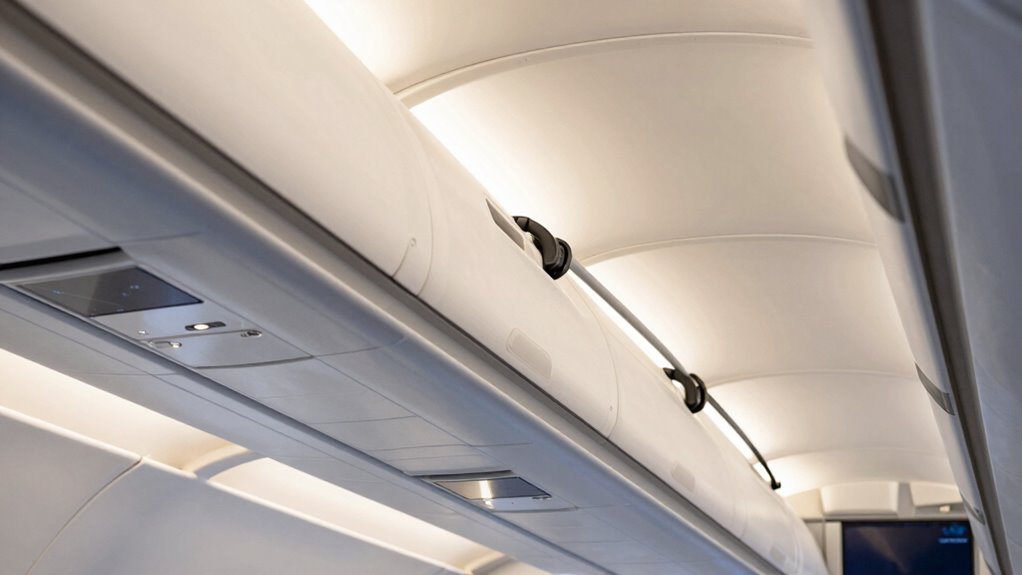
To power accessories through your cabin without creating pinch points, plan your routes carefully, avoiding sharp edges, moving parts, and high-traffic areas. Secure cables with clips or ties along structural elements, and use protective conduits to prevent wear and damage. Keep wires away from heat sources and vibration zones to maintain safety and performance. Properly organized wiring not only improves safety but also boosts reliability—continue exploring for more tips on seamless and safe routing.
Key Takeaways
- Use protective conduits or channels to prevent cables from being pinched or damaged during routing.
- Secure wires with clips or ties along structural elements to maintain organized, pinch point-free pathways.
- Avoid routing cables through tight corners or near moving parts to minimize risk of pinching.
- Incorporate strain relief devices to reduce stress at connection points and prevent accidental pinching.
- Plan routes to avoid high-traffic or vibration-prone areas, ensuring safety and cable integrity.
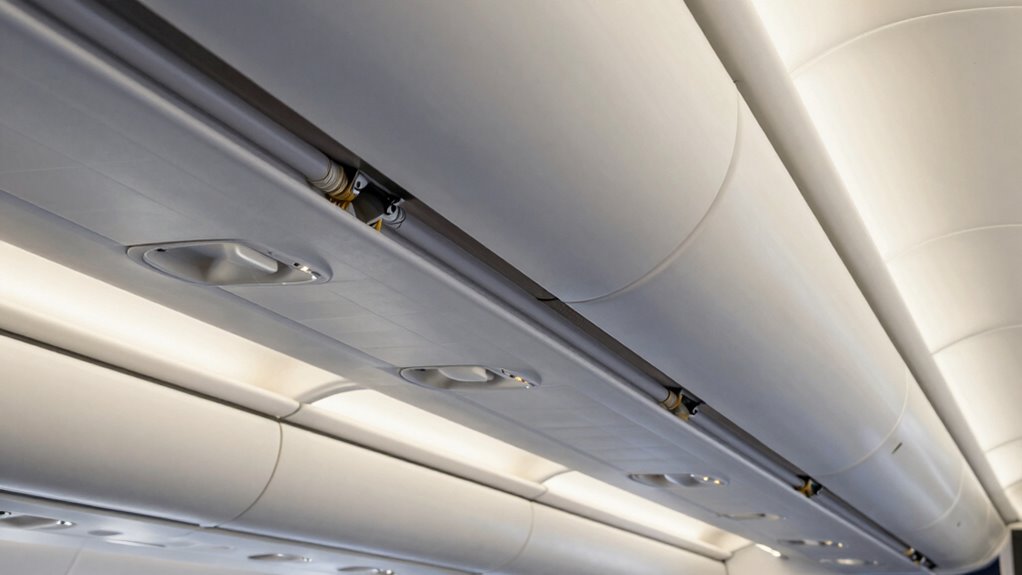
Have you ever wondered how routing accessories keep your cabin organized and functional? It’s all about smart design choices that guarantee every wire and connection serves its purpose without clutter or risk. When you’re powering accessories in a cabin, especially modern ones that rely on wireless connectivity, proper routing becomes essential. You want the setup to be seamless, safe, and unobtrusive, which means avoiding pinch points and potential hazards that could compromise safety or performance.
First, think about the importance of clean routing paths. When you run wires through the cabin, aim for routes that don’t interfere with movement or other critical functions. Use dedicated channels or conduits designed to protect cables from sharp edges, friction, or accidental pulls. This not only maintains the integrity of your wiring but also minimizes the risk of damage that could lead to short circuits or failures. Proper routing also helps keep the cabin visually tidy, reducing clutter that might distract or cause accidents.
Prioritize clean routing paths to protect cables and keep your cabin safe and clutter-free.
Wireless connectivity plays a significant role in reducing the number of physical wires you need to manage. When possible, opt for accessories that connect wirelessly, such as Bluetooth or Wi-Fi-enabled devices. This minimizes the need for extensive wiring runs, making the installation cleaner and easier to maintain. However, even with wireless tech, power supplies still require cables. For these, make sure the power lines are routed securely, away from high-traffic areas or places where they might be pinched or tripped over. Use cable ties or clips to secure wires neatly along structural elements, preventing movement that could lead to wear or disconnection over time.
Safety considerations are paramount when routing accessories. Always select routes that avoid heat sources, moving parts, or areas prone to moisture or vibration. When running wires through the cabin, keep them away from sharp corners or edges that could cause abrasion. Don’t forget to incorporate strain relief devices to prevent undue stress on connectors and cables. This helps maintain consistent power and signal flow, especially for accessories that rely on stable connections. Additionally, understanding cable management principles ensures a more reliable and organized setup.
Ultimately, a well-planned routing system enhances both safety and functionality. It ensures your accessories, whether wired or wireless, operate reliably and remain protected. By focusing on clean, organized paths that respect safety considerations, you create a cabin environment that’s not only efficient but also safe and comfortable for everyone. Proper routing isn’t just about aesthetics; it’s about guaranteeing your cabin’s accessories perform at their best while keeping everyone safe from potential hazards.

XHF 120 PCS Adhesive Cable Wire Clips Black, Outdoor Christmas Light Clips, Cable Management Wire Organizer Cord Holder for Under Desk, Car, Wall, TV PC Ethernet Cable
High quality material:XHF Adhesive Cable Clips are manufactured from Strong Adhesive and PA66 nylon
As an affiliate, we earn on qualifying purchases.
As an affiliate, we earn on qualifying purchases.
Frequently Asked Questions
How Do I Prevent Electrical Interference When Routing Accessories?
To prevent electrical interference when routing accessories, guarantee electromagnetic compatibility by properly shielding cables and keeping power lines separate from sensitive signals. Use effective grounding techniques, such as grounding accessories to a common chassis ground, to minimize noise and interference. Additionally, keep wires organized and away from high-current components, and avoid running signal and power cables parallel for long distances. These steps help maintain a clean electrical environment and reduce interference issues.
What Tools Are Best for Hiding Wires in Tight Spaces?
Think of your wires as a stealthy snake needing to hide in the grass. Use fine-tipped wire strippers and needle-nose pliers for precise cable management, allowing you to maneuver tight spots easily. Flexible, low-profile cable clips or adhesive-backed wire channels are your best tools for wire concealment in cramped spaces. These tools help keep wires neatly tucked away, preventing pinch points and ensuring a clean, professional look.
Can I Use Existing Cabin Panels for Wiring Routes?
Yes, you can use existing cabin panels for wiring routes if they offer wiring compatibility and enough space. Carefully remove the panels to check for hidden wiring or potential pinch points. Use the panels to conceal and protect your wires, ensuring they’re routed smoothly without interference. This approach keeps your wiring neat, reduces installation time, and maintains the cabin’s aesthetic. Just make sure to avoid damaging any existing wiring or components.
How Do I Ensure Wires Won’t Wear Out Over Time?
To prevent wires from wearing out over time, you should use high-quality wire insulation that resists abrasion and heat. Avoid sharp edges and pinch points by carefully routing cables along smooth paths, using protective grommets or sleeves where necessary. Regularly inspect the wiring for signs of damage or strain, and secure cables firmly to prevent movement that could cause cable strain, ensuring longevity and safety of your electrical system.
Are There Safety Tips for Routing Accessories in High-Moisture Areas?
When routing accessories in high-moisture areas, you should use waterproof connectors to prevent water ingress and guarantee reliable connections. Additionally, apply corrosion protection to metal parts and connectors to extend their lifespan. Keep wires organized and away from direct water exposure, and seal any entry points to prevent water intrusion. Regularly inspect the wiring for signs of wear or corrosion, replacing damaged components promptly to maintain safety and performance.

Automotive Wire Loom Flame Retardant Split Wire Loom Tubing Assortment Wiring Loom Kit Plastic Cover Electrical Covering Conduit Protective Wire Wrap Cable Sleeves Black 1/4", 1/2", 3/8" x 30 Ft
✳️✳️✳️ Premium Material – Unlike the cheap, thin, and brittle tubing that cracks or melts easily, our wire…
As an affiliate, we earn on qualifying purchases.
As an affiliate, we earn on qualifying purchases.
Conclusion
By carefully routing accessories without pinch points, you guarantee both safety and efficiency in your cabin setup. Remember, a well-organized cabin can reduce electrical failures by up to 30%, saving you time and money. Staying proactive in cable management not only prolongs the lifespan of your accessories but also creates a safer environment for everyone onboard. So, take the time to plan your routing — the benefits are well worth it.
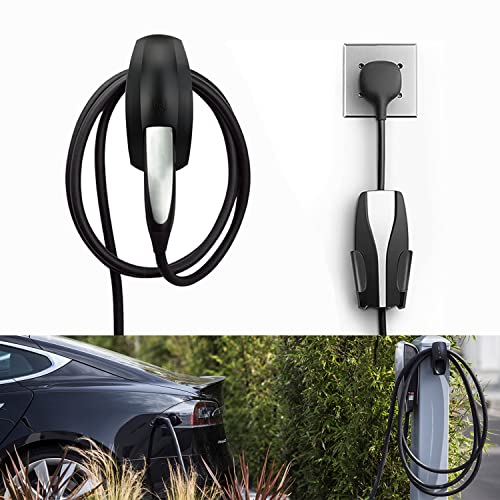
SEVEN SPARTA Charging Cable Holder with Chassis Bracket Compatible with Tesla Model 3 Model Y Model X Model S Charger Cable Organizer Car Accessories Wall Connector, Patent Approved (Black)
COMPATIBLE WITH TESLA MODEL 3/MODEL Y/MODEL X/MODEL S/ CHARGER: Seven Sparta Charging Cable holder is a perfect holder…
As an affiliate, we earn on qualifying purchases.
As an affiliate, we earn on qualifying purchases.

Armpow 110 PCS Automotive Installation Black Push Mount Cable Zip Ties Assorted Sizes, Heavy Duty Self-Locking UV Resistant Wire Ties – For Indoor Wire Bundling, Construction, Automotive
【Multiple Sizes】You Will Get 110 Pcs 5 Sizes Nylon Universal Cable Zipper Tie Kits, Regular Shapes And Sizes…
As an affiliate, we earn on qualifying purchases.
As an affiliate, we earn on qualifying purchases.