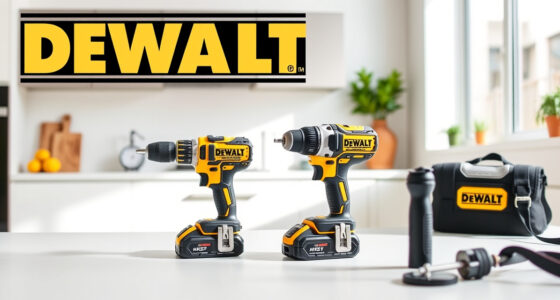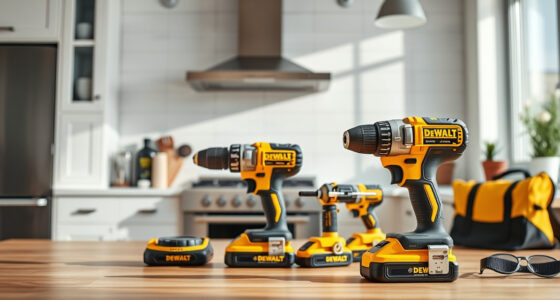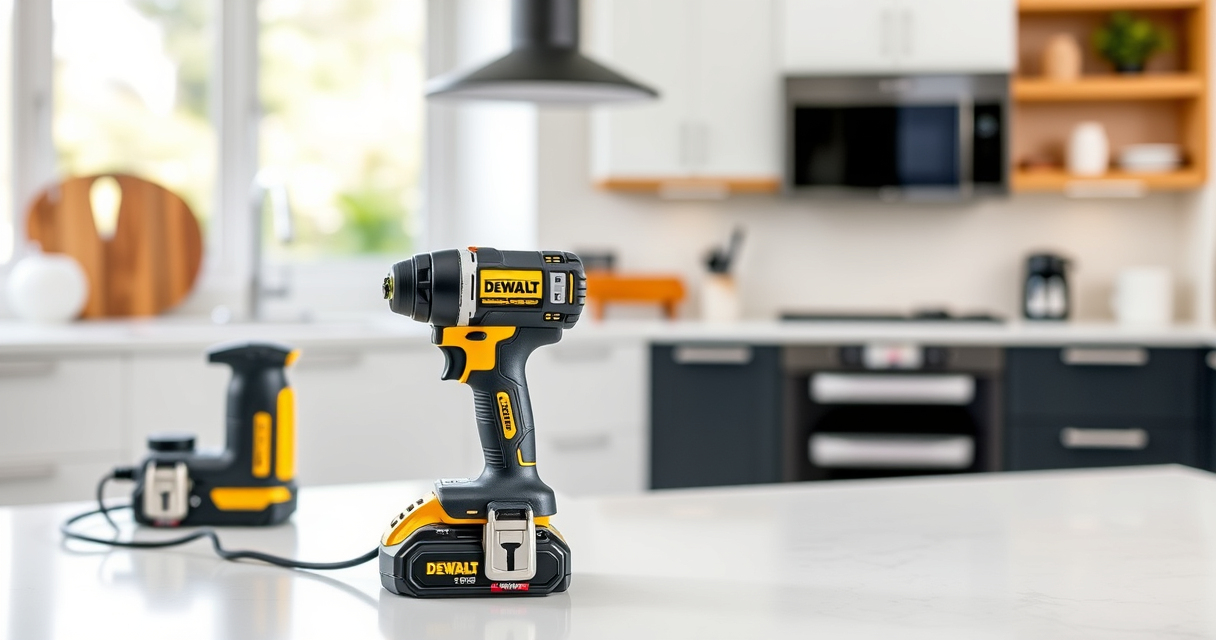

If your DEWALT 20V MAX cordless drill or impact driver is overheating during use, it can impact performance and potentially damage the tool. Overheating is a common issue that can be caused by various factors, from prolonged use to dust buildup or battery issues. This guide provides clear, practical steps to identify and fix overheating problems, helping you restore your tool’s efficiency and safety.

Get business pricing on garage and car supplies
- Business-only prices and quantity discounts
- Tax-exempt purchasing
- Multiple users, one account, clear invoices
Following these troubleshooting steps will not only extend the lifespan of your DEWALT tool but also ensure safe operation during your projects.
Key Takeaways
| Identify overheating causes | Overuse, dust buildup, or battery problems can cause overheating. |
| Regular maintenance helps | Cleaning and inspecting your tool can prevent overheating. |
| Proper usage is key | Avoid prolonged continuous use and give the tool breaks. |
| Battery health matters | A worn or incompatible battery can lead to overheating. |
| Safety first | Always disconnect power before troubleshooting or cleaning. |
Step 1: Turn Off and Disconnect the Tool
Before doing any troubleshooting, ensure the tool is turned off and disconnected from any power source. If you’re using a corded model, unplug it; for cordless tools like the DEWALT 20V MAX, remove the battery. This step prevents accidental activation and keeps you safe during inspection and cleaning.
Step 2: Allow the Tool to Cool Down
If the tool feels hot, give it at least 15-30 minutes to cool down completely. Operating a hot tool can cause further damage and pose safety risks. During this time, avoid using the tool to prevent additional heat buildup.
Step 3: Inspect and Clean Ventilation Openings
- Check the cooling vents on the tool for dust, lint, or debris buildup.
- Use a soft brush or compressed air to carefully remove any obstructions from the vents.
- Ensure that the vents are clear to facilitate proper airflow during operation.
Proper ventilation is essential for heat dissipation. Blocked vents can cause internal components to overheat quickly.
Step 4: Examine the Battery and Connections
Remove the battery and inspect it for signs of damage, swelling, or dirt. Clean the contacts with a dry cloth if needed. If the battery is old or showing signs of wear, consider replacing it with a new DEWALT 20V MAX 5Ah Lithium-Ion Battery. Also, ensure that the battery clicks securely into place when reinstalled.
Step 5: Check Usage and Operating Conditions
Overheating can result from prolonged use or demanding tasks. Allow your tool to rest after 3-5 minutes of continuous operation, especially if working on tough materials. Avoid using the tool in extremely hot environments or in dusty, dirty conditions, which can exacerbate overheating.
Step 6: Test the Tool After Troubleshooting
Once you’ve cleaned vents, checked connections, and ensured proper cooling, reassemble the tool and insert a fresh battery. Turn it on and observe its performance. If it runs smoothly without overheating, your cleaning and inspection were successful. If overheating persists, further inspection or professional repair may be necessary.
The Products in This Guide

DEWALT 20V MAX Cordless Drill and Impact Driver
- ✔ Dimensions: 7.6-inch front-to-back
- ✔ Included Accessories: 2 batteries, charger, carrying bag
- ✔ Application: Drilling and impact driving in tight spaces

DEWALT Drill Bit Set
- ✔ Compatibility: All 20V MAX tools
- ✔ Ease of Identification: Size markings on shank
- ✔ Design: Tapered web for durability
DEWALT 20V MAX Cordless Drill and Impact Driver
<p>The DEWALT 20V MAX Cordless Drill and Impact Driver is a versatile and durable tool, but like all power tools, it can overheat if not maintained properly. Regular cleaning, proper usage, and timely battery checks can significantly reduce overheating issues. When these steps are followed, you can enjoy consistent performance from this high-quality tool.</p>
Pros:
- Compact and lightweight design
- Ergonomic comfort grip
- Bright LED for visibility
- Variable speed control
Cons:
- Can overheat with prolonged use
- Ventilation may clog without regular cleaning
- Battery life depends on usage
Best for: DIY enthusiasts and professionals needing a reliable cordless drill and impact driver combo
Not ideal for: Heavy-duty continuous use on demanding projects without breaks
Bottom line: Regular maintenance and proper usage ensure your DEWALT tool remains cool and efficient.
DEWALT Drill Bit Set
<p>The DEWALT Drill Bit Set offers 14 high-speed steel bits with a 135-degree split point, making it ideal for plastic, wood, and metal. Its durable construction and rust-resistant coating ensure long-lasting performance, complementing your power tool setup.</p>
Pros:
- Wide range of sizes
- Rust-resistant coating
- Split point design reduces walking
- Heavy-duty construction
Cons:
- Not suitable for heavy-duty industrial use
- Bits may wear with aggressive use
Best for: General DIY projects and light to medium professional tasks
Not ideal for: Heavy industrial applications requiring specialized bits
Bottom line: A versatile and durable drill bit set that enhances your drilling projects.
Frequently Asked Questions
Why does my DEWALT drill overheat quickly?
Overheating can occur from prolonged continuous use, blocked vents, or a faulty battery. Regular cleaning and giving the tool breaks can help prevent this.
How can I prevent my DEWALT tool from overheating during use?
Ensure vents are clean, avoid continuous operation for long periods, and use a compatible, fully charged battery. Regular maintenance is key.
Is it safe to use my DEWALT tool if it feels hot?
No, always turn off and disconnect the tool to let it cool down before further inspection or use. Operating a hot tool can cause damage and safety hazards.
Should I replace my battery if overheating occurs?
Yes, especially if the battery shows signs of swelling or age. Using an old or damaged battery can contribute to overheating issues.
What maintenance can I do to keep my DEWALT tools cool?
Regularly clean ventilation openings, inspect and replace batteries as needed, and avoid overloading the tool during demanding tasks.
Keep Your DEWALT Tools Cool and Reliable
Proper maintenance and cautious use are essential to prevent overheating in your DEWALT power tools. Regularly cleaning vents, inspecting batteries, and avoiding prolonged continuous use can significantly extend the lifespan and performance of your tools. By following these troubleshooting tips, you’ll ensure your DEWALT equipment remains safe, efficient, and ready for your next project.
Affiliate disclosure: As an Amazon Associate we earn from qualifying purchases. Prices and availability are accurate as of the time of publishing.
Fall Picks
fall essentials
As an affiliate, we earn on qualifying purchases.