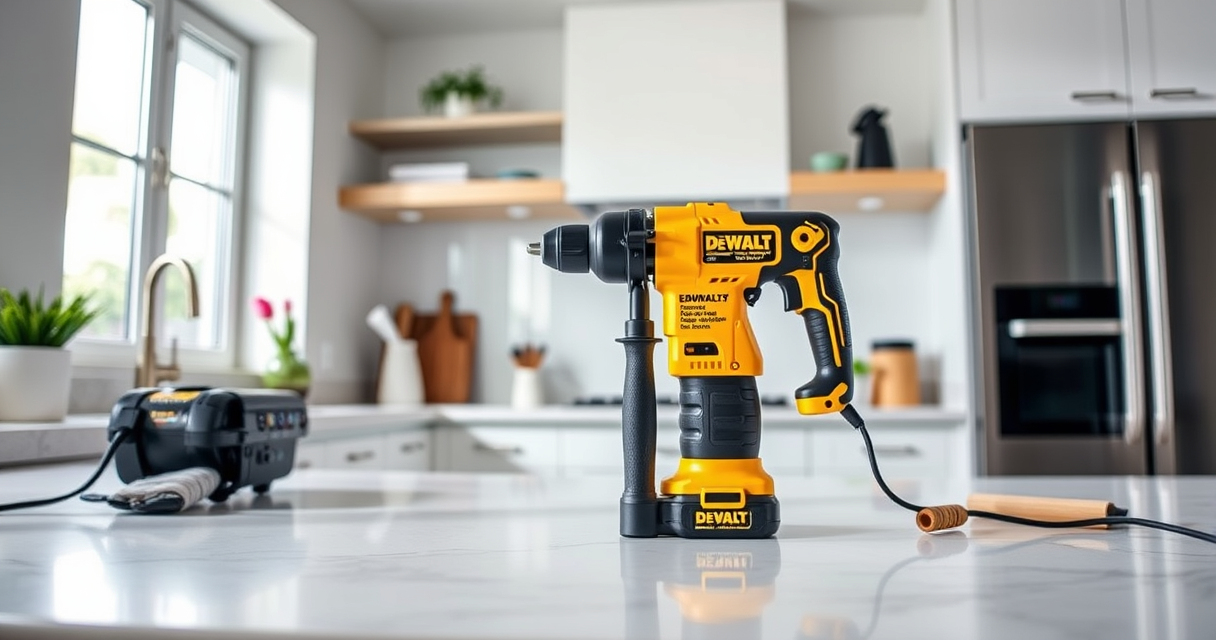

Maintaining your DEWALT power tools is essential to keep them performing at their best and to extend their lifespan. Proper care involves routine cleaning, inspecting parts for wear, and troubleshooting common issues. This guide provides clear, practical steps to help you maintain your DEWALT tools safely and effectively, ensuring they remain reliable for all your projects.

Get business pricing on garage and car supplies
- Business-only prices and quantity discounts
- Tax-exempt purchasing
- Multiple users, one account, clear invoices
Whether you’re a DIY enthusiast or a professional, understanding basic maintenance and troubleshooting techniques can save you time and money. Let’s dive into the essential steps to keep your DEWALT power tools in top condition.
Key Takeaways
| Regular Cleaning | Keep tools free of dust and debris to prevent damage. |
| Battery Care | Properly charge and store batteries to maximize lifespan. |
| Inspect and Replace Parts | Check for worn or damaged components regularly. |
| Troubleshoot Common Issues | Identify and fix typical problems like motor stalls or battery failures. |
| Use Recommended Accessories | Utilize compatible bits and batteries for best results. |
Routine Cleaning and Inspection
- Unplug or remove the battery before cleaning your tools to ensure safety.
- Use a soft brush or compressed air to remove dust and debris from vents, switches, and moving parts.
- Wipe down the exterior with a damp cloth; avoid harsh chemicals that could damage plastic or coatings.
- Inspect the power cord (if corded) or battery terminals for signs of wear or corrosion.
- Check the chuck and bits for debris, ensuring they are free of dirt for smooth operation.
Battery Maintenance and Storage
Proper battery care is crucial for maintaining runtime and safety. Always follow these steps:
- Charge batteries using the recommended DEWALT charger. Avoid overcharging or leaving batteries on the charger for extended periods.
- Store batteries in a cool, dry place away from direct sunlight and extreme temperatures.
- Periodically check the LED fuel gauges to monitor charge levels and recharge as needed.
- Remove batteries from tools when not in use for extended periods to prevent self-discharge.
Lubrication and Part Replacement
Some parts of your DEWALT tools may require lubrication or replacement over time:
- Apply a few drops of light machine oil to moving parts like the chuck or trigger mechanisms to ensure smooth operation.
- Replace worn brushes or brushes if your tool exhibits reduced power or sparking (if applicable).
- Use only genuine DEWALT replacement parts to ensure compatibility and safety.
Refer to the user manual for specific instructions on part replacement procedures.
Troubleshooting Common Problems
- Tool Not Starting: Check the battery charge level and ensure it is properly inserted. Inspect for damaged wiring or switches.
- Reduced Power or Overheating: Clean vents and ensure the tool is not overloaded. Allow it to cool down if it feels hot.
- Bit Slipping or Chuck Issues: Tighten the chuck securely or replace worn-out chucks for better grip.
- Battery Not Holding Charge: Test with a different battery. Replace if the battery is old or damaged.
Safety Tips for Maintenance and Troubleshooting
- Always disconnect power sources before performing maintenance.
- Wear safety glasses and gloves when cleaning or inspecting tools.
- Use genuine replacement parts to avoid safety hazards.
- Follow manufacturer guidelines for battery handling to prevent leaks or fires.
The Products in This Guide

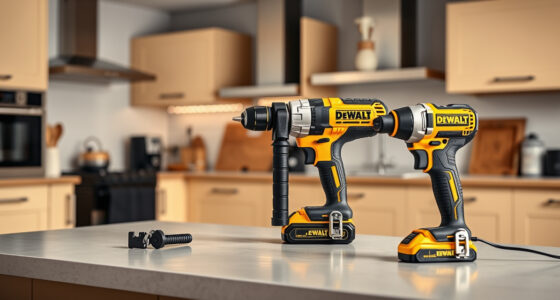
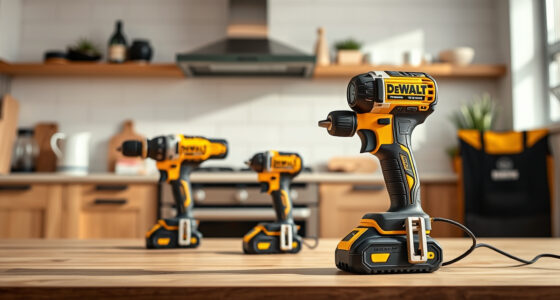
DEWALT 20V MAX Cordless Drill and Impact Driver
- ✔ Material: Brushless motor
- ✔ Included batteries: 2x 20V MAX 5Ah
- ✔ Weight: Lightweight design

DEWALT Drill Bit Set
- ✔ Tip: Split point
- ✔ Shank: 3-flats
- ✔ Coating: Rust-resistant
DEWALT 20V MAX Cordless Drill and Impact Driver
The DEWALT 20V MAX Cordless Drill and Impact Driver combo kit offers reliable performance, ergonomic design, and versatile features, making it a top choice for both DIYers and professionals. Its brushless motor ensures durability and efficiency, while the included batteries and charger provide convenience for ongoing projects.
Pros:
- Compact and lightweight design for tight spaces
- Brushless motor for increased efficiency and durability
- Bright LED for visibility in dark areas
- Quick-release hex chuck for easy bit changes
Cons:
- Battery life may vary with heavy use
- No variable speed control on impact driver
- Limited to 20V MAX system accessories
Best for: Versatile drilling and impact tasks in tight or confined spaces
Not ideal for: Heavy-duty industrial applications requiring more power
Bottom line: A reliable, compact combo kit suitable for a wide range of household and professional tasks.
DEWALT Drill Bit Set
Pair your DEWALT drill with this 14-piece drill bit set featuring 135-degree split point tips. Designed for plastic, wood, and metal, these bits deliver durability and precise drilling, making your projects easier and more efficient.
Pros:
- High-speed steel construction for durability
- Split point tips reduce walking
- Color-coded size markings
- Versatile for multiple materials
Cons:
- Bits may require sharpening over time
- Not suitable for heavy industrial use
- Limited to smaller sizes
Best for: General drilling tasks across various materials
Not ideal for: Heavy-duty industrial drilling
Bottom line: A durable, versatile drill bit set that enhances your drilling accuracy and efficiency.
Frequently Asked Questions
How often should I clean my DEWALT power tools?
Clean your tools after each use to prevent dust and debris buildup, especially in vents and moving parts. Regular cleaning helps maintain optimal performance.
What is the best way to store batteries?
Store batteries in a cool, dry place away from direct sunlight and extreme temperatures. Remove batteries from tools if not used for extended periods to prevent self-discharge.
Can I use third-party accessories with my DEWALT tools?
It’s recommended to use only genuine DEWALT accessories and replacement parts to ensure safety, compatibility, and optimal performance.
How do I troubleshoot my DEWALT drill that won’t start?
First, check the battery charge and ensure it is properly inserted. Inspect the switch and wiring for damage. Replace or recharge components as needed.
What should I do if my tool overheats?
Turn off the tool and allow it to cool down in a well-ventilated area. Check for overload conditions or debris blocking vents, and clean or reposition as necessary.
Keeping Your DEWALT Tools in Prime Condition
Routine maintenance and prompt troubleshooting are vital to ensuring your DEWALT power tools remain reliable and efficient. Regular cleaning, proper storage, and using genuine parts can significantly extend their lifespan. By following these practical steps, you can avoid costly repairs and keep your tools ready for any project, big or small.
Remember, safety should always come first. Disconnect power sources before performing maintenance and wear appropriate protective gear. With proper care, your DEWALT tools will serve you well for years to come, delivering top-tier performance whenever you need it.
Affiliate disclosure: As an Amazon Associate we earn from qualifying purchases. Prices and availability are accurate as of the time of publishing.
Halloween Picks
halloween
As an affiliate, we earn on qualifying purchases.