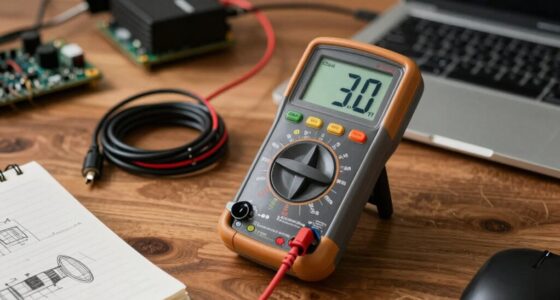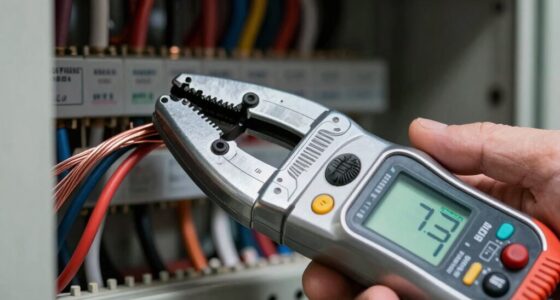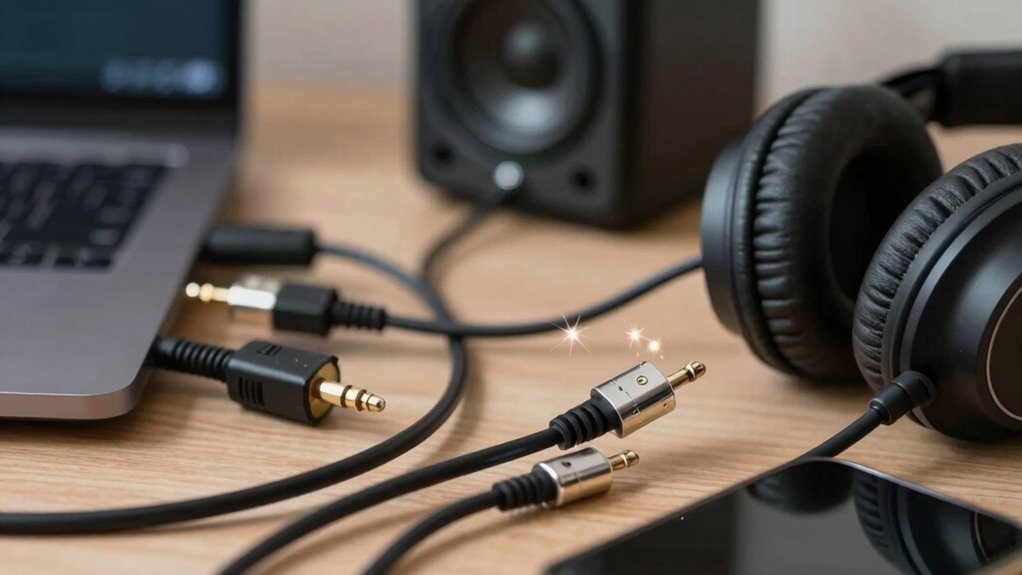

Electrical noise in your accessories often comes from ground loops, which create unwanted currents and cause hum, buzz, or interference. These loops happen when devices connect to different ground potentials, or long cables act like antennas for interference. To fix this, plug all gear into the same outlet, use balanced or isolated cables, and consider ground lift adapters carefully. Keep watching to discover effective steps to eliminate that annoying noise for good.
Key Takeaways
- Ensure all equipment shares a common power outlet or power strip to establish a single ground reference.
- Use balanced or shorter cables to reduce antenna-like interference and minimize noise pickup.
- Temporarily disconnect devices to identify which one causes the ground loop or noise issues.
- Employ ground loop isolators or transformers on audio cables to break the loop without sacrificing signal quality.
- Avoid daisy-chaining multiple power strips and keep gear connected to a single, properly grounded outlet.

BESIGN Ground Loop Noise Isolator for Car Audio/Home Stereo System with 3.5mm Audio Cable
Ground loop filter noise isolator, eliminating the hiss, buzz and interference caused by ground loops which happens when…
As an affiliate, we earn on qualifying purchases.
As an affiliate, we earn on qualifying purchases.
Understanding Ground Loops and How They Cause Noise
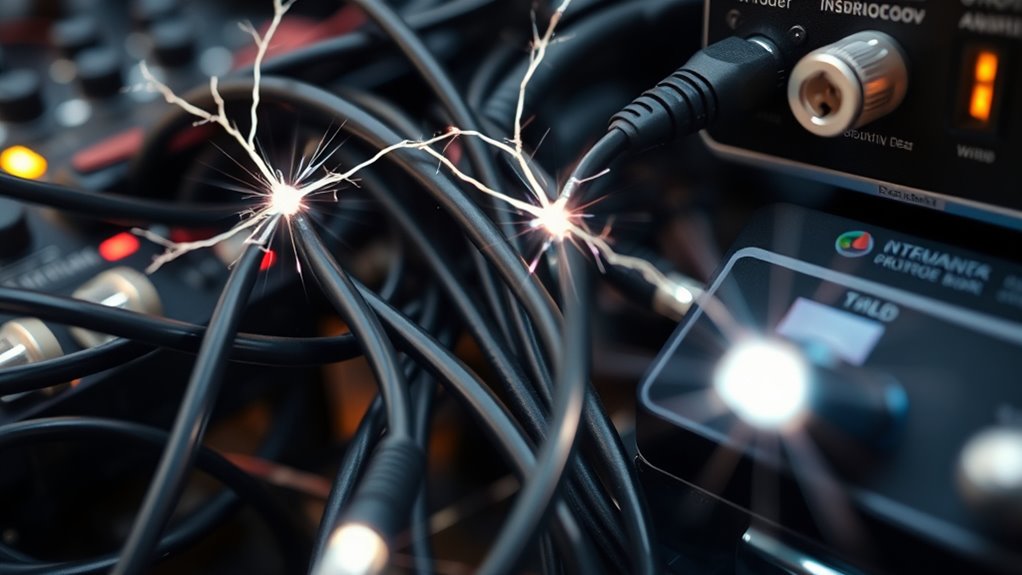
Ground loops happen when multiple ground paths create voltage differences between connected devices. These differences cause unwanted currents to flow through audio or accessory circuits, generating noise. When your equipment is plugged into different outlets or ground points, it can lead to a voltage imbalance. This imbalance induces a low-frequency hum or buzz, often at 60 Hz, that persists regardless of volume adjustments. Long cables acting as antennas can also pick up stray induced voltages from ground potential differences. Additionally, connecting gear with different ground references or using unbalanced cables increases the risk of loop currents. These currents disrupt the normal operation of your devices, producing unwanted noise or vibrations. Understanding how multiple ground paths create these voltage differences is key to diagnosing and fixing ground loop issues. Notably, implementing proper grounding techniques can significantly reduce the occurrence of ground loops and improve overall audio clarity. Ensuring consistent grounding practices can also prevent ground potential differences from developing in your setup.

Birvemce 2 Pack Premium TRS Cable 10FT, 1/4 Inch TRS Cable- Noise Free and Long-Lasting Stereo 1/4 Audio Cable, Balanced Interconnect Line for Electric Guitar, Mixer, Studio Monitor, Right Angle
【PROFESSIONAL STEREO PLUG, HIGHER AUDIO QUALITY】Compared with TS Mono guitar cable, this 1/4 TRS Cable support Stereo signal,…
As an affiliate, we earn on qualifying purchases.
As an affiliate, we earn on qualifying purchases.
Identifying the Symptoms of Ground Loop Interference
You’ll notice certain telltale signs when ground loop interference occurs in your audio setup. The most common is a persistent 60 Hz hum or buzz that stays regardless of volume adjustments. You might also experience crackling or intermittent noise when cables move or you touch metal parts. The noise often affects only one device or audio path, disappearing when disconnected from ground. Sometimes, you’ll see faint vibrations in connected components caused by current flow. To visualize, think of this table:
| Symptom | When It Happens | How to Recognize |
|---|---|---|
| 60 Hz Hum | Always present | Constant background hum |
| Buzzing with Metal Touch | When touching chassis | Increased noise when touched |
| Crackling in Cables | During movement or flexing | Intermittent static |
| Noise in One Device | When connected to ground | Absence when disconnected |
| Vibrations in Components | During operation | Slight physical movement |
Additionally, proper grounding techniques can help prevent or reduce these issues, and understanding ground loops is essential for effective troubleshooting. Implementing grounding methods correctly can significantly reduce noise problems. Using ground loop isolators can also be an effective method to eliminate unwanted noise. Moreover, understanding the causes of ground loops helps in designing better grounding strategies and avoiding interference. Being aware of ground loop causes and solutions can save time and improve audio quality.

Rapco Horizon LTIGLBLOX Laptop Interface With Ground lift
Self-contained unit converts input from consumer grade equipment to a mic level balanced output
As an affiliate, we earn on qualifying purchases.
As an affiliate, we earn on qualifying purchases.
Common Causes of Ground Loops in Your Setup

Multiple devices plugged into different outlets often create ground loops because each outlet may have a slightly different ground potential. This voltage difference causes current to flow through connected cables, resulting in hum and noise. Long unbalanced cables can act as antennas, picking up interference from ground potential variations. Connecting AC-powered gear to grounded chassis without proper isolation also introduces loops that amplify noise. Additionally, dimmer switches or LED drivers generate electrical interference that mimics ground loop effects. Overloaded circuits can cause voltage fluctuations, worsening ground potential differences. These issues often occur when equipment is plugged into separate outlets, especially if wiring isn’t consistent or circuits are overloaded. Ensuring proper grounding practices and using isolation devices can significantly reduce these issues. Proper electrical wiring and circuit management are essential to maintain a stable ground potential and minimize noise issues. Being aware of ground potential differences can help you identify and troubleshoot the root causes more effectively. For example, grounding techniques can help reduce the impact of potential variations and improve overall setup stability.

2 Packs Ground Loop Noise Isolator for Car Audio/Home Stereo System, Ground Loop Isolator with 3.5mm Audio Cable
Package Contents: 2PCS Ground Loop Noise Isolator with 3.5mm audio cable in one set, enough to meet your…
As an affiliate, we earn on qualifying purchases.
As an affiliate, we earn on qualifying purchases.
Step-by-Step Strategies to Eliminate Ground Loop Noise
To effectively eliminate ground loop noise, start by simplifying your setup. Plug all your equipment into a single power strip or outlet to unify the ground reference. If hum persists, try using a cheater plug or an isolation transformer to break the ground loop temporarily. Next, disconnect and reconnect devices one at a time, identifying which connection introduces noise. Consider lifting the chassis ground on non-safety-critical gear, but only if you’re confident in doing so safely. Check your cables—shorter, balanced cables reduce susceptibility. If the noise remains, try plugging your equipment into different outlets or use a ground lift adapter. These step-by-step actions help isolate and eliminate the ground loop, restoring clean audio and preventing further interference.
Preventative Measures to Keep Your Accessories Noise-Free
Implementing preventative measures can considerably reduce the risk of ground loop noise in your audio setup. Here are four simple steps:
- Plug all your devices into the same power strip or outlet to ensure they share a common ground reference.
- Use isolated or balanced cables that minimize antenna-like pickup and reduce interference.
- Avoid daisy-chaining multiple power strips; keep devices directly connected to a single, grounded outlet.
- Incorporate ground loop isolators or transformers in your audio cables to break the ground loop path without sacrificing signal quality.
- Be aware that floating on water techniques, like using waterproof or insulated connectors, can also help prevent unwanted noise caused by moisture or environmental interference.
Frequently Asked Questions
Can Ground Loops Cause Damage to My Audio Equipment?
Yes, ground loops can damage your audio equipment. When multiple ground paths create voltage differences, they induce currents that can overheat or stress sensitive components. Over time, this may lead to component failure or reduced lifespan. Also, the resulting noise can cause you to adjust settings excessively, increasing wear. To protect your gear, it’s best to eliminate ground loops by ensuring all devices share a common ground or using isolation techniques.
Are Wireless Accessories Immune to Ground Loop Issues?
Like a ship sailing through fog, wireless accessories seem immune to ground loop issues. Without physical cables connecting to grounded devices, they typically don’t experience the voltage differences causing hum and buzz. However, they’re not entirely invulnerable—interference from nearby electrical sources or poor shielding can still introduce noise. So, while less prone, keep an eye on your environment to make sure your wireless gear stays clear of unwanted electrical whispers.
How Do I Identify a Ground Loop Without Specialized Tools?
You can identify a ground loop by listening for a persistent 60 Hz hum or buzz in your audio equipment, which doesn’t change with volume adjustments. Try unplugging devices from different outlets and plugging everything into one to see if the noise stops. Move cables around; if noise varies, it’s likely a ground loop. Also, touch the chassis—if buzzing increases, it suggests grounding issues.
Is It Safe to Use Cheater Plugs to Fix Ground Loops?
Using cheater plugs to fix ground loops can seem simple, but safety should come first. Cheater plugs temporarily disconnect ground, which can reduce hum but also eliminate essential safety grounding. This exposes you to shock risks, especially if devices develop faults or if there’s a short circuit. Always prioritize proper grounding solutions or consult a professional instead of relying on cheater plugs for long-term fixes.
Do All Ground Loops Produce Audible Hum or Buzz?
Not all ground loops produce audible hum or buzz. Sometimes, they cause subtle noise or no noticeable sound at all, especially if the loop current is minimal. You might notice interference only in certain conditions or with specific equipment. If you’re experiencing noise, it’s worth investigating further, but don’t assume every hum or buzz is caused by a ground loop—other issues could be at play.
Conclusion
By tackling ground loops head-on, you’re not just silencing noise—you’re reclaiming the pure, crystal-clear sound your setup deserves. Think of ground loops as the sneaky villains behind your audio woes, lurking silently. Fix them now, and you’ll transform your accessories from noise-riddled troublemakers into serene, harmonious companions. Don’t let hidden flaws sabotage your experience—by addressing ground loops, you’re shining a light on the true quality of your audio journey.